AI Makeup Filter
Try on different makeup looks virtually! Apply everything from subtle enhancements to bold styles with AI.
Click to upload an image
or drag and drop
What It Does
Before
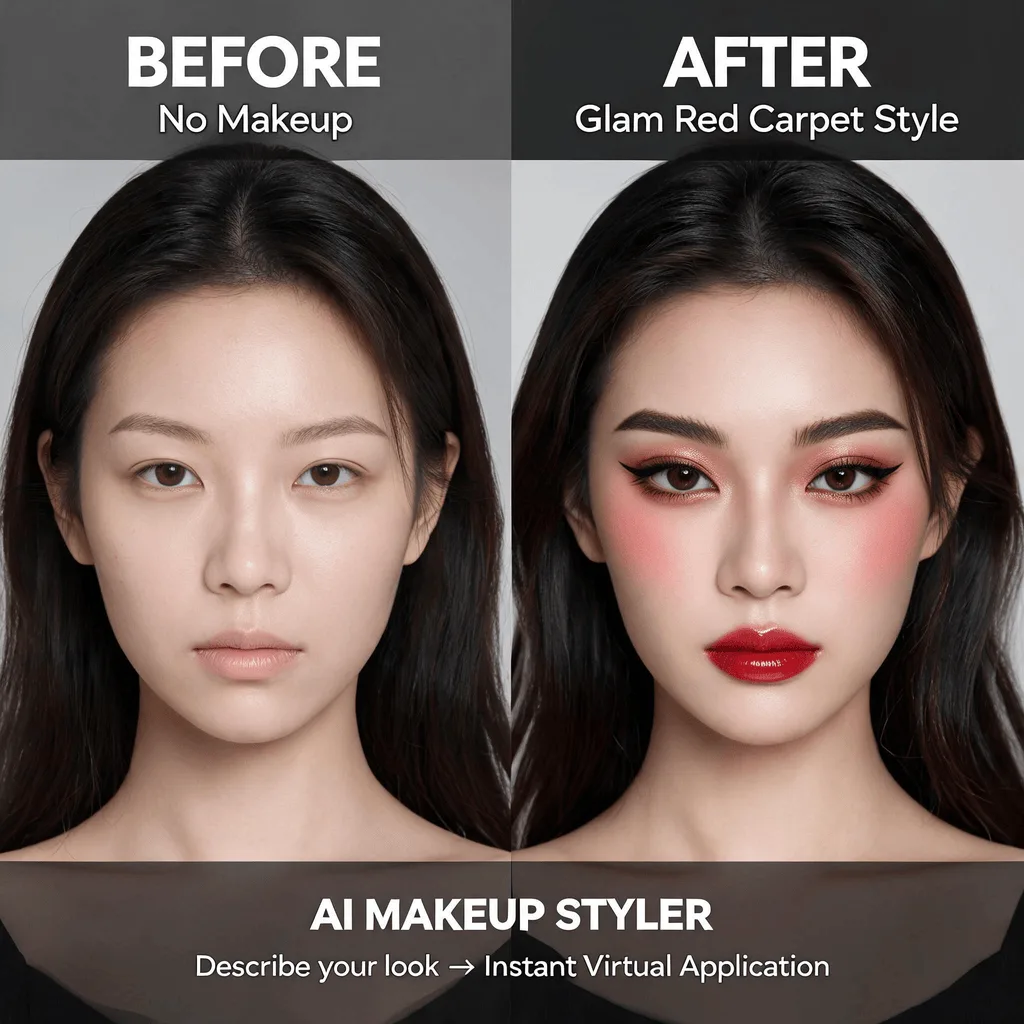
After
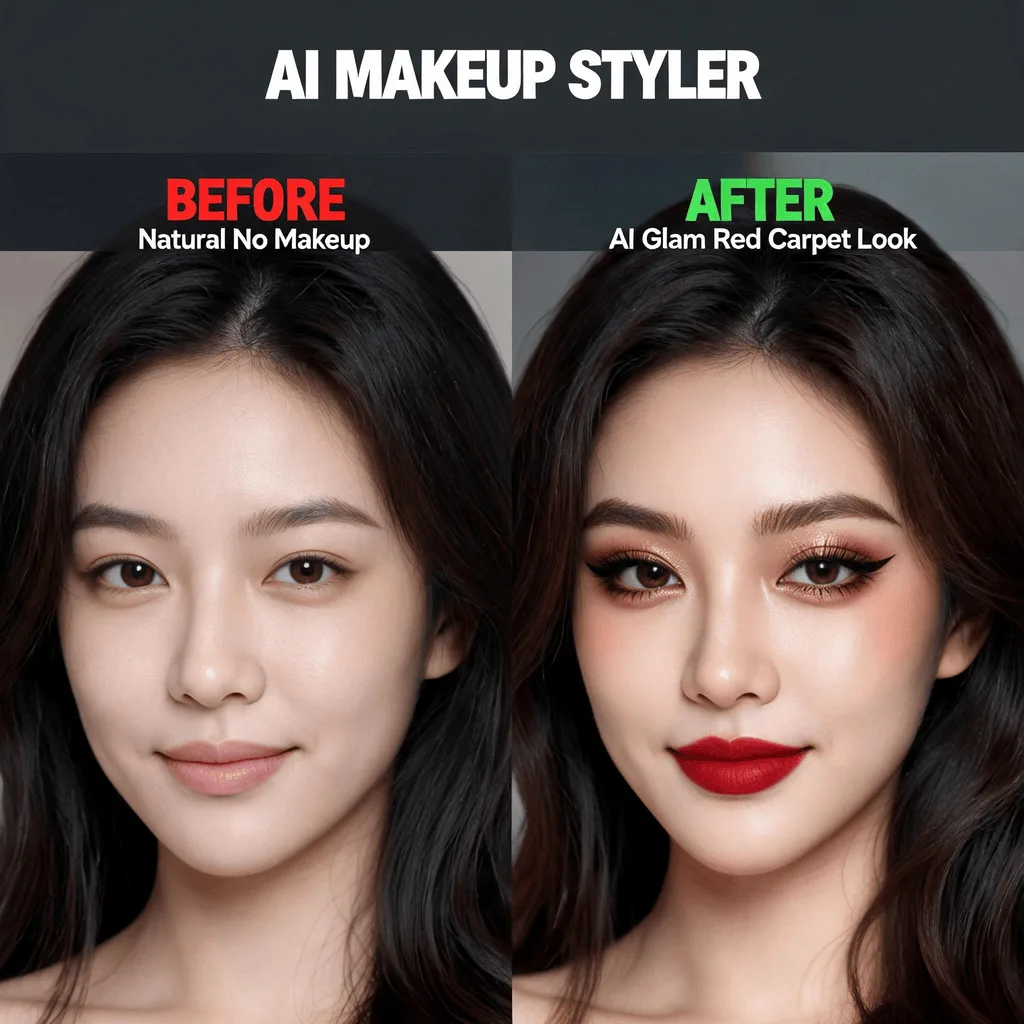
About the AI Makeup Filter
The AI Makeup Filter uses facial landmark detection to accurately identify features like lips, eyes, and cheeks. It then realistically applies digital makeup, accounting for skin tone and lighting. You can try on different shades of lipstick, eyeshadow, eyeliner, and blush to experiment with new looks without any mess. It's perfect for testing products or just for fun.
How to Apply a Makeup Filter with AI
1. Upload Your Photo
Upload a clear portrait. The AI Makeup Filter works best on front-facing photos with good lighting.
2. Describe Your Makeup Look
Provide a prompt like "add red lipstick and smoky eyes" or "apply a natural makeup look." Refine the prompt to adjust the intensity and style.
3. Download Your Glam Shot
When you're happy with your virtual makeover, download the beautifully enhanced, high-resolution photo.