Edit into Minimalist Style
Strip any photo down to its minimalist essentials — clean shapes, restricted palette, and intentional negative space.
Click to upload an image
or drag and drop
Running a quick security check…
What It Does
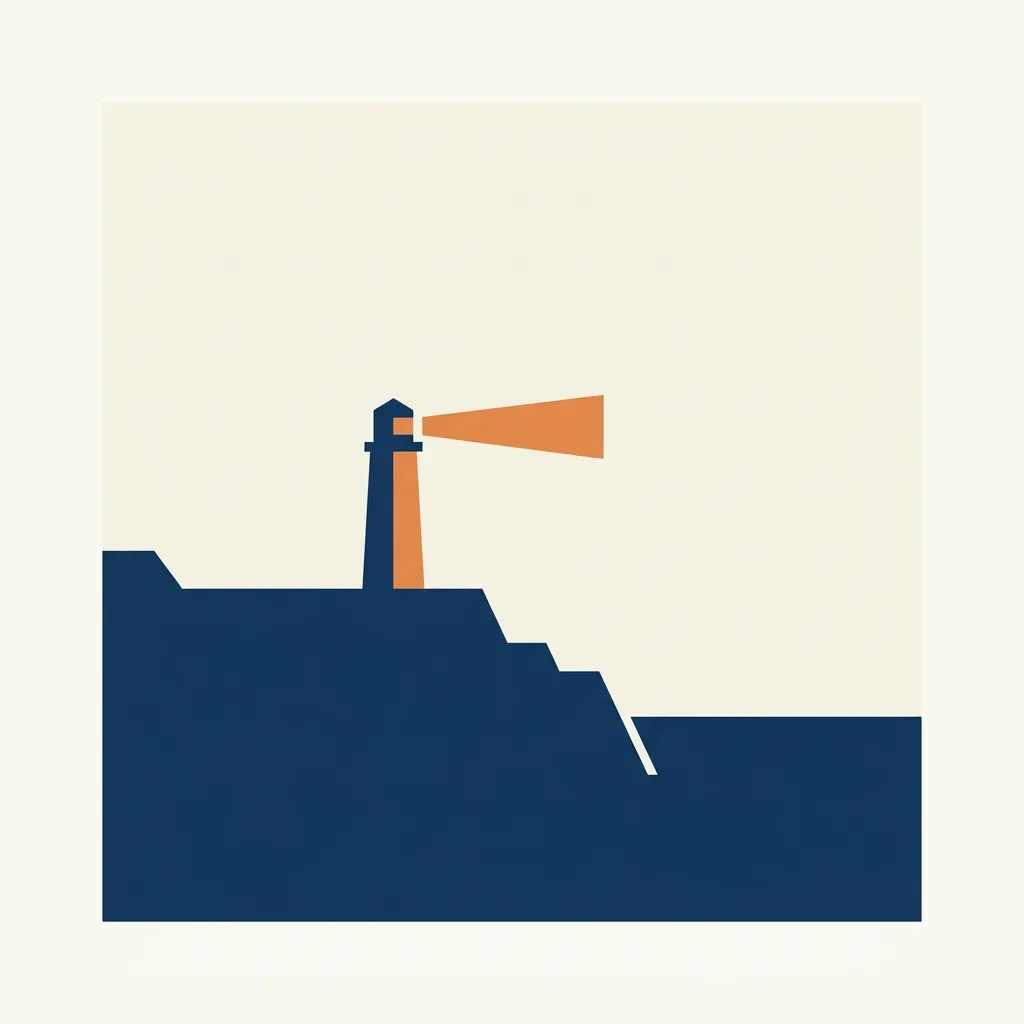
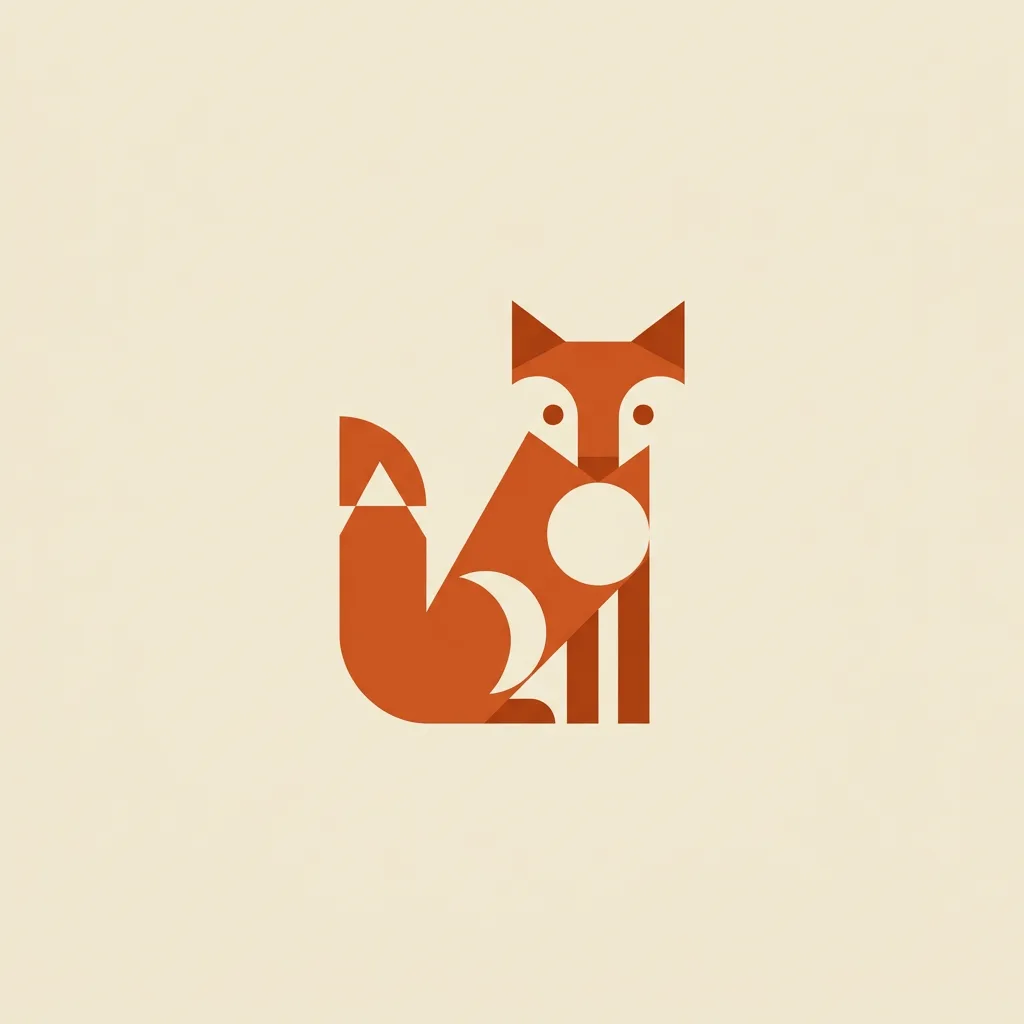
About Converting Photos to Minimalist Style
Minimalism in visual art — Donald Judd, Agnes Martin, the Swiss school in graphic design — is the discipline of removing until only the essential remains. Our editor reads your photo, identifies the structural elements (silhouette, primary shape, key contrast), and strips out everything else: extra color, secondary objects, fine texture, busy background. What's left is a quiet, modern composition. Use it for prints, gallery-style wall art, branded social posts, app and product hero imagery, and any case where the picture should breathe.
How to Convert a Photo to Minimalist Style
Upload Your Photo
Pick a photo with a clear primary subject. Strong silhouettes — a single tree against a sky, a single chair in a room — convert best.
Apply & Review
Apply the conversion and check the palette and negative space. The result should feel like the image stopped just before it became too sparse.
Refine & Download
Re-prompt to remove more detail, lock the palette to fewer colors, or shift the subject's position within the frame. Download in high resolution for print.