AI Mockup Generator
Create realistic product mockups in seconds. Place your logo or design on t-shirts, mugs, phones, and more.
Click to upload an image
or drag and drop
Running a quick security check…
What It Does
About the AI Mockup Generator
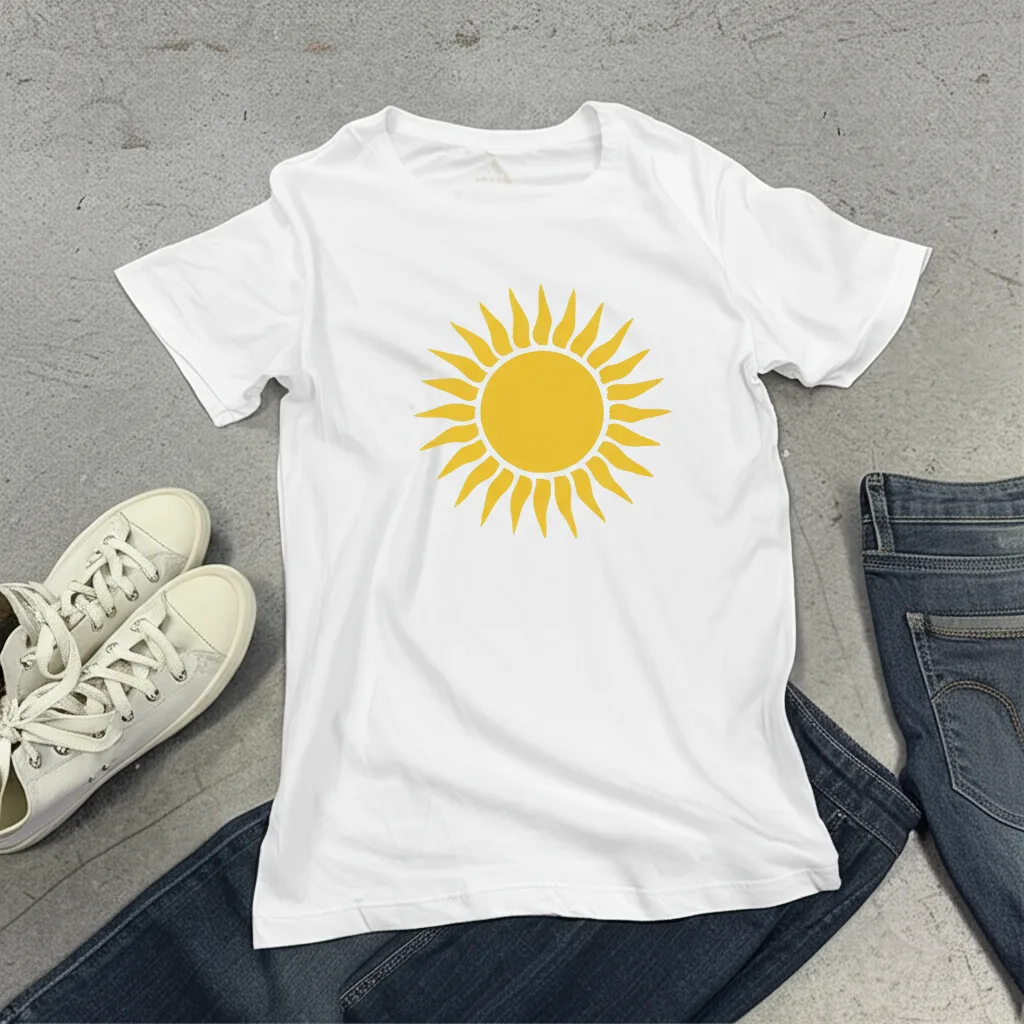
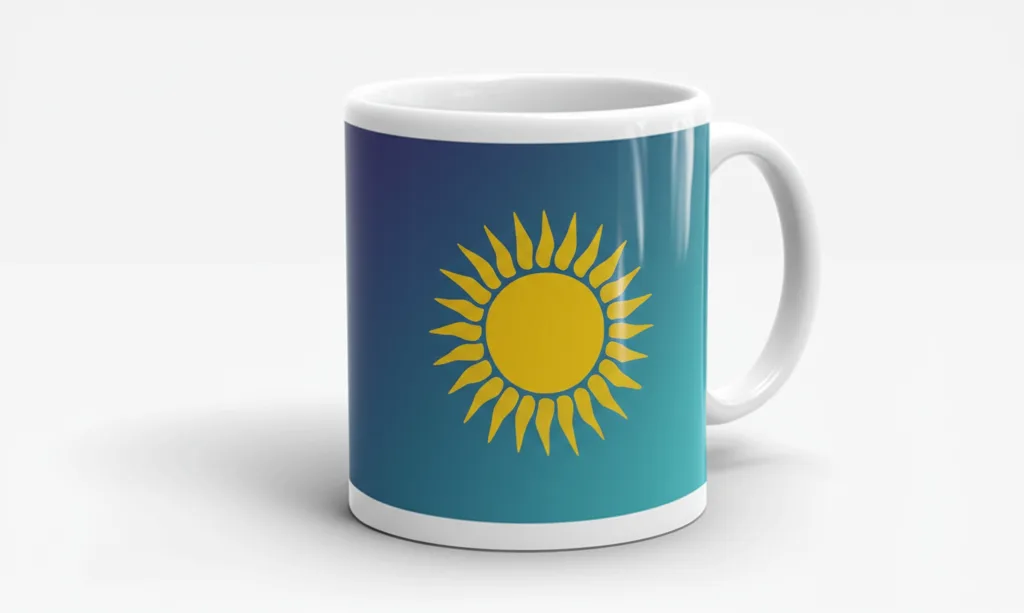
The AI Mockup Generator uses AI to realistically place your design onto a product in a photo. It automatically adjusts for perspective, lighting, and texture to make your design look like it's really there. It's an essential tool for e-commerce sellers, designers, and marketers who need to showcase their products professionally without expensive photoshoots.
How to Create a Mockup with the AI Mockup Generator
1. Upload Your Design
Upload the logo, screenshot, or artwork you want to place in a mockup.
2. Describe the Scene
Provide a prompt describing the mockup scene, such as "place it on a black t-shirt" or "show it on a laptop screen in a cafe." Refine as needed.
3. Download Your Mockup
Once your design is showcased realistically, download the high-resolution mockup image for your portfolio or store.