Edit into Mosaic Style
Convert any photo into mosaic art — the subject reconstructed from small irregular tiles with visible grout lines.
Click to upload an image
or drag and drop
Running a quick security check…
What It Does
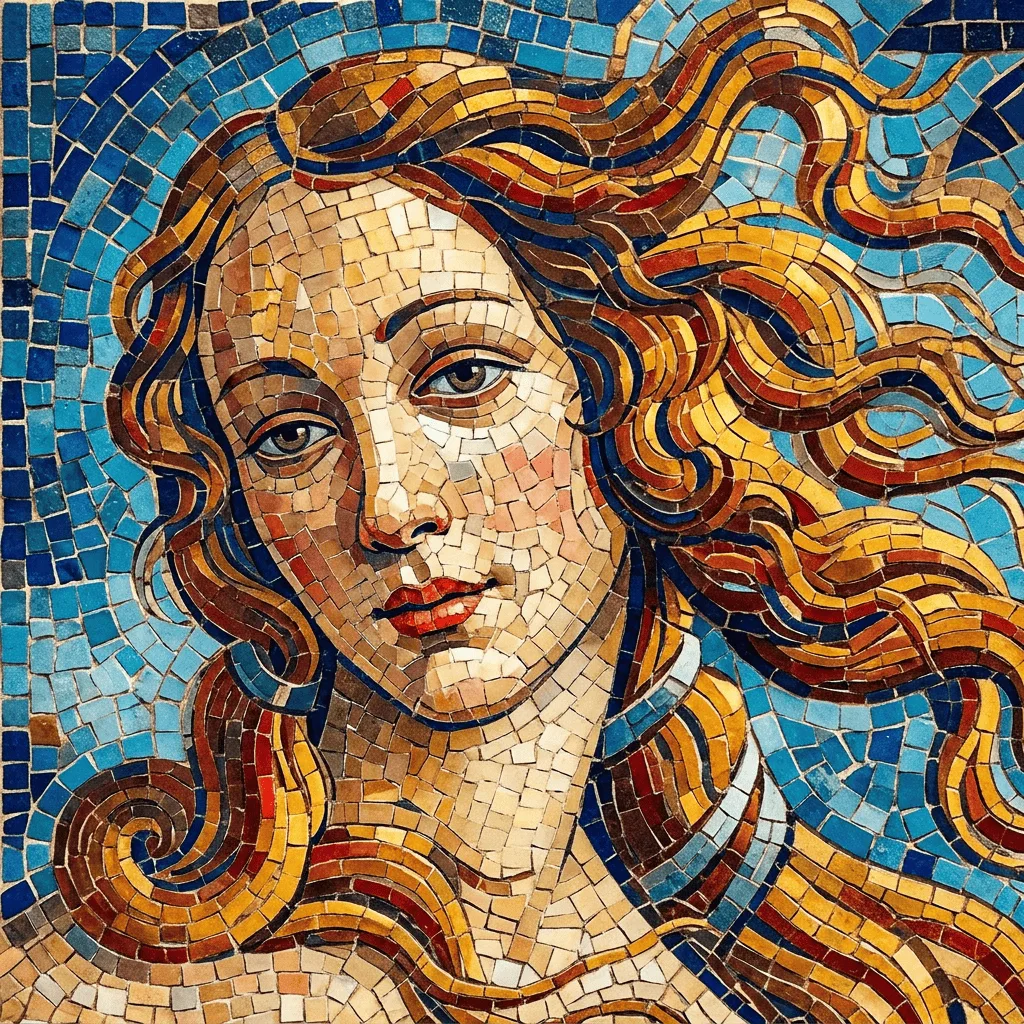
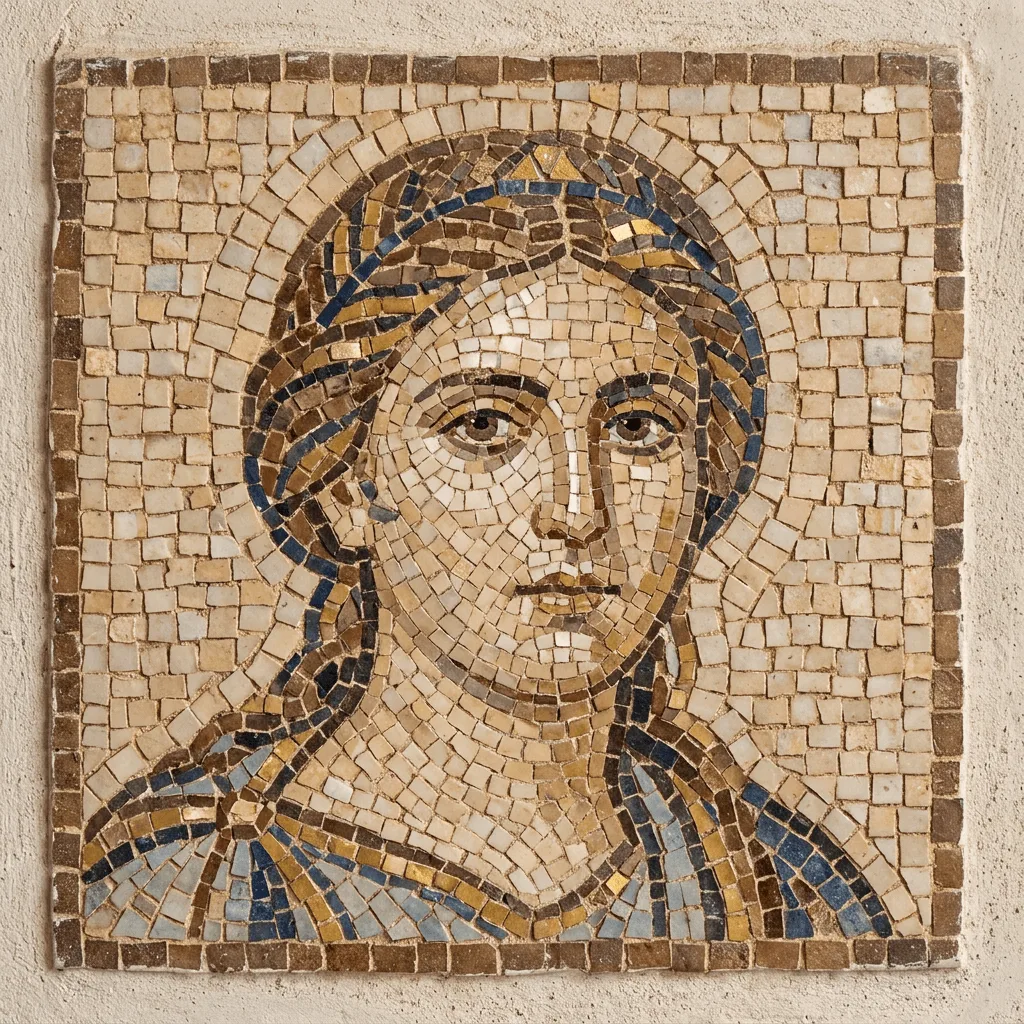
About Converting Photos to Mosaic Style
Translating a photo into mosaic art is an act of resampling — the AI reads your image, divides it into a field of irregular tiles, assigns each tile a slightly varying tone, and leaves grout lines visible so the result reads as assembled rather than rendered. Our editor runs that operation. Use it for cathedral-style portraits, classical pattern art from photographs, brand visuals with an artisan feel, gallery prints, and reference for actual tile commissions.
How to Convert a Photo to Mosaic
Upload Your Photo
Choose a photo with a strong subject — portraits, religious imagery, landscapes, and bold compositions translate most reliably into mosaic.
Apply & Review
Apply the conversion and check the tile work — irregular shapes, visible grout, and tonal variation across tiles. The result should feel like real assembled tile.
Refine & Download
Re-prompt for finer tiles, a different material (ceramic vs. glass vs. stone), or different historical tradition until the work lands. Download for prints or commission reference.