Remove Object
Remove unwanted objects, people, or distractions from any photo — clean inpainting that fills the gap with plausible background.
Click to upload an image
or drag and drop
Running a quick security check…
What It Does

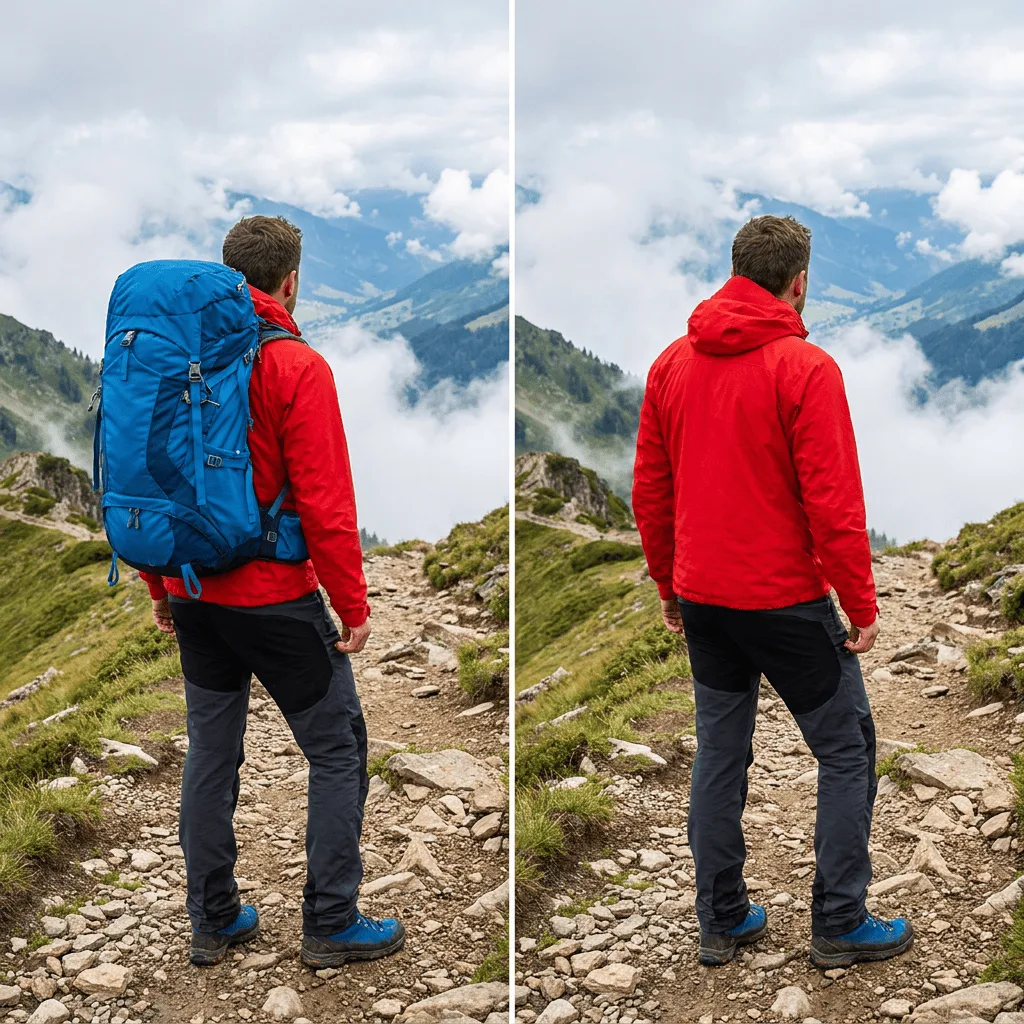
About Removing Objects from Photos
Object removal is one of the most-requested edits in photography — get the tourist out of the vacation shot, the cord off the kitchen counter, the leftover construction crane out of the cityscape. Our AI uses inpainting to fill the removed area with plausible matching background, reasoning about textures, perspective lines, and lighting so the patch blends in. Use it for travel photos that need to be people-free, e-commerce shots where the price-tag or sticker has to go, real-estate photos that need decluttering, family portraits where the cluttered background is distracting, and creative composites where you need to delete an element before re-adding something else.
How to Remove Objects from Photos
Upload Your Photo
Choose the photo you want to clean up. Photos with simple backgrounds clean up better than photos with complex texture behind the object you're removing.
Describe the Object & Apply
Describe what to remove — 'the trash can in the foreground', 'the person in the red jacket on the left', 'the price sticker on the bottle'. Apply and inspect where the object was: the patch should be invisible.
Refine & Download
If the patch looks off, re-run with a more specific description or a different surrounding context. Download the cleaned image for personal, professional, or e-commerce use.