Create Paper Cutout Art
Generate layered paper-cutout art — stacked construction-paper shapes with visible edges, soft drop shadows, and a warm craft feel.
Running a quick security check…
Inspiration Gallery
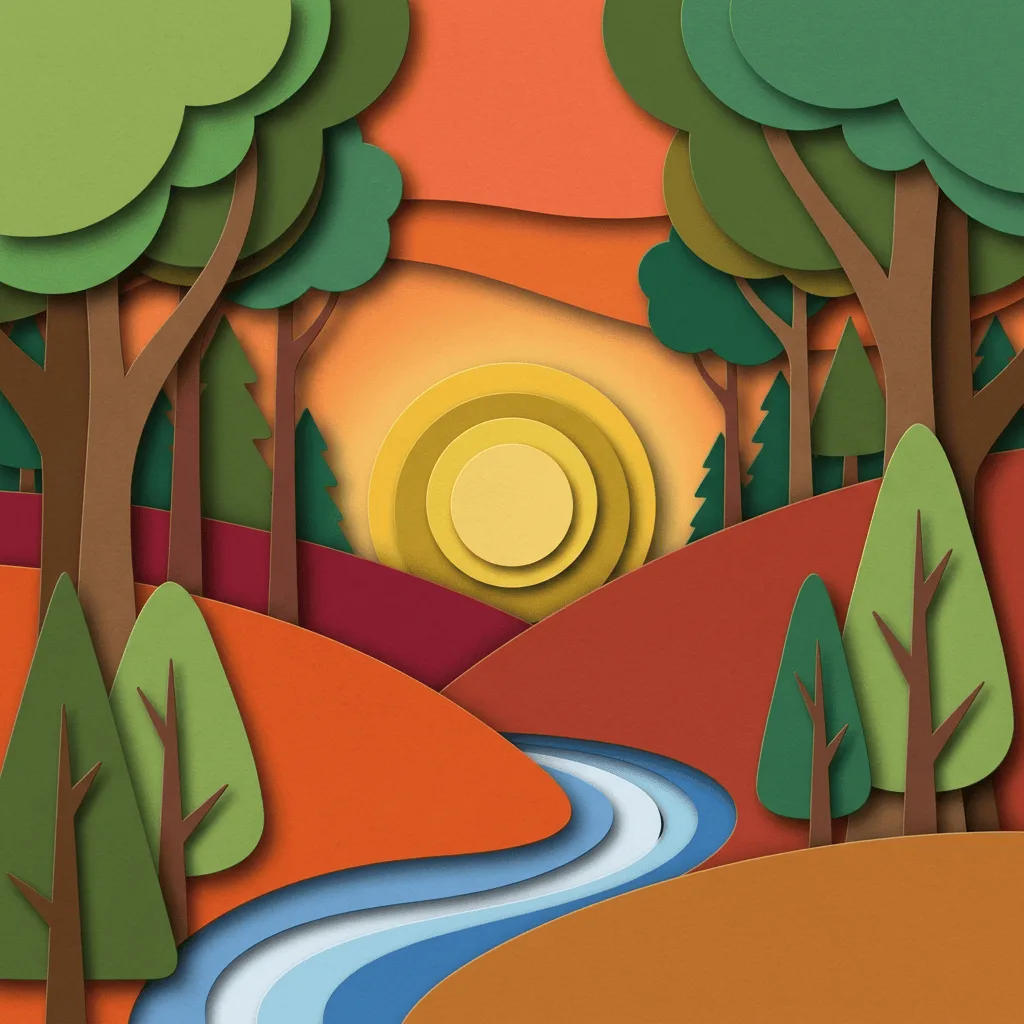
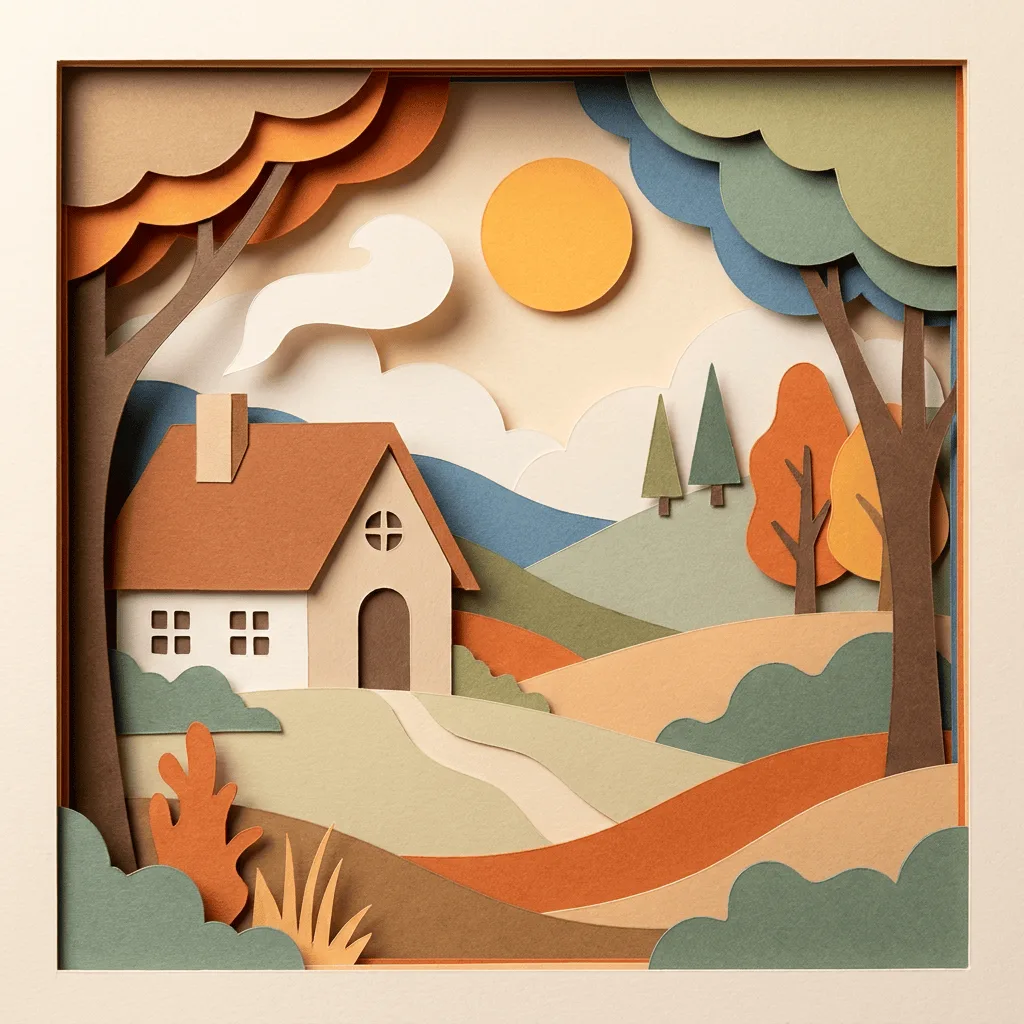
See what you can create with our AI image generator
About Creating Paper Cutout Art
Paper cutout art runs from Matisse's collages through Eric Carle's children's-book illustrations to traditional Chinese jianzhi and Japanese kirigami — all built from layered, flat shapes with visible cut edges and a warm tactile feel. Our AI captures those handling traits: stacked paper layers, slight imprecision at the edges, and the soft drop shadow that suggests thickness. Use it for children's-book illustration, packaging design, editorial illustration, greeting cards, wedding stationery, and craft-themed brand visuals.
How to Create Paper Cutout Art
Describe Your Scene
Describe the subject and scene — 'paper-cut fox in an autumn forest, warm orange and brown layers', 'paper-cut nativity scene, three layers, candle warmth'. Keep the construction simple.
Generate & Review
Generate the image and check the layer count, cut edges, and shadows. The result should feel hand-assembled, not vector-flat.
Refine & Save
Re-prompt for more layers, warmer palette, or rougher cut edges until the craft feel lands. Download for print, packaging, or stationery.