Edit into Paper Cutout Style
Transform any photo into layered paper cutout art — stacked construction-paper shapes with visible edges and soft shadows.
Click to upload an image
or drag and drop
Running a quick security check…
What It Does
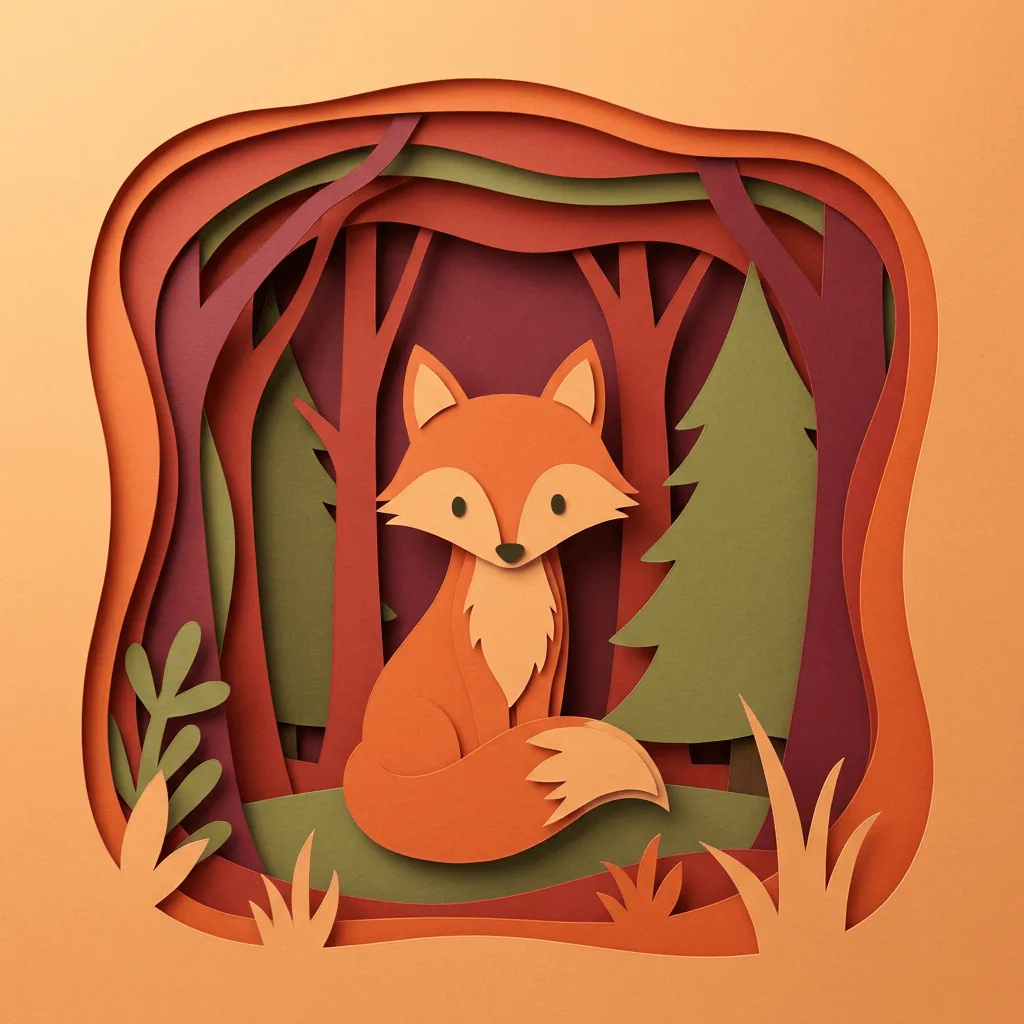
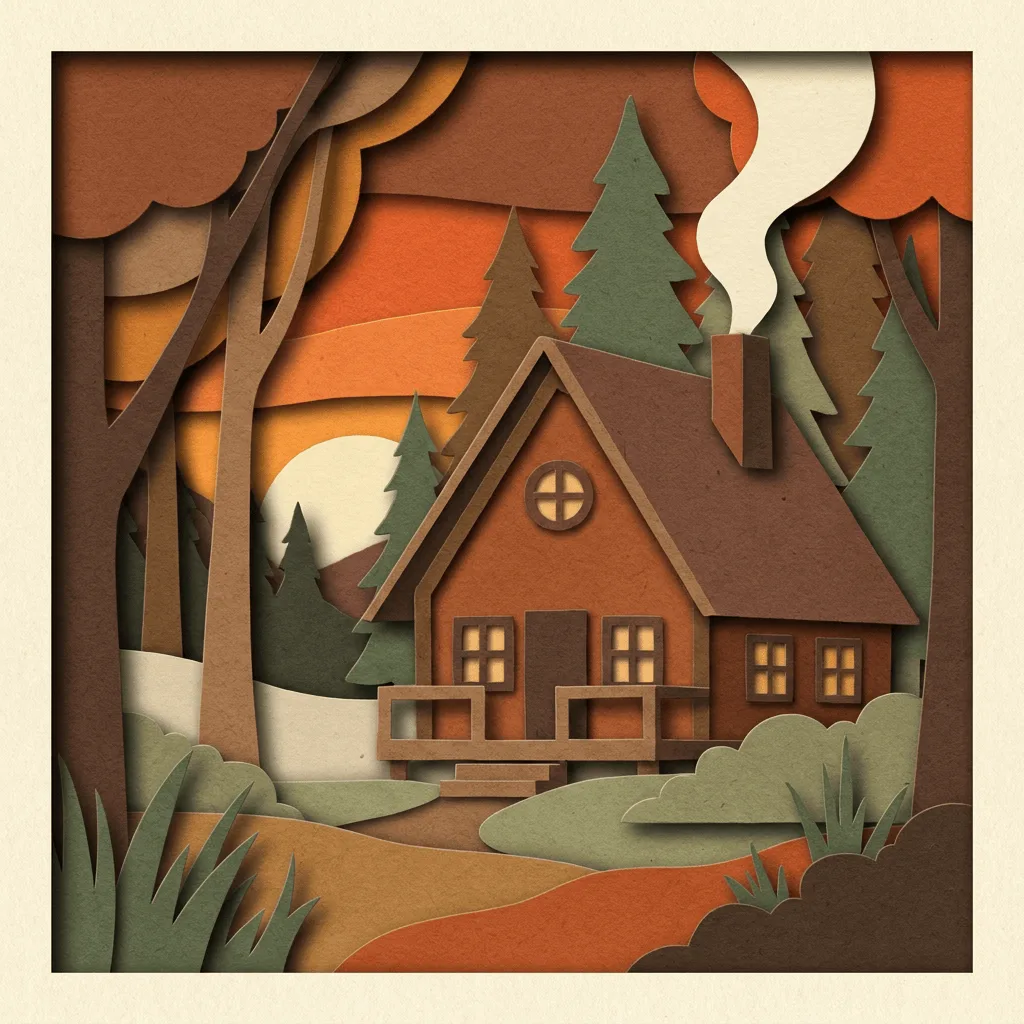
About Converting Photos to Paper Cutout Style
Paper cutout art — Matisse's collages, Eric Carle's children's-book illustrations, traditional Chinese jianzhi, and the kirigami of Japan — is the discipline of building images from layered, flat shapes with visible cut edges. The defining traits are warm matte color, soft drop shadows that hint at the layers' thickness, and a slight handmade imprecision in the edges. Our editor reads your photo and translates it through that vocabulary: stacked paper layers, simplified shapes, and the warm tactile feel of construction-paper craft. Use it for children's-book illustrations, packaging design, editorial illustration, greeting cards, wedding stationery, and craft-themed marketing visuals.
How to Convert a Photo to Paper Cutout
Upload Your Photo
Choose a photo with clear shapes and a simple subject — portraits, animals, flowers, and landscapes with strong silhouettes work best.
Apply & Review
Apply the conversion and check the layer count, the cut edges, and the soft shadows. The result should feel hand-assembled, not vector-flat.
Refine & Download
Re-prompt for more layers, warmer palette, or rougher cut edges until the craft feel lands. Download for print, packaging, or stationery.