Edit into Pen Sketch
Transform any photo into a detailed pen and ink sketch while preserving the subject's likeness and composition.
Click to upload an image
or drag and drop
Running a quick security check…
What It Does
About Converting Photos to Pen Sketches
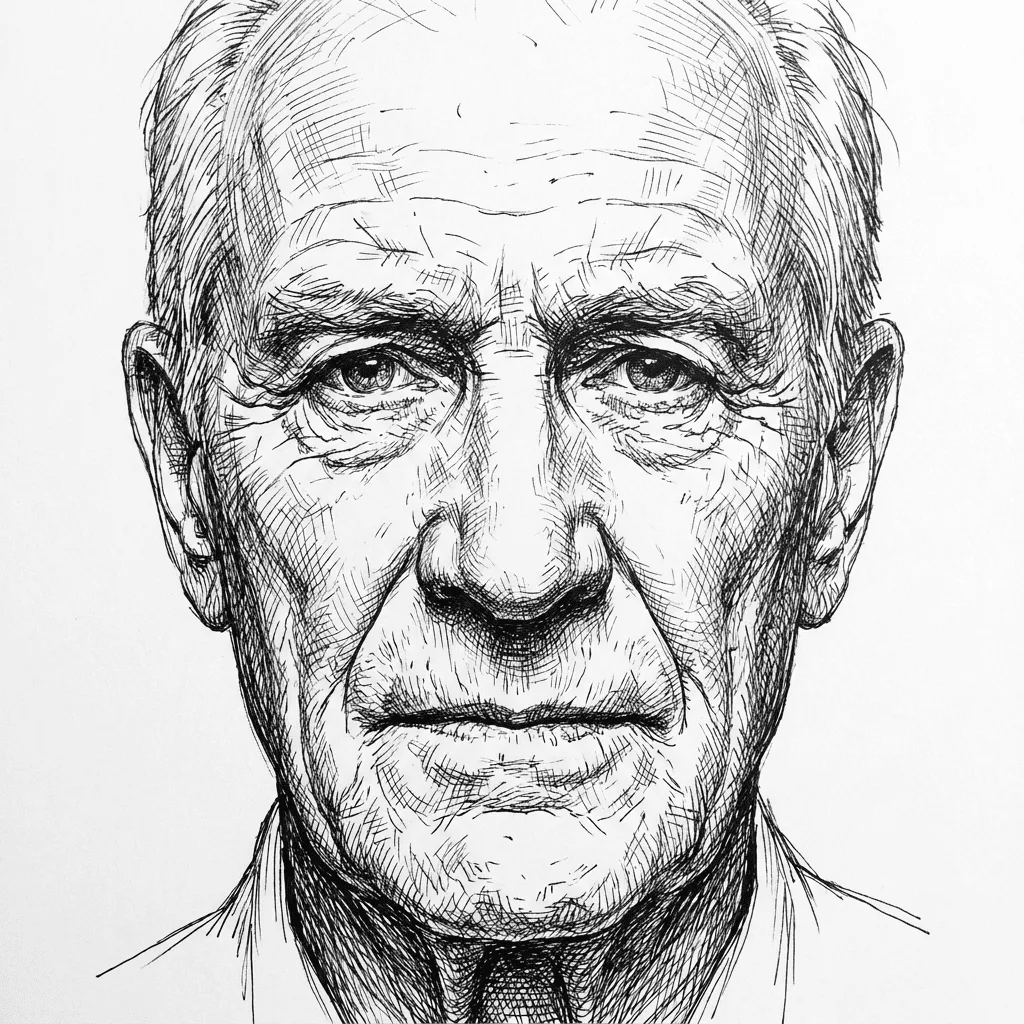
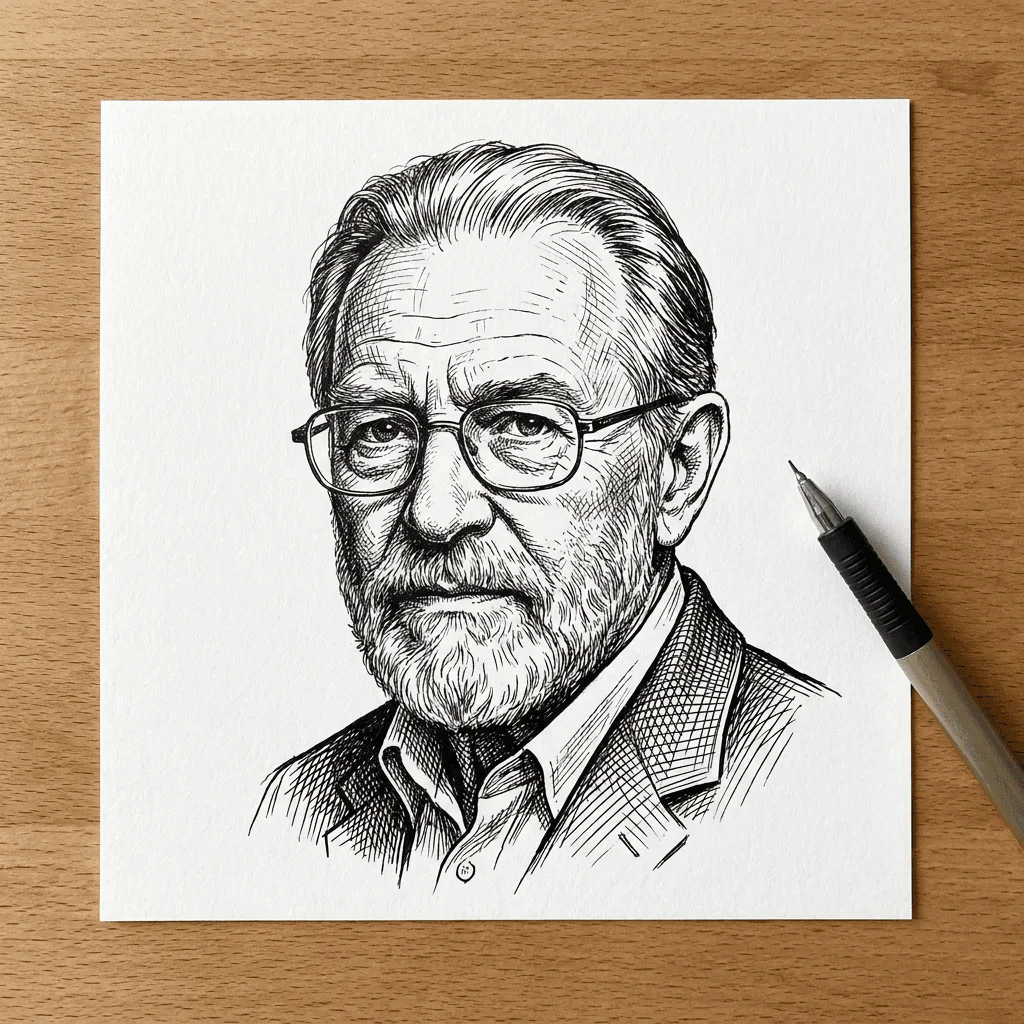
Converting a photograph into a pen sketch reduces the image to its linear essentials — contours, shadow edges, and texture lines — the same choices a hand artist makes when drawing from a reference. Our AI runs edge detection and stroke synthesis to translate those decisions automatically, building hatching where the photo darkens and leaving negative space where it lights up. It's well suited to portrait commissions, editorial illustrations from product photos, custom tattoo references, and any case where you want a drawn look without losing the original likeness.
How to Convert a Photo to Pen Sketch
Upload Your Image
Select a photo with clear subject and good contrast — portraits, landscapes, and product shots all work. Make sure you have the rights to edit the image.
Apply Sketch Effect & Inspect
Run the conversion and inspect the linework. Use Advanced Controls to push hatching density up or down, or to shift between thin contour lines and a heavier inked look.
Refine & Download
Regenerate with adjusted strength or detail until the sketch matches the source. Download the high-resolution result for prints, social posts, or print-on-demand goods.