Edit into Black and White Line Art
Convert any photo into clean black-and-white line art, ready for coloring, crafting, or design.
Click to upload an image
or drag and drop
Running a quick security check…
What It Does
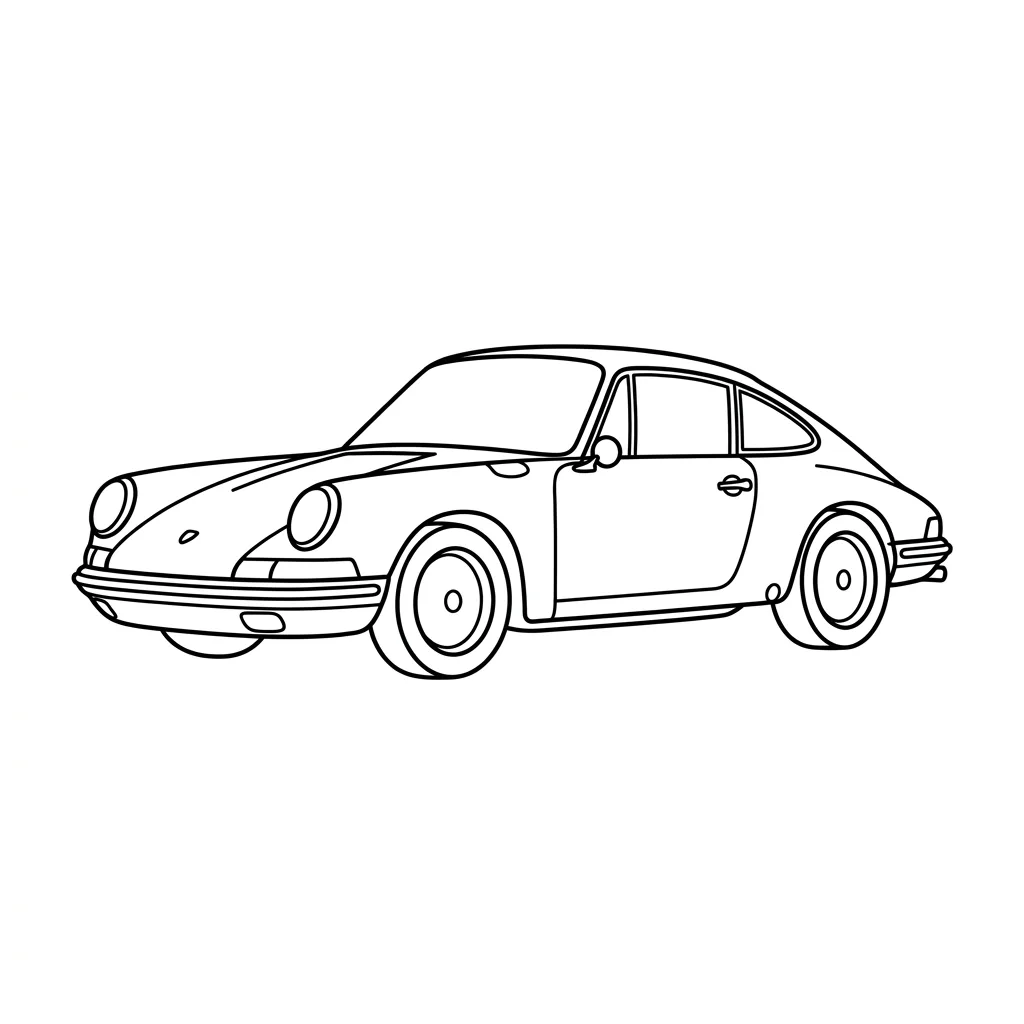
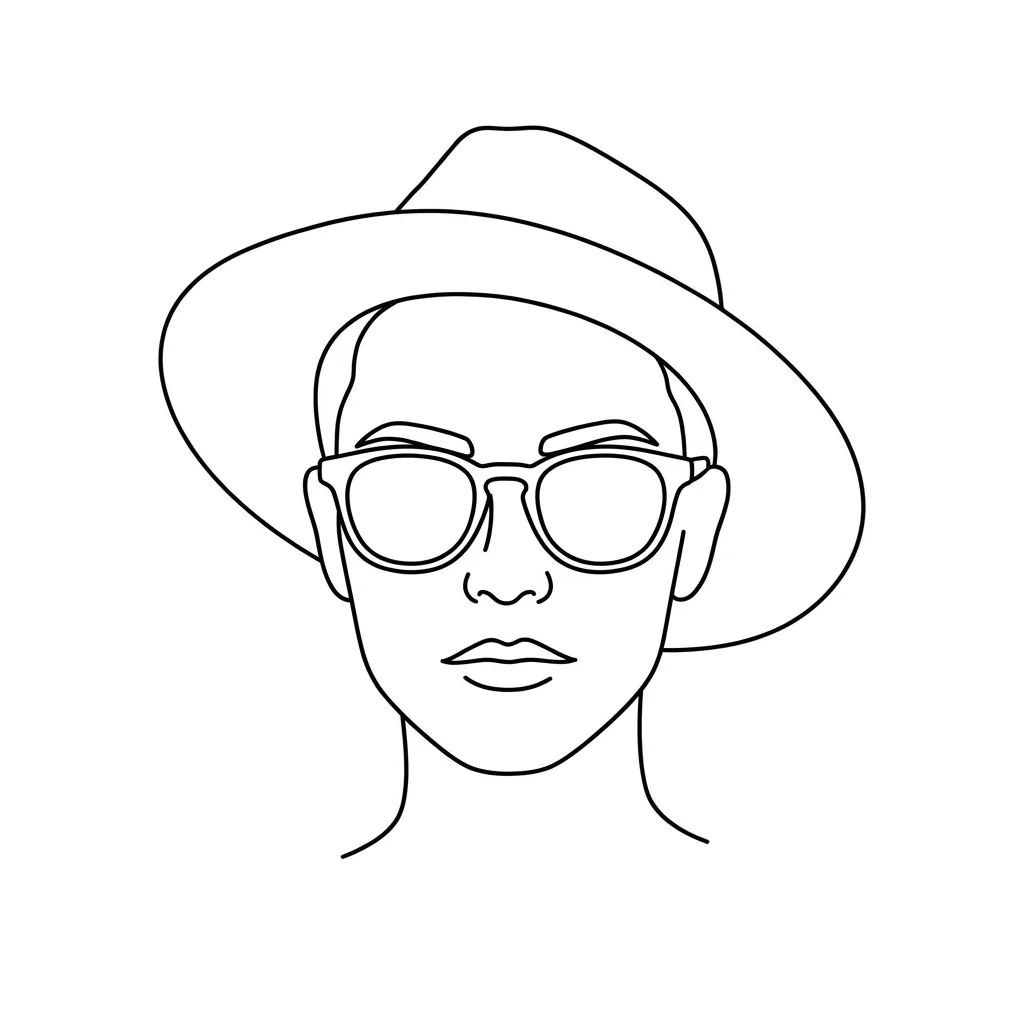
About Converting Photos to Line Art
Converting a photo to line art is an act of editing — deciding which edges matter, which textures to drop, and how heavy the surviving lines should be. Our AI runs edge detection on your image, then thins and prioritizes lines to keep the subject recognizable while stripping out fill and shading. Common uses include personalized coloring pages from family photos, embroidery and laser-cut patterns from product shots, tattoo references from portraits, and clean vector-style graphics for design layouts.
How to Convert a Photo to Line Art
Upload Your Photo
Choose a photo with clear contours and good contrast — portraits, objects, and architecture convert most reliably. Avoid photos with very busy backgrounds.
Extract Lines & Adjust
Apply the conversion and use the sensitivity controls to pull more or fewer details from the original — from simple outlines to intricate linework.
Refine & Download
Fine-tune line thickness and detail level, then download the finished outline for coloring, crafting, embroidery, or further design work.