Edit into Sticker Style
Convert any photo's subject into a die-cut sticker — bold outlines, flat saturated color, and a clean cut edge ready to print and peel.
Click to upload an image
or drag and drop
Running a quick security check…
What It Does
About Converting Photos to Sticker Style
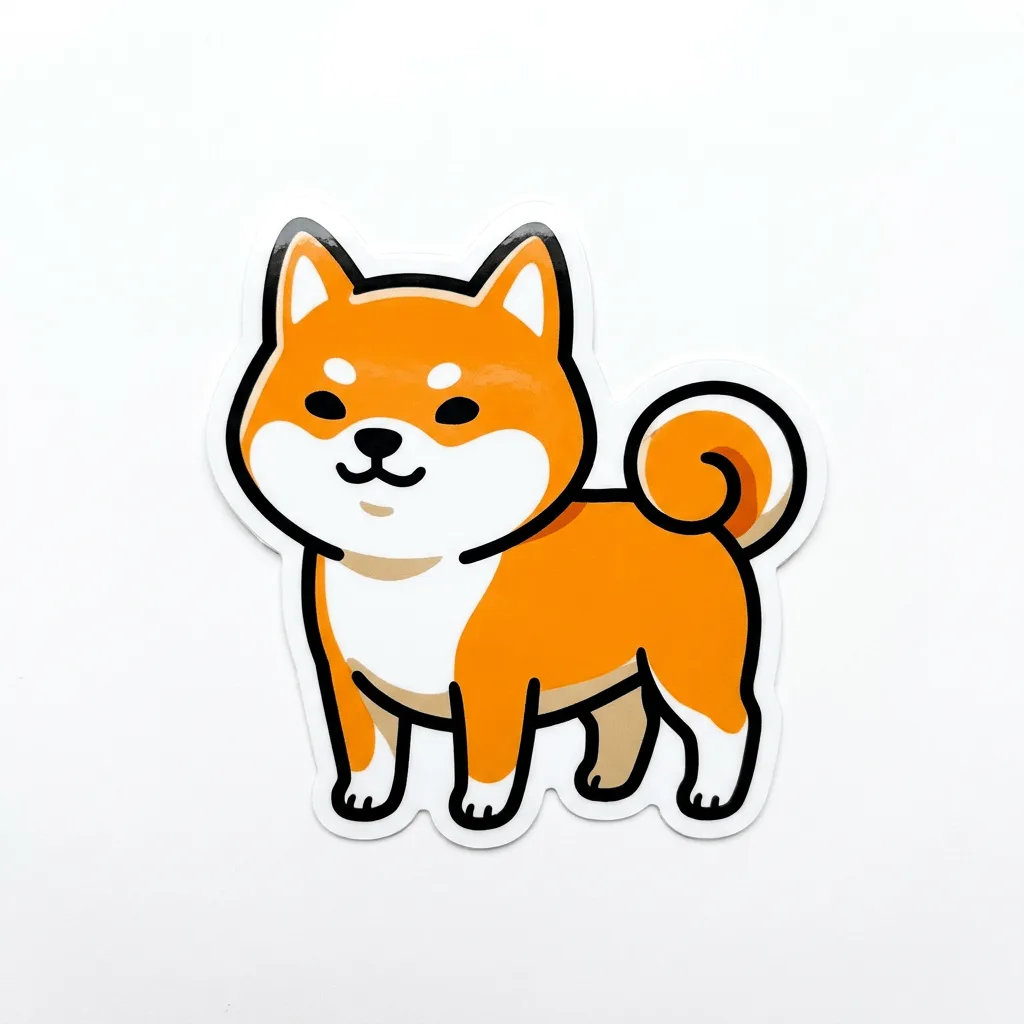
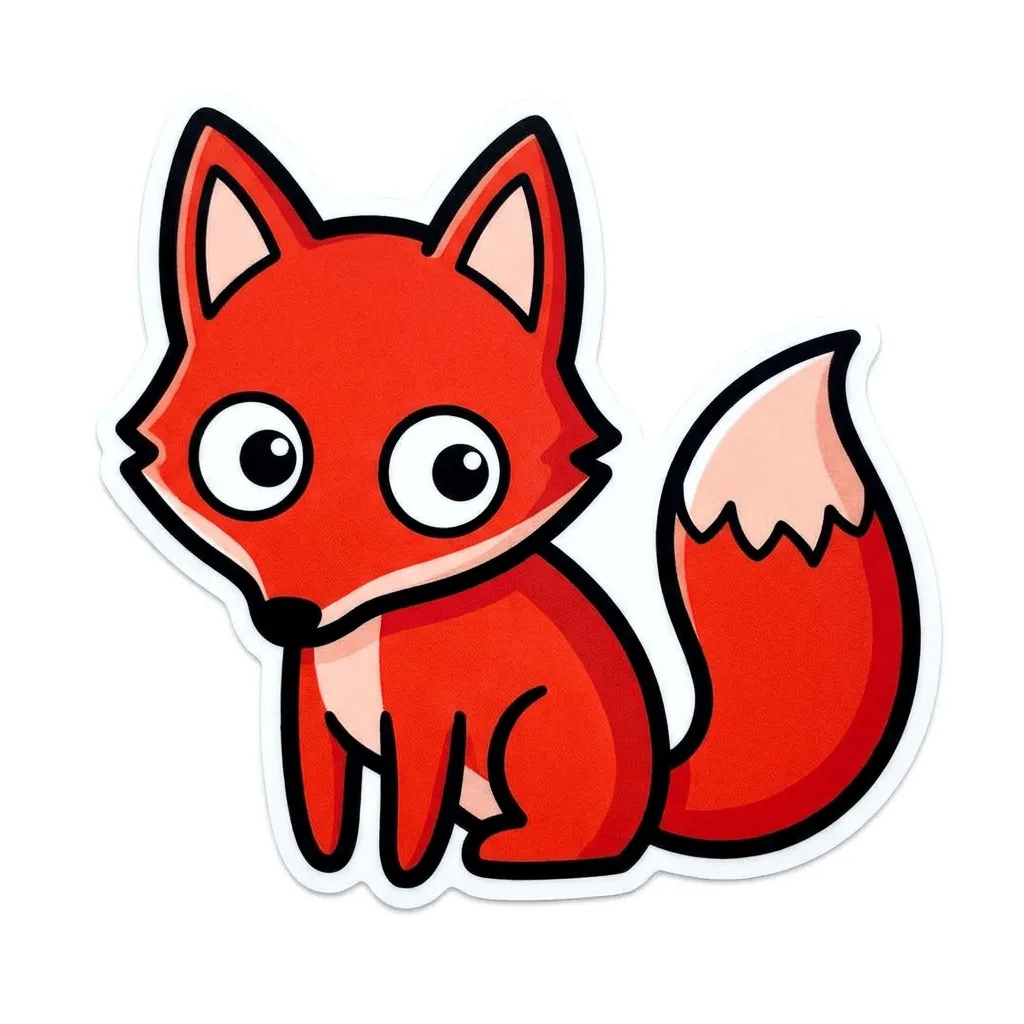
Translating a photo into a sticker is a deliberate simplification — outlines thicken, color flattens, fine detail drops, and the subject sits on a clean transparent edge ready to die-cut. Our editor reads your photo and rebuilds the subject through that vocabulary. Use it for Etsy and Redbubble sticker shops, branded merch from product photos, Discord and Twitch emote sets, sticker-pack packaging visuals, and personalized gifts.
How to Convert a Photo to Sticker Style
Upload Your Photo
Choose a photo with a clear single subject — pets, characters, products, and bold logos translate most reliably into sticker form.
Apply & Review
Apply the conversion and check the silhouette and outline — would a die-cut around the result work? Are the outlines bold enough at small sizes?
Refine & Download
Re-prompt for thicker outlines, simpler interior, or a different palette until the sticker pops. Download as PNG with transparency, ready for print-on-demand.