Edit into Technical Drawing
Convert any photo into a precise technical drawing — black linework with dimension lines, annotations, and orthographic projection on white.
Click to upload an image
or drag and drop
Running a quick security check…
What It Does
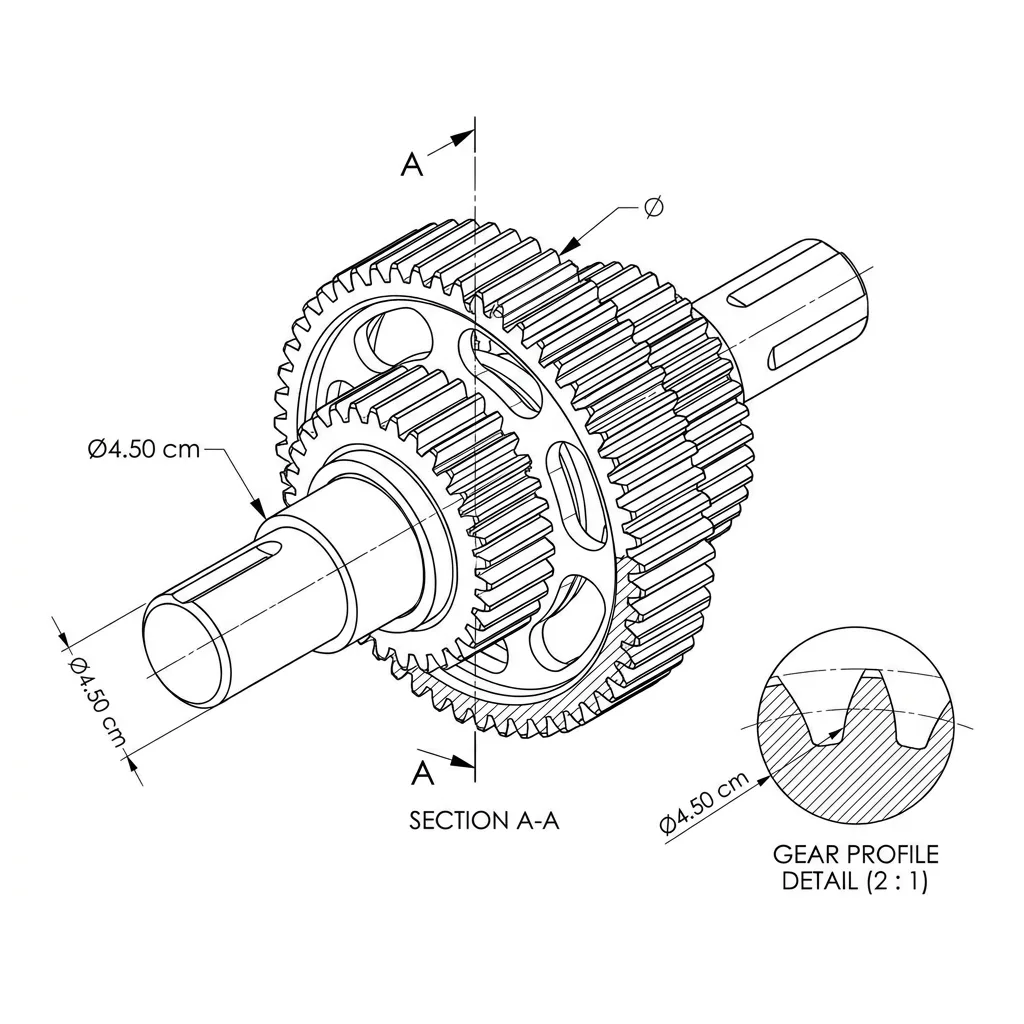
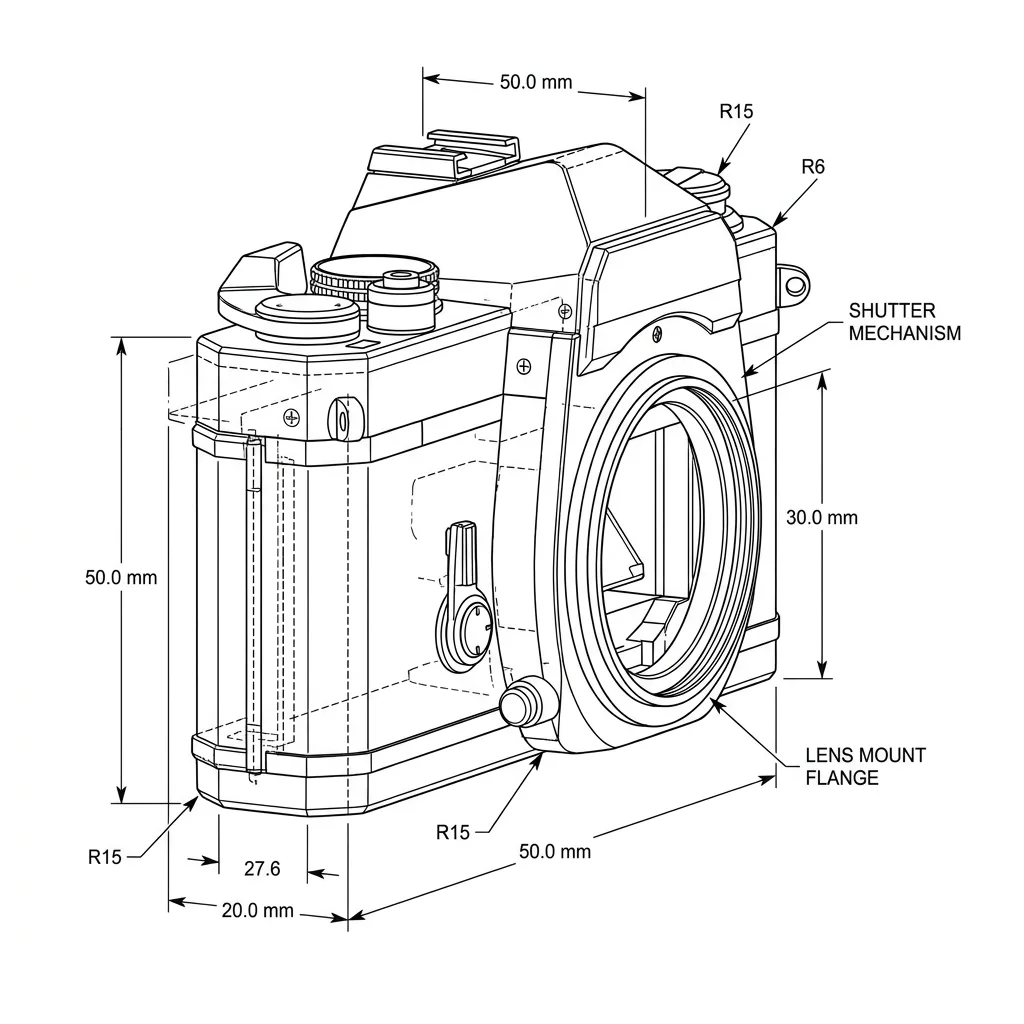
About Converting Photos to Technical Drawings
Translating a photo into a technical drawing is a precise extraction — keep the structural lines, drop the photographic fill, and project the result toward orthographic clarity rather than perspective. Our editor runs that conversion and adds the dimension marks and annotations that make a real technical drawing read as drafted rather than illustrated. Use it for patent illustration from product photos, instruction-manual figures, packaging visuals with an engineered feel, gift portraits of cars and machinery, and educational content.
How to Convert a Photo to Technical Drawing
Upload Your Photo
Choose a photo with strong geometric structure — vehicles, machinery, buildings, and architectural details translate most reliably.
Apply & Review
Apply the conversion and check the line precision, the projection accuracy, and the annotations. The result should feel like an engineer drew it.
Refine & Download
Re-prompt for more annotations, additional projections, or a different standard (ISO vs. US drafting) until the drawing lands. Download for documentation or print.