Edit into Pixel Art
Convert any photo into retro pixel art with adjustable pixel size, palette, and dithering.
Click to upload an image
or drag and drop
Running a quick security check…
What It Does
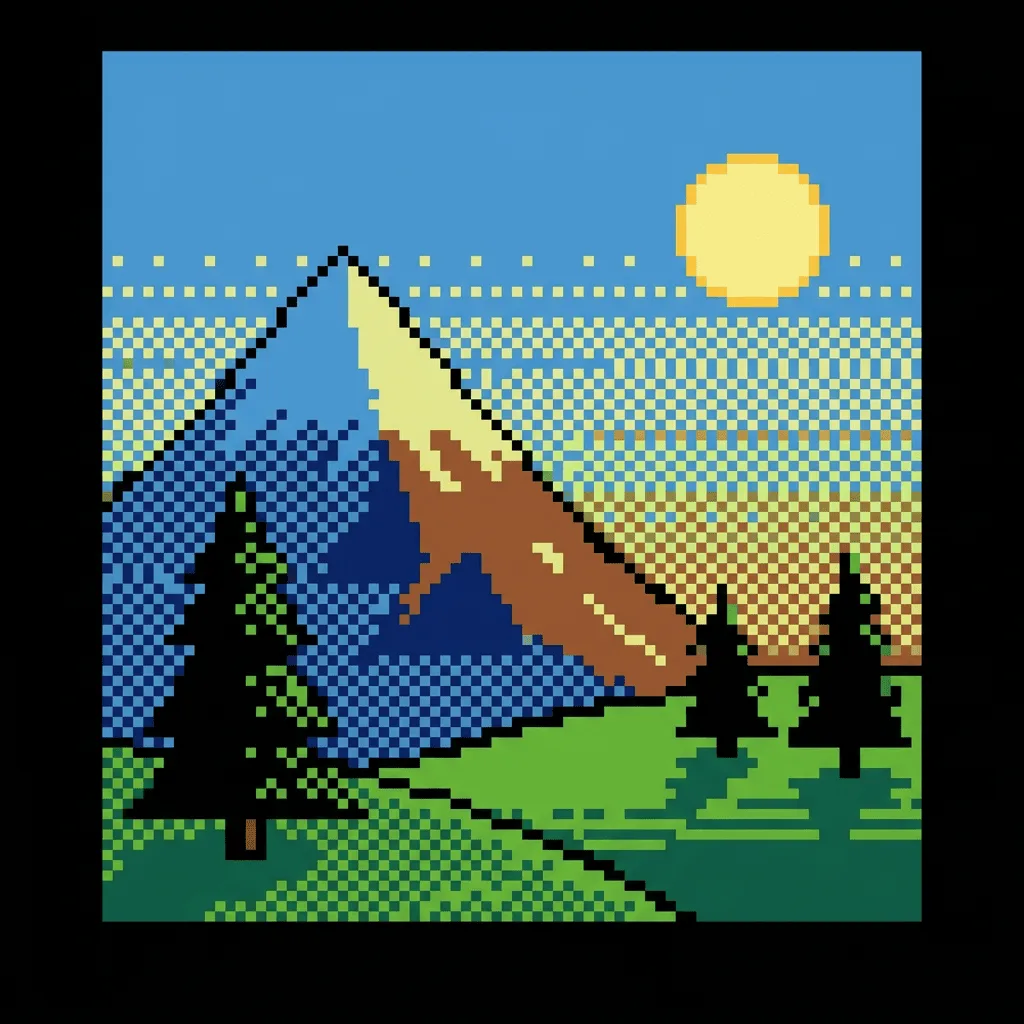
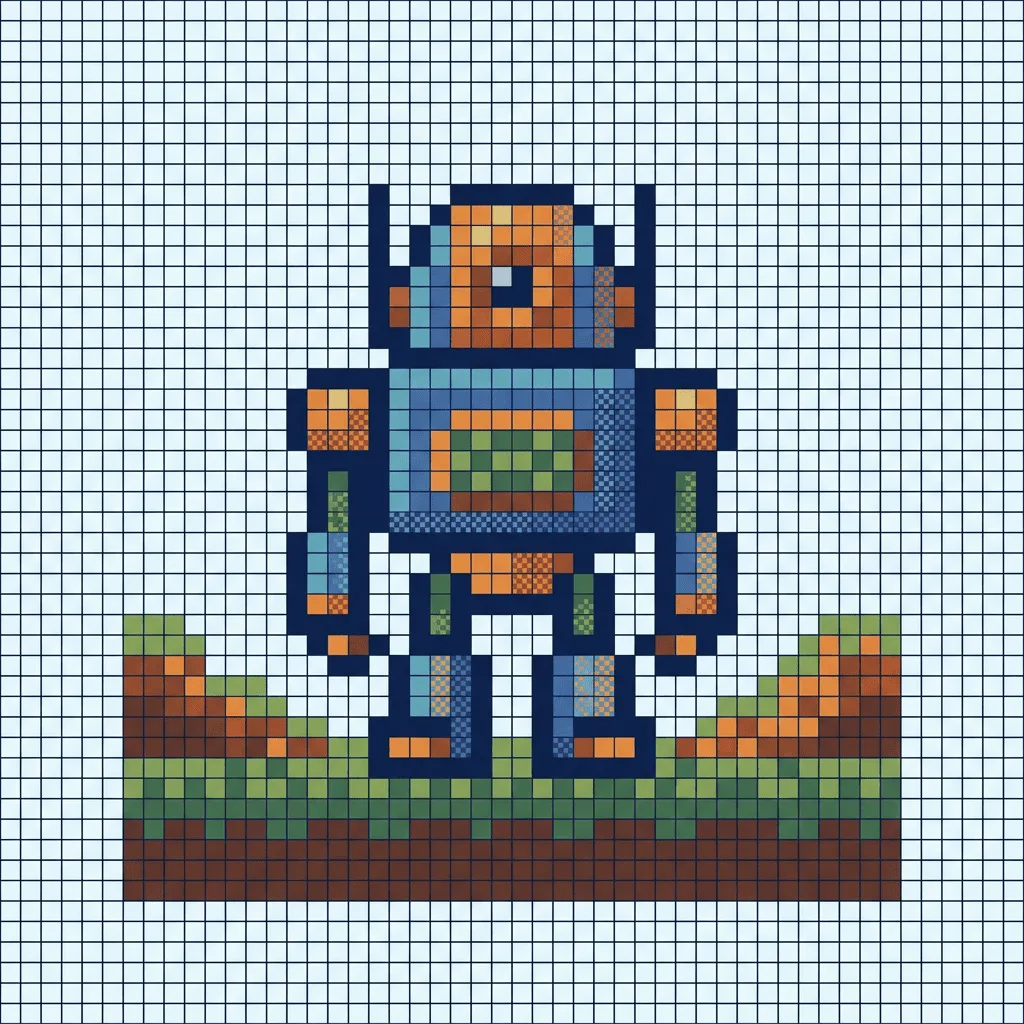
About Converting Photos to Pixel Art
Pixelating a photo is more than dropping resolution — it's a deliberate down-sampling where the AI chooses which colors survive and how to use dithering so the subject still reads at low resolution. Our converter runs that decision automatically: it resizes onto a pixel grid, quantizes the palette toward a retro range, and adds dithering to soften gradients without blurring the look. Use it to turn portraits into RPG-style avatars, product photos into pixel marketing assets, or landscape shots into 16-bit-style game backgrounds.
How to Convert a Photo to Pixel Art
Upload Your Image
Pick a photo with a clear subject and high contrast — pixel art rewards strong silhouettes. Portraits, products, and architectural shots convert best.
Pixelate & Adjust
Apply the conversion and use the controls to tune pixel size (8-bit chunky vs. 16-bit fine), palette range, and dithering. Watch the subject hold or lose detail as you push the settings.
Refine & Download
Re-run with adjusted strength until the pixel art has the right balance of nostalgia and clarity. Download the result for avatars, game assets, or print.