Create Pixel Art
Generate retro pixel art in 8-bit, 16-bit, and modern indie styles, ready for games and digital art.
Running a quick security check…
Inspiration Gallery
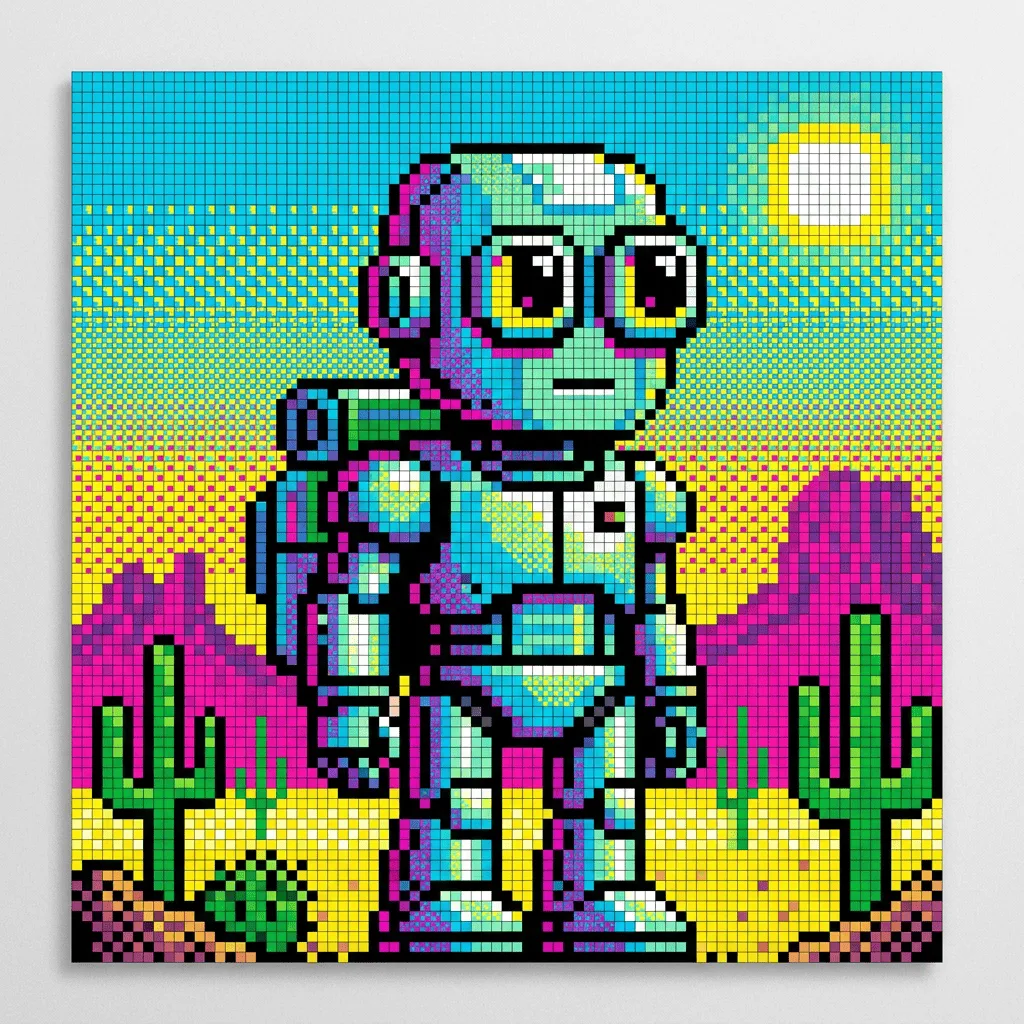
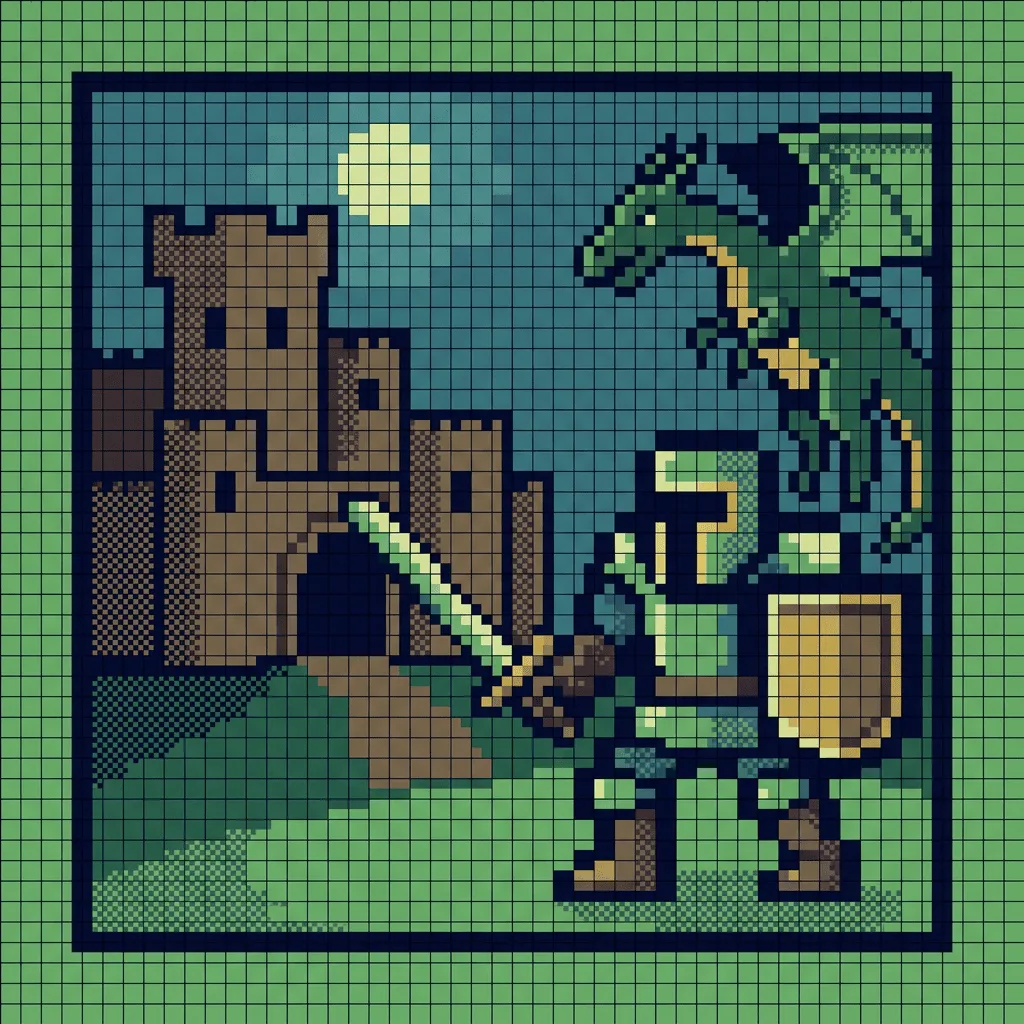
See what you can create with our AI image generator
About Creating Pixel Art
Pixel art emerged from the technical constraints of 1970s–90s arcade machines and home computers, where every sprite was drawn one pixel at a time within tight color and resolution limits. Our AI works to those same rules: it places pixels on a discrete grid, holds to a chosen palette, and uses dithering to suggest shading without smoothing the edges. Indie game developers use it for sprites and tilesets, designers use it for retro-styled illustrations and avatars, and artists use it for NFT and crypto-art collections that lean into the 8-bit aesthetic.
How to Create Pixel Art
Describe Your Sprite
Tell the AI what you want and the era you're going for — '8-bit Nintendo platformer hero', '16-bit SNES forest tile', or 'modern indie isometric building'. Specify a palette if you have one in mind.
Generate & Review
Generate the pixel art and check that the edges are clean, the palette is consistent, and the subject reads at small sizes. Save the result or send it into the editor for adjustments.
Refine & Download
Regenerate with tighter constraints — fewer colors, smaller pixels, or a specific era — until the sprite matches your vision. Switch to the Pixel Art Converter if you'd rather pixelate an existing photo.