Edit into Pop Art Style
Convert any photo into Pop Art — bright flat colors, bold outlines, halftone dots, and the Warhol-Lichtenstein print look.
Click to upload an image
or drag and drop
Running a quick security check…
What It Does
About Converting Photos to Pop Art
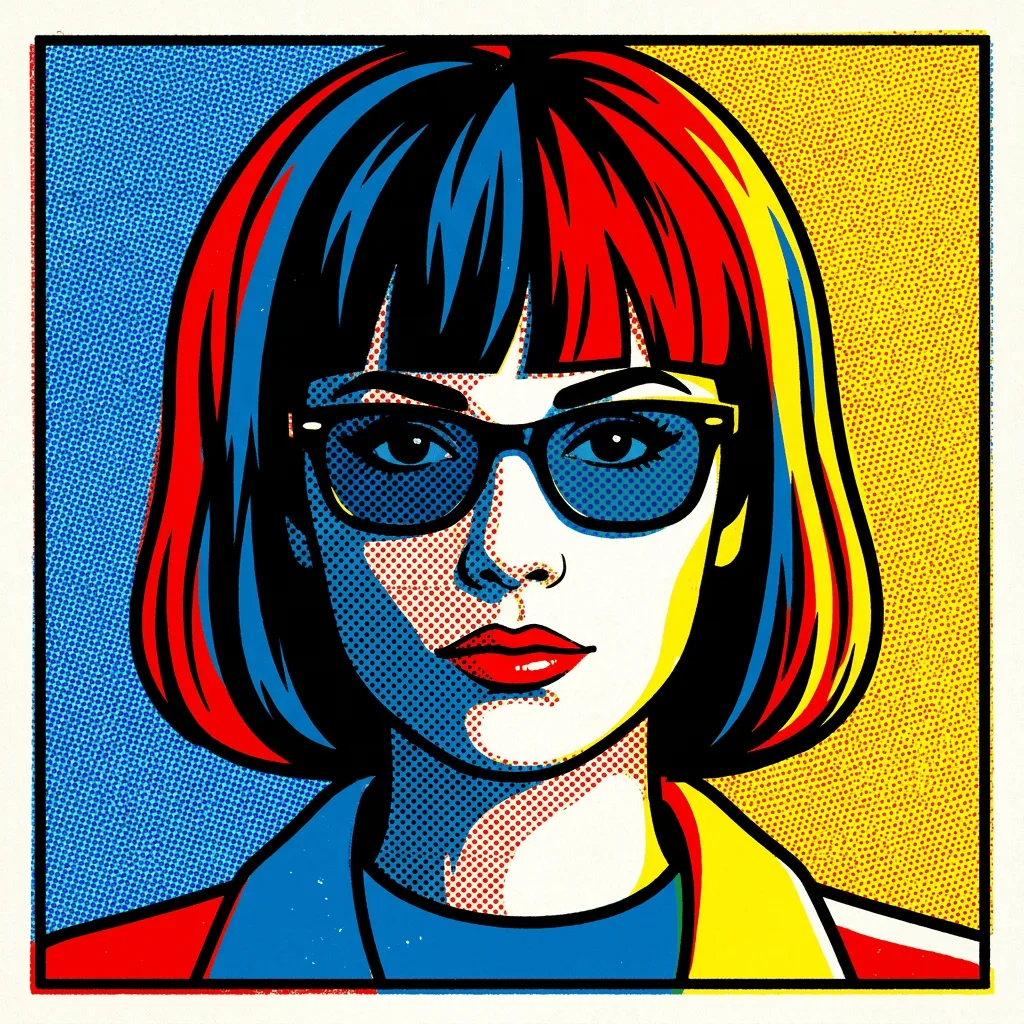
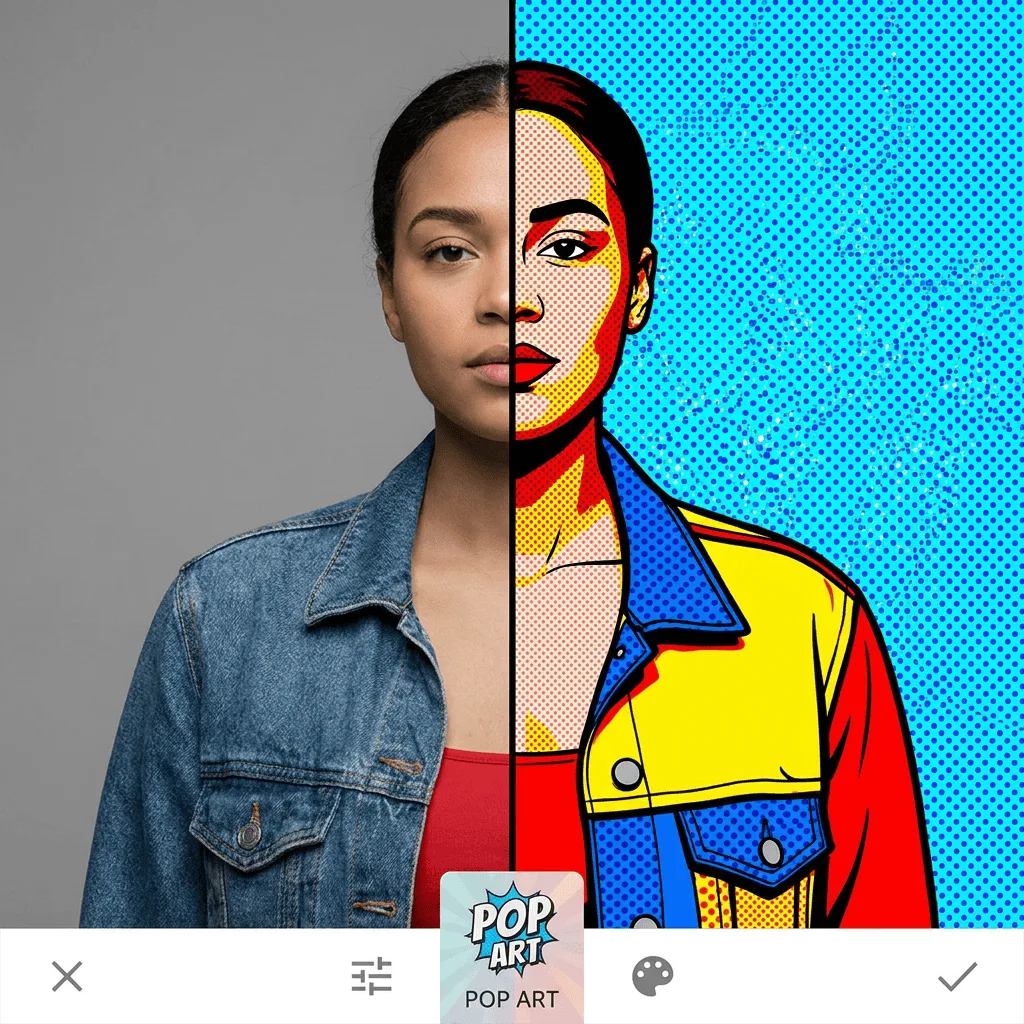
Pop Art took 1960s commercial print techniques — flat color, bold outlines, halftone dots, screen-print repetition — and made them the language of fine art, with Andy Warhol and Roy Lichtenstein at the front. Our editor pushes your photo through that vocabulary: thick outlines around the subject, palette quantized to flat saturated blocks, halftones standing in for shading. The result reads as a Pop Art print, not a filtered photo. Use it for portrait prints with a 1960s feel, branded social posts, gallery wall art, event posters, and gifts. If you'd rather generate Pop Art from a prompt instead of converting a photo, use the Pop Art Generator.
How to Convert a Photo to Pop Art
Upload Your Photo
Pick a photo with a strong subject and bold lighting — portraits, single products, and high-contrast still lifes work best. Pop Art rewards simplicity.
Apply & Review
Apply the conversion and check the outlines, palette, and halftone work. The image should look screen-printed, not airbrushed.
Refine & Download
Re-prompt for stronger outlines, fewer palette colors, or a different period reference (more Warhol vs. more Lichtenstein). Download for prints or social.