Apply Product Photography Style
Polish any product photo to e-commerce standard — clean white or styled background, even lighting, and pin-sharp product detail.
Click to upload an image
or drag and drop
Running a quick security check…
What It Does

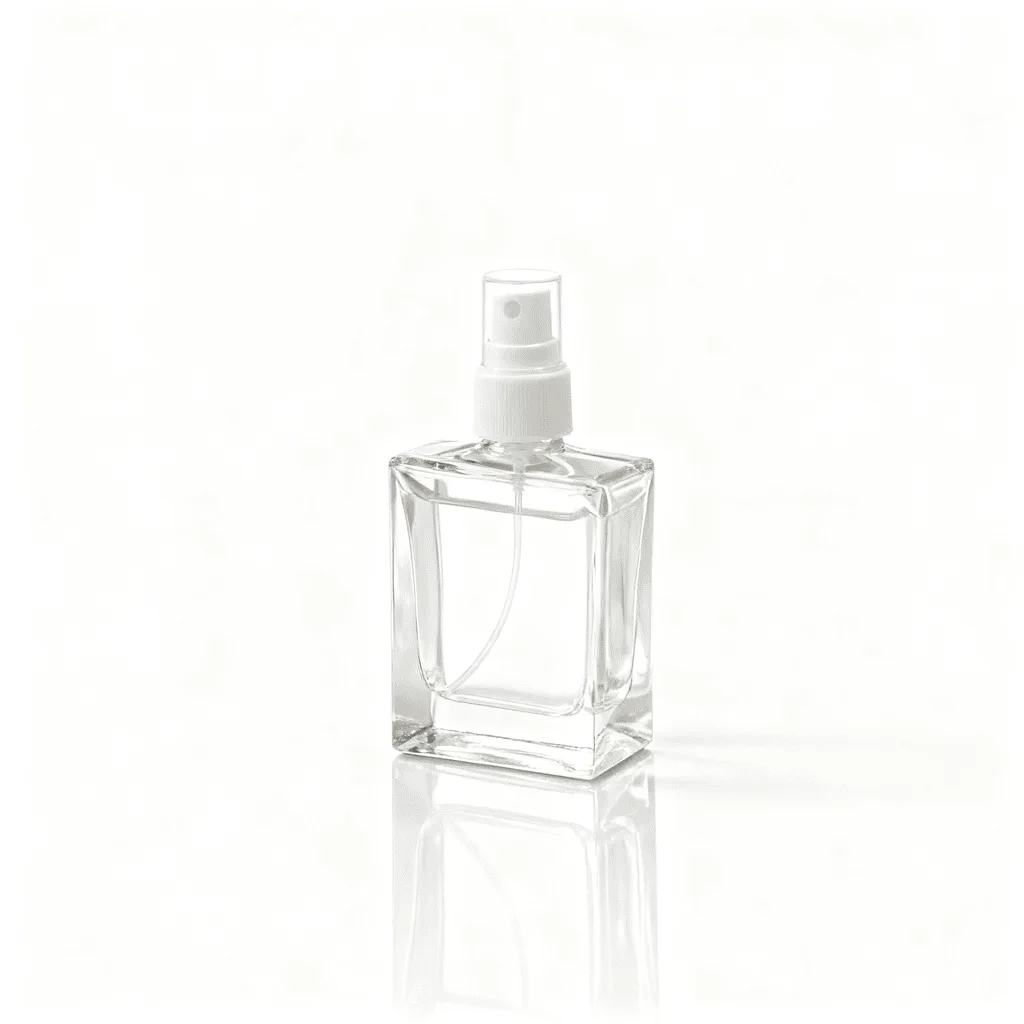
About Polishing Product Photos
Professional product photography is a specific bundle of choices — clean or styled background, even diffused lighting with no harsh shadows, pin-sharp detail on the product, and a color-accurate palette that matches what arrives at the customer. Our editor reads your product photo and applies those choices automatically: it replaces or cleans the background, evens the lighting, removes minor dust, and sharpens the product without over-processing. Use it for Amazon, Shopify, Etsy, eBay, and Instagram listings, brand catalog refreshes, packaging mockups, press kit visuals, and consistent looks across product lines shot at different times.
How to Polish Product Photos
Upload Your Product Photo
Choose a product photo to polish. Even a phone snapshot in OK lighting works; the editor adds the studio finish on top.
Pick Background & Apply
Choose the background — pure white for marketplace listings, a styled lifestyle scene for brand visuals, or a branded color for catalog work. Apply and inspect the lighting and detail.
Refine & Download
Re-run with a different background or sharper detail until the photo looks like brand-quality marketing work. Download for listings, catalogs, or social.