AI Wrinkle Remover
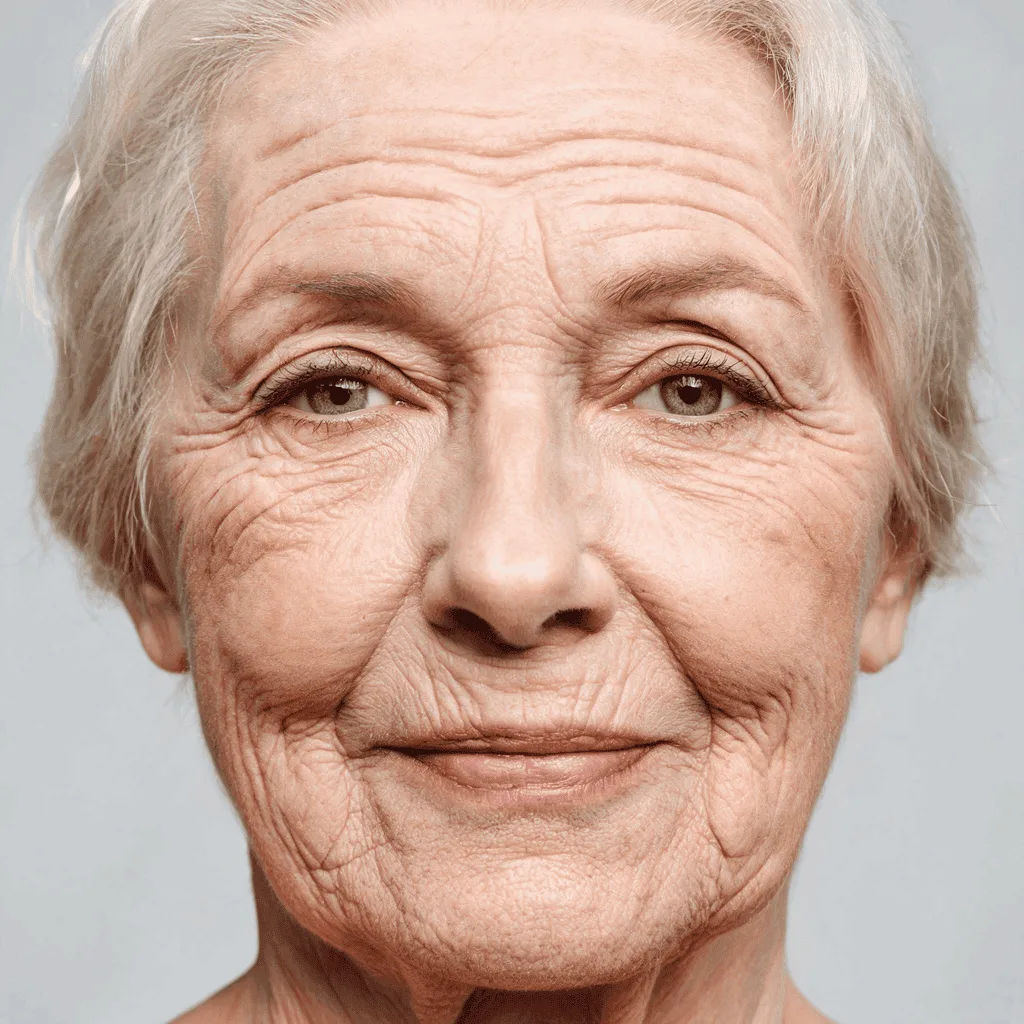
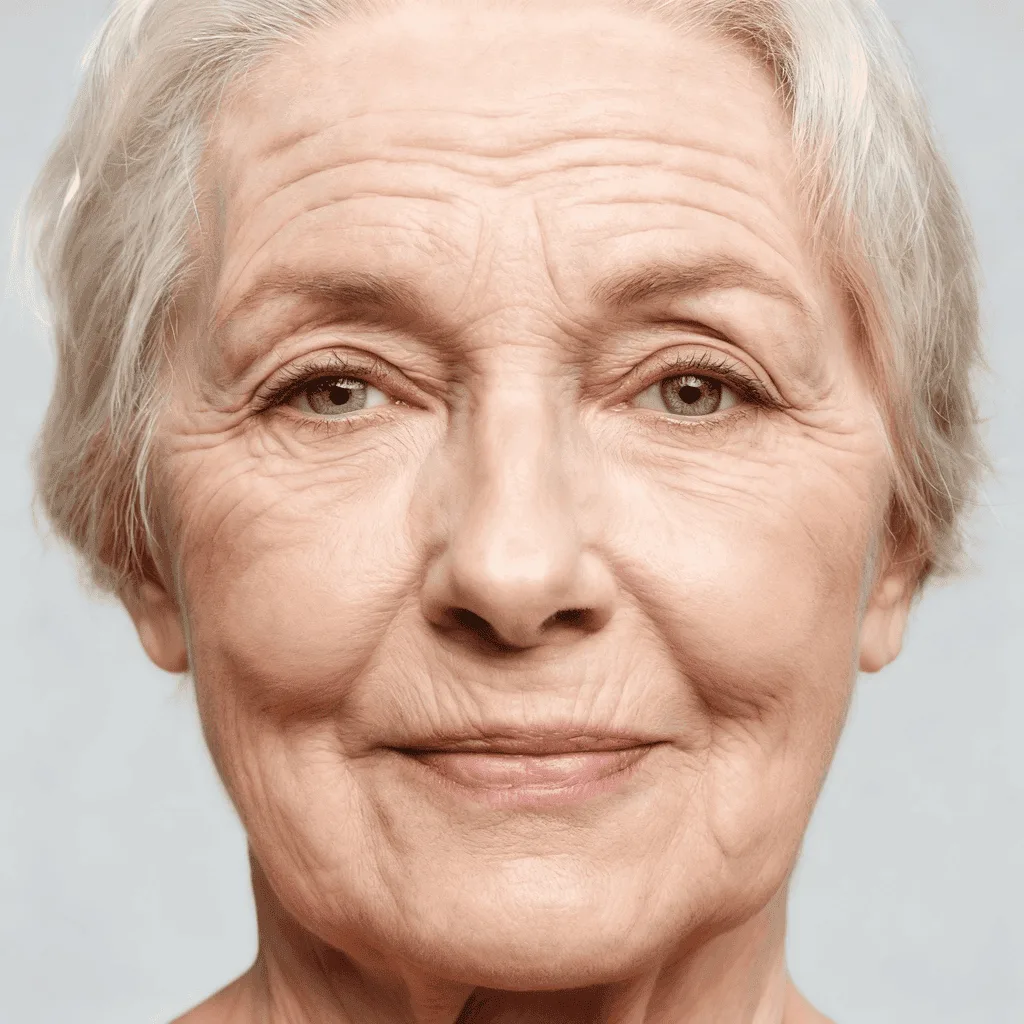
Smooth out wrinkles and fine lines in photos for a younger, fresher look. Get flawless skin with one click.
Click to upload an image
or drag and drop
What It Does
Before
After
About the AI Wrinkle Remover
The AI Wrinkle Remover is a photo retouching tool that uses frequency separation and AI-powered texture generation. It identifies and softens wrinkles and fine lines on the skin while carefully preserving the natural skin texture to avoid a plastic or overly edited look. It's perfect for portrait photographers and anyone wanting to create a more youthful and polished version of a photo.
How to Remove Wrinkles from a Photo with AI
1. Upload Your Portrait
Upload a clear photo where facial wrinkles are visible. The AI to Remove Wrinkles works best with good lighting.
2. Smooth and Refine
The AI will automatically detect and soften the wrinkles for a more youthful appearance. You can use prompts to adjust the intensity for a natural look.
3. Download the Retouched Photo
Once the portrait is smoothed to your satisfaction, download the beautifully retouched, high-resolution photo.