AI Road Trip Planner
Plan your perfect road trip with AI. Get custom routes, must-see stops, and daily itineraries in seconds.
Running a quick security check…
Inspiration Gallery
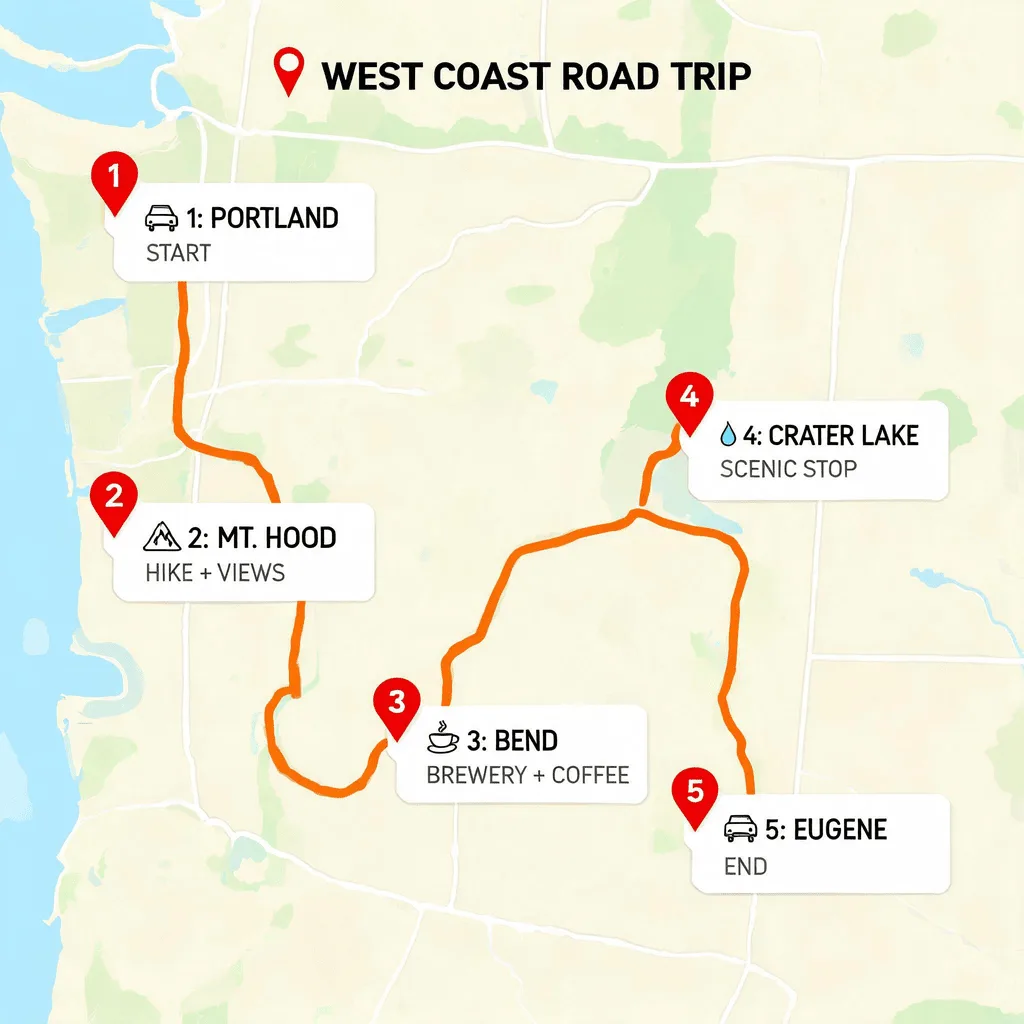
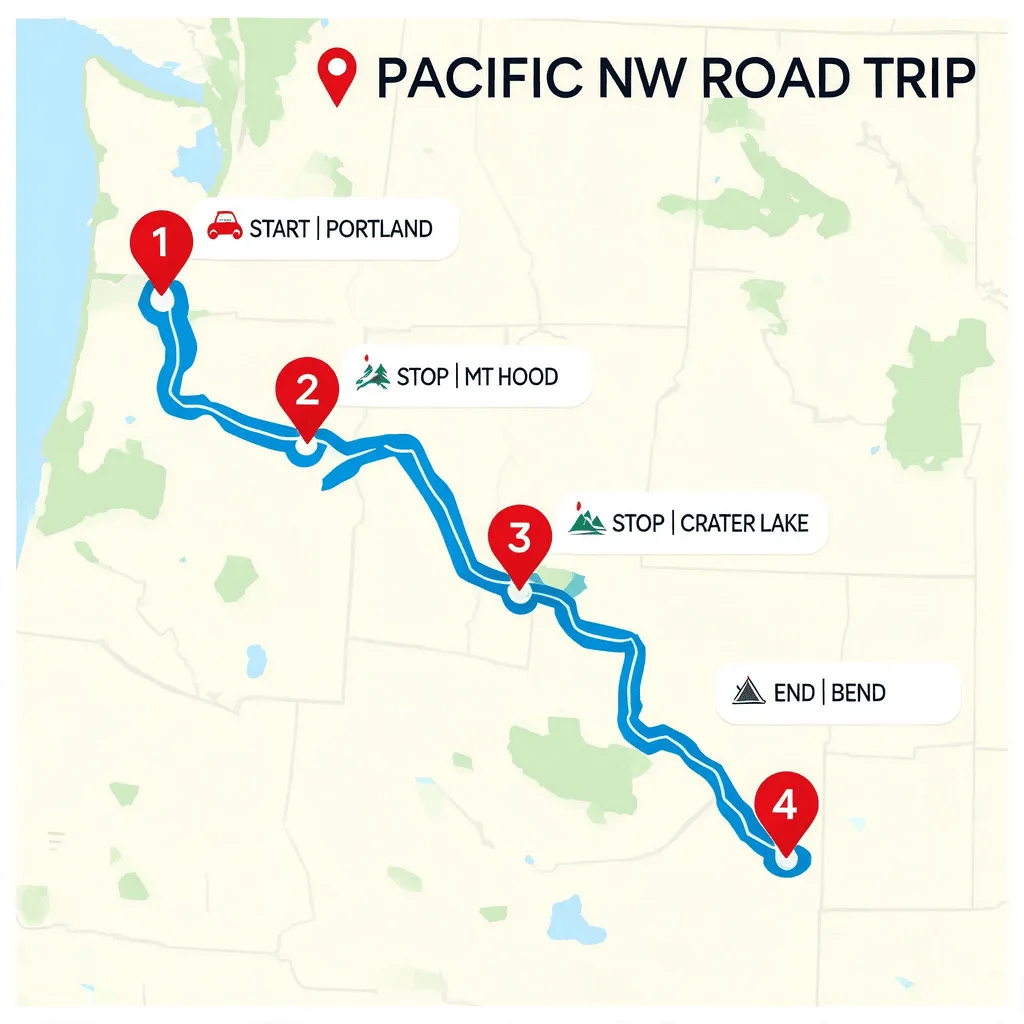
See what you can create with our AI image generator
About the AI Color Changer
The AI Color Changer uses object detection and segmentation to isolate specific items in your photo. It then allows you to change the color of that object while preserving its texture, shadows, and highlights for a realistic result. It's an amazing tool for e-commerce (showing products in different colors), interior design visualization, or just for creative photo editing.
How to Change Colors
1. Upload Your Photo
Upload an image with a clearly defined object that you want to recolor.
2. Select the Object & New Color
Click on the object you want to change. The AI will automatically select it. Then, choose your desired new color from a palette.
3. Apply & Download
Apply the color change and see the instant transformation. Download the realistically recolored image.