Apply Rusted Metal Texture
Apply a rusted metal finish to any photo's subject — oxidation, pitting, and weathered patina layered over the original.
Click to upload an image
or drag and drop
Running a quick security check…
What It Does
About Applying Rusted Metal Texture
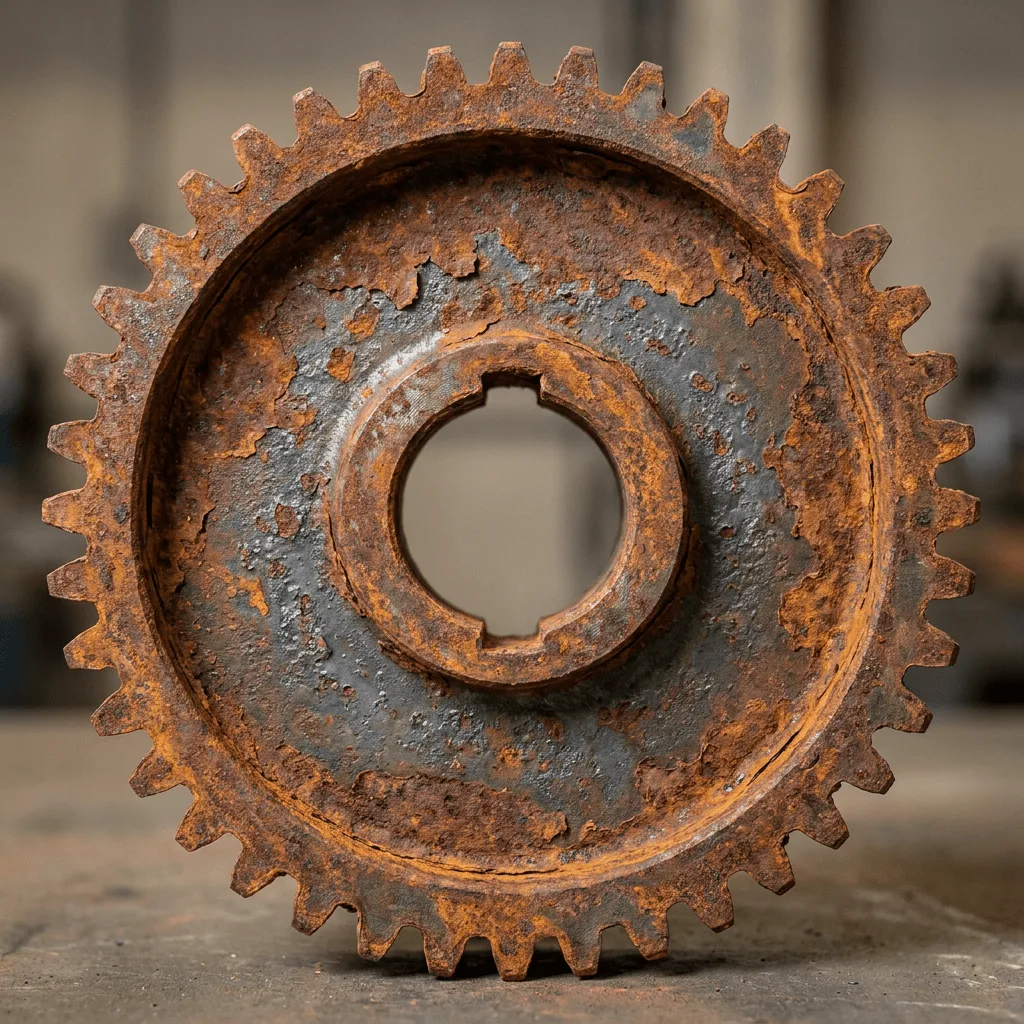
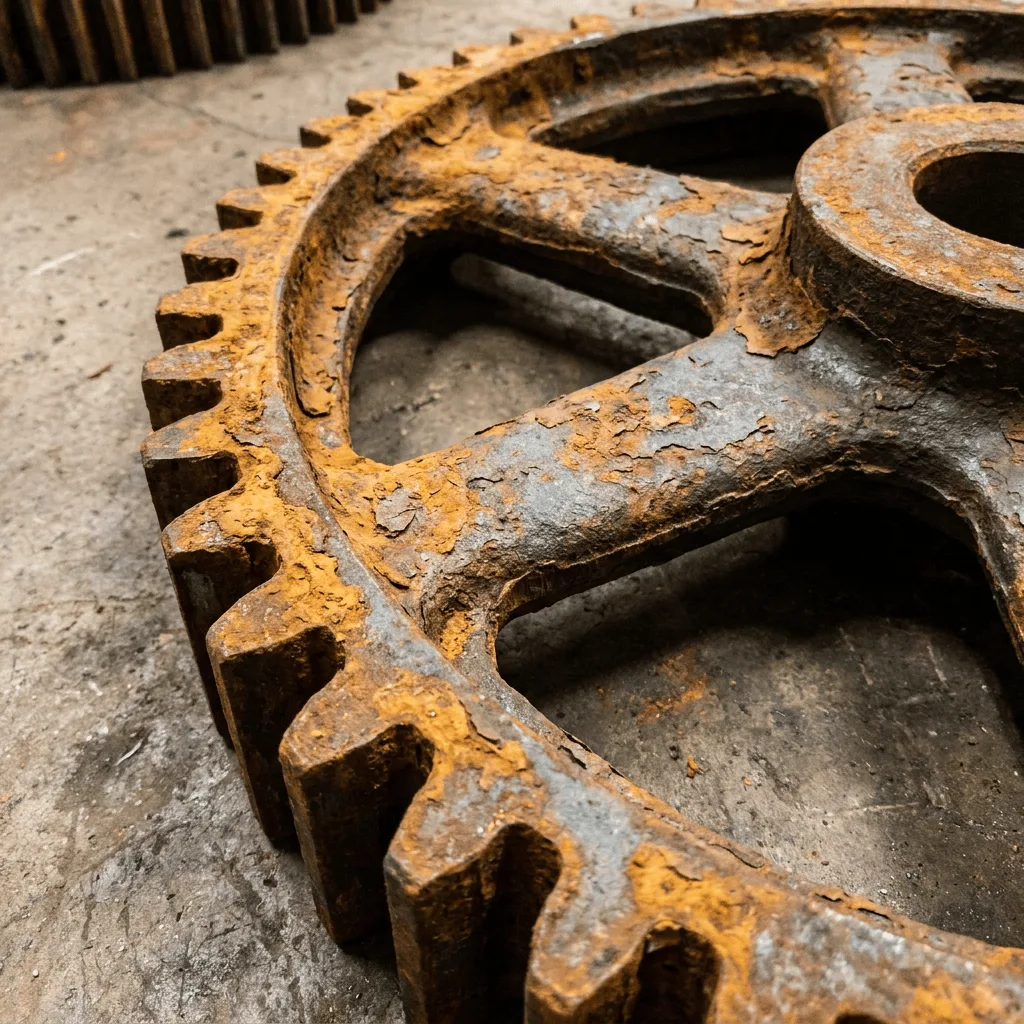
Layering rusted metal onto a photographed subject re-imagines it as if abandoned and weathered for years — oxidation creeps across surfaces, flaking and pitting appear, and the palette warms toward rust over a darker metal ground. Our editor reads your photo, identifies the subject's form, and applies the patina. Use it for concept art from product photos, themed event visuals from portraits, industrial-feel brand campaigns, gallery prints, and editorial illustration for post-apocalyptic writing.
How to Apply Rusted Metal Texture
Upload Your Photo
Choose a photo with a clear single subject — vehicles, machinery, characters, sculptures, and architectural details rust most convincingly.
Apply & Review
Apply the texture and check the oxidation pattern. The surface should feel weathered by time, with realistic flaking and patina distribution.
Refine & Download
Re-prompt for heavier patina, more flaking, or a different rust color until the surface lands. Download for concept art or branding.