Edit into Screenprint Style
Convert any photo into screenprint art — distinct flat color layers, slight registration offset, and the silkscreen poster feel.
Click to upload an image
or drag and drop
Running a quick security check…
What It Does
About Converting Photos to Screenprint Style
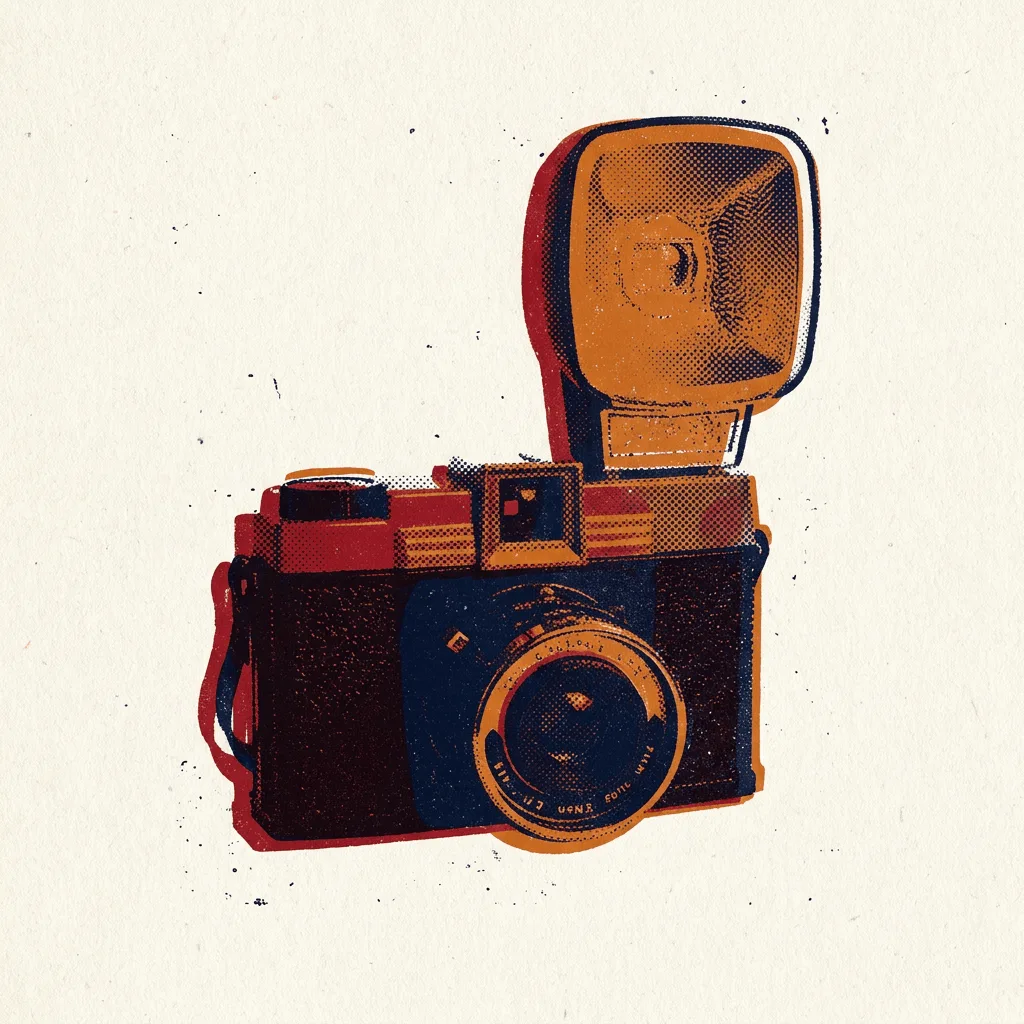
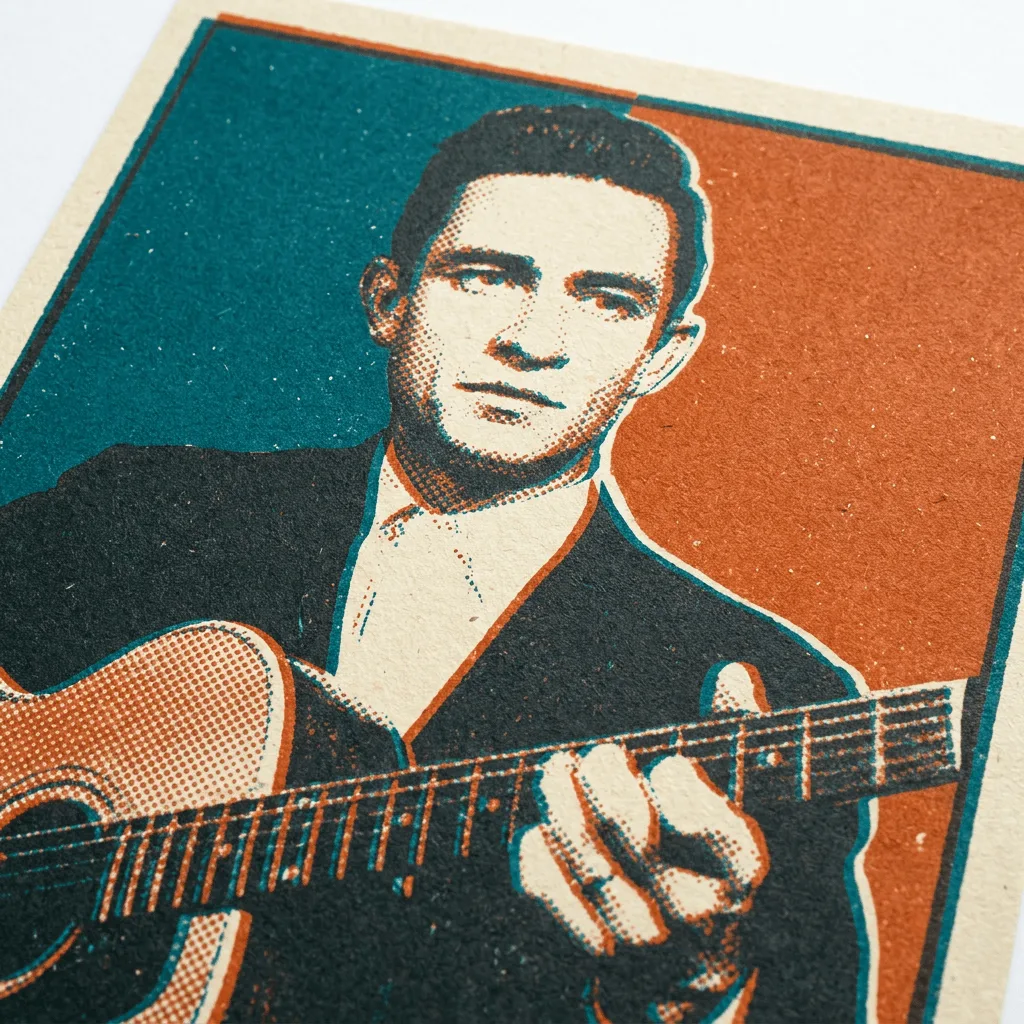
Translating a photo into screenprint reduces the image to a few distinct flat color layers, registered with slight intentional offset, with grain and halftones replacing photographic shading. Our editor runs that reduction. Use it for gig posters from band photos, merch designs from product or character photos, gallery prints from portraits, branded marketing with a craft feel, and themed event posters.
How to Convert a Photo to Screenprint
Upload Your Photo
Choose a photo with strong contrast and clear shapes — portraits, bands on stage, products, and silhouetted subjects screenprint most convincingly.
Apply & Review
Apply the conversion and check the layers and registration. The result should feel hand-pulled — not too clean, not too messy.
Refine & Download
Re-prompt for fewer colors, more registration offset, or a different layer palette until the screenprint lands. Download for posters, merch, or prints.