Create Screenprint Style Image
Generate screenprint art — distinct flat color layers with slight registration offset, in the silkscreen tradition of Andy Warhol and gig posters.
Running a quick security check…
Inspiration Gallery

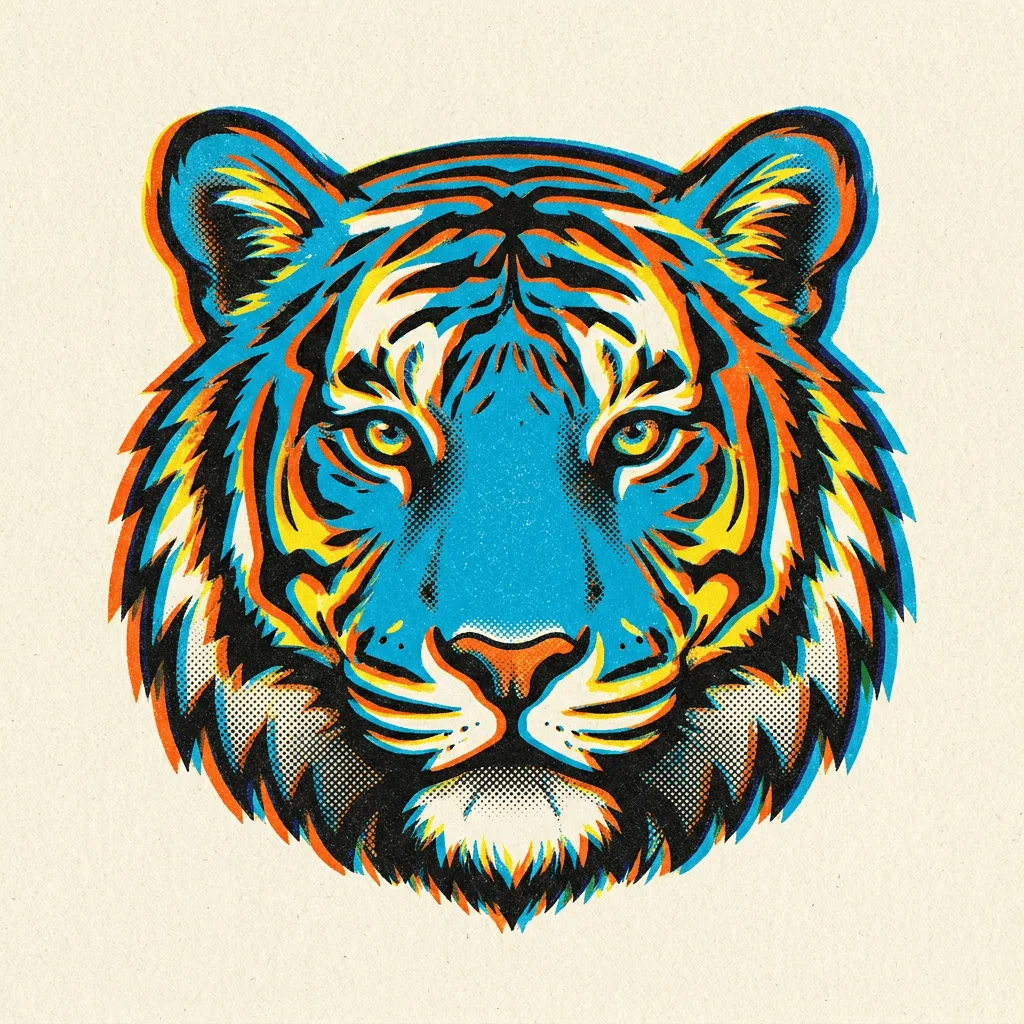
See what you can create with our AI image generator
About Creating Screenprint Art
Screenprinting — the silkscreen technique used for Warhol's prints, indie gig posters, t-shirt graphics, and modern print-on-demand — builds images from distinct flat color layers, each registered separately with the slight offset of hand-pulled production. The visual signature is the layered flat color, slight misregistration at edges, halftone dots for shading, and grainy printed texture. Our AI captures those handling traits. Use it for gig posters, screen-printed t-shirt and merch design, brand visuals with a craft aesthetic, gallery prints, and editorial illustration with hand-pulled feel.
How to Create Screenprint Art
Describe Your Print
Describe the subject and the layer logic — 'four-color screenprint of a band performing, gig poster style', 'two-color Warhol-style portrait, magenta and yellow'. Mention the number of colors if you have one.
Generate & Review
Generate the print and check the registration offset and layer logic. The result should feel hand-pulled, not vector-precise.
Refine & Save
Re-prompt for more registration offset, different color layers, or grainier texture until the screenprint lands. Save for gig posters, merch, or gallery.