AI Sketch to Image Converter
Transform your simple sketches into stunning, detailed images and artwork with the power of AI.
Click to upload an image
or drag and drop
What It Does
Before
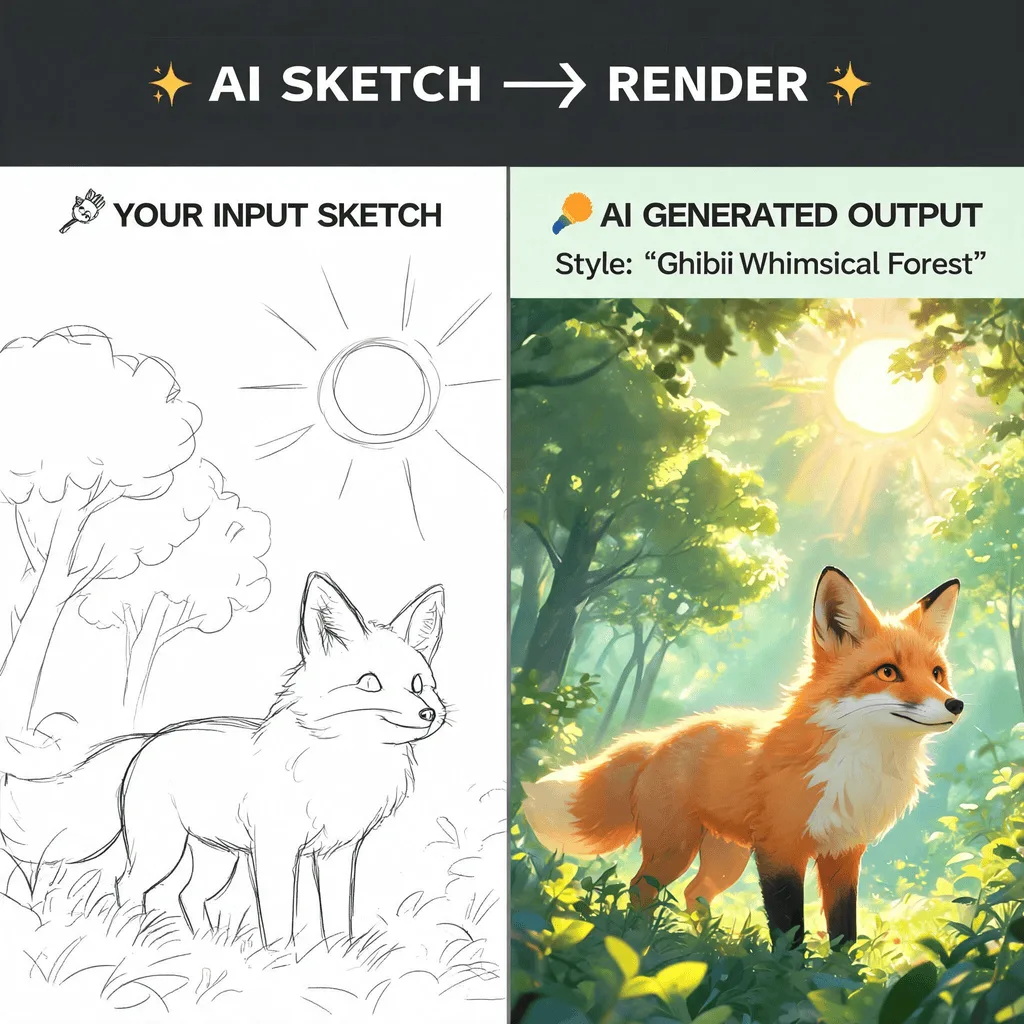
After
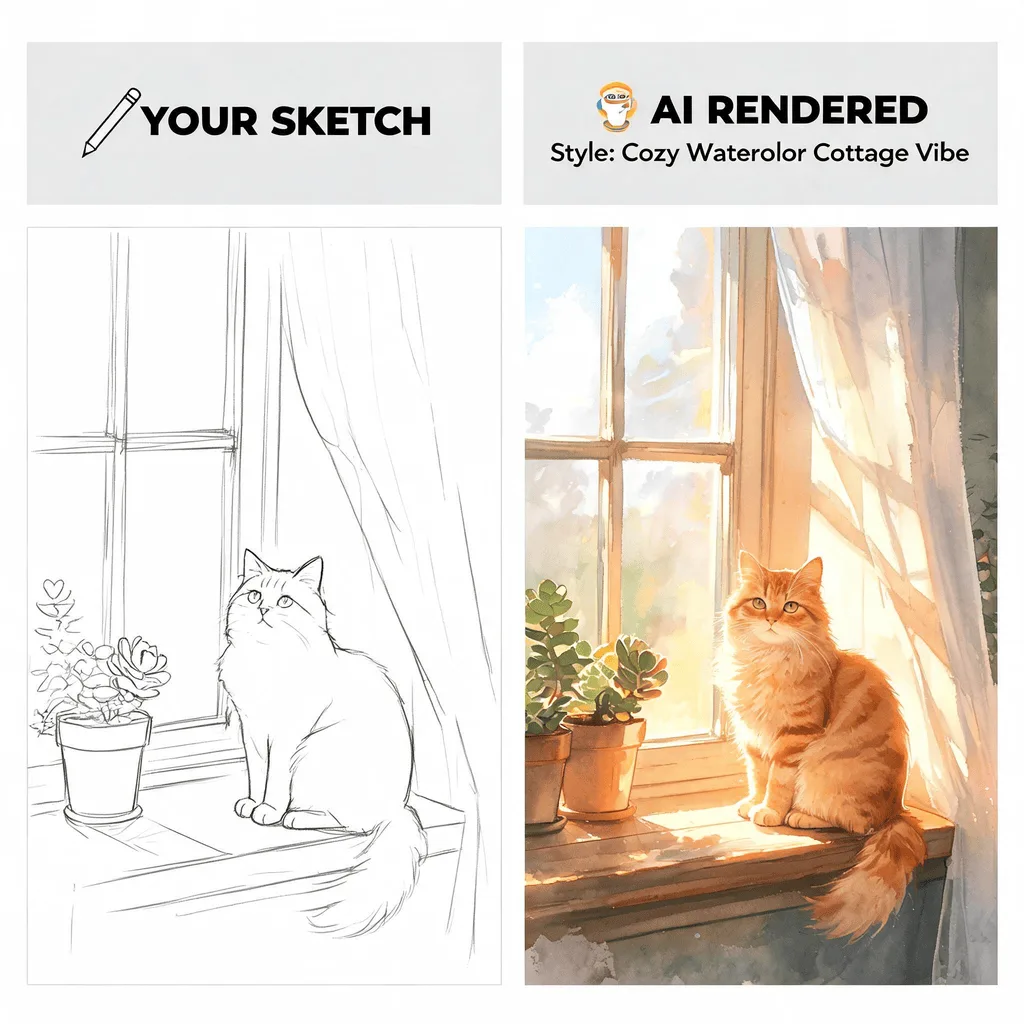
About the AI Sketch to Image Converter
This tool uses a sophisticated AI model that understands shapes, forms, and context. It interprets the lines and composition of your sketch and, guided by a text prompt, renders it as a fully detailed image in your desired style. It's a magical tool for artists who want to quickly visualize their concepts, designers creating mockups, and anyone who loves to see their doodles come to life.
How to Turn a Sketch into an Image with AI
1. Upload Your Sketch
Upload a clear photo or scan of your drawing. The Sketch to Image AI works best with distinct lines and shapes.
2. Describe and Refine
Provide a text prompt to describe the final image style, colors, and details you want the AI to add. Refine the prompt to bring your sketch to life.
3. Download Your Artwork
Once the AI has transformed your sketch into a fully rendered image, download the high-resolution artwork.