AI Skin Color Changer
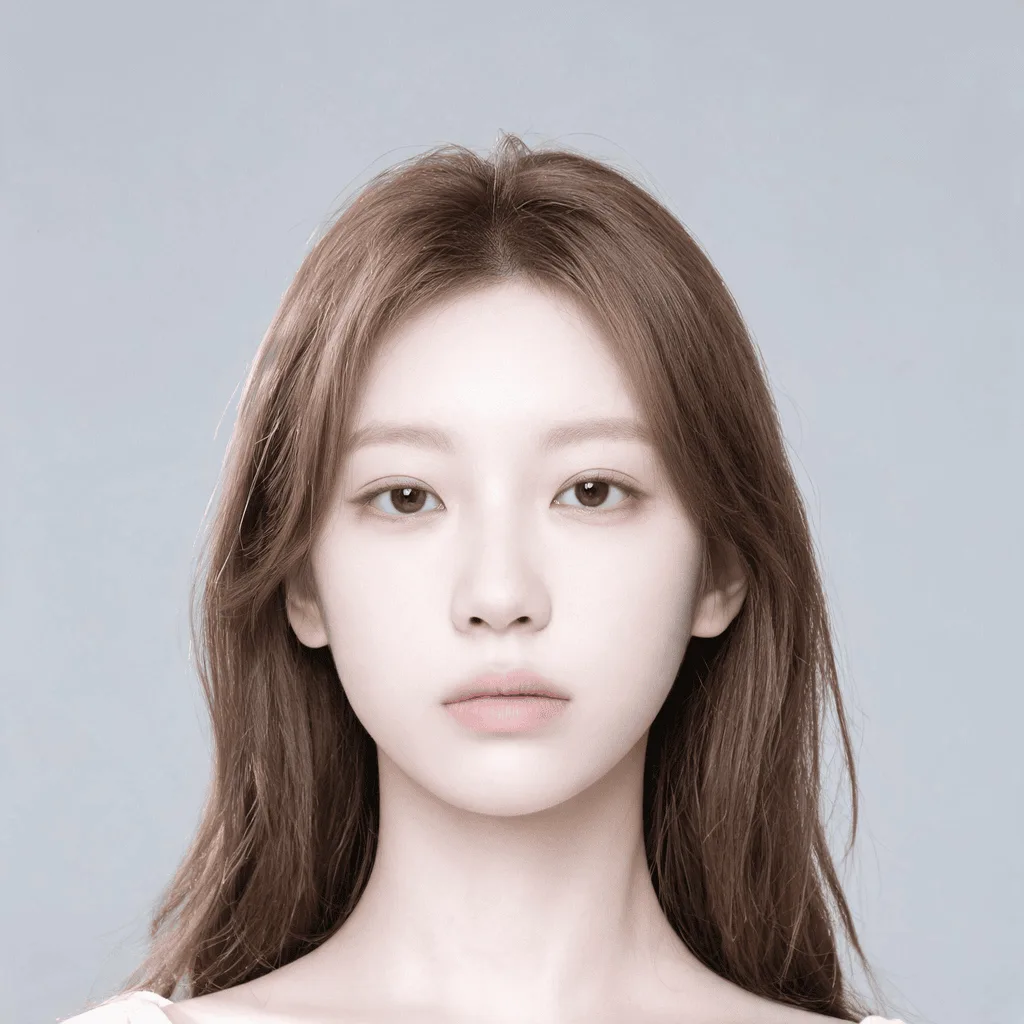
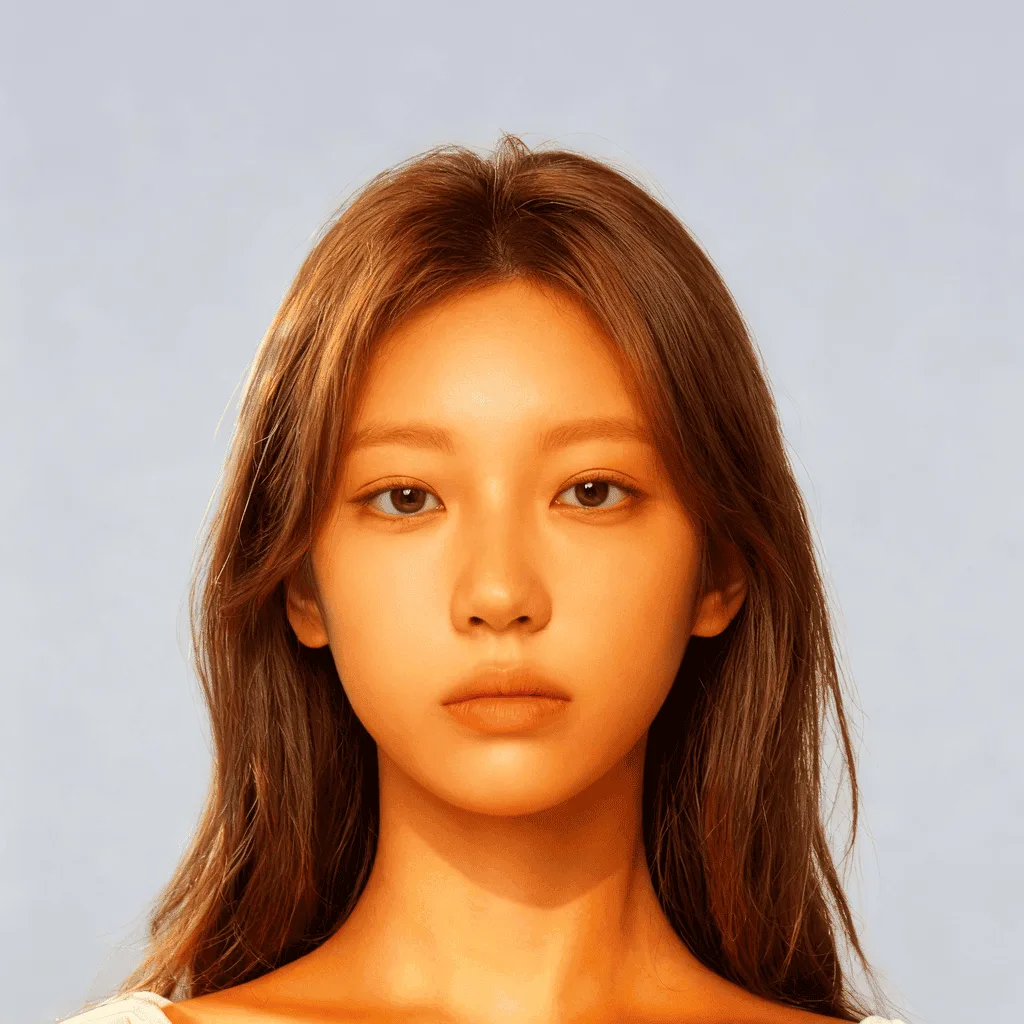
Change the skin color in photos realistically and respectfully. Experiment with different skin tones with AI.
Click to upload an image
or drag and drop
What It Does
Before
After
About the AI Skin Color Changer
The AI Skin Color Changer uses sophisticated image segmentation to isolate the skin in a photo. It then allows you to adjust the hue, saturation, and lightness to change the skin tone while preserving natural texture and shadows. This tool can be used for artistic photo editing, correcting color balance issues in photos, or for personal creative exploration.
How to Change Skin Color in a Photo with AI
1. Upload Your Photo
Upload a clear portrait or photo of a person. The AI Skin Color Changer is designed to make realistic adjustments.
2. Instruct and Refine
Use a simple text prompt to specify the new skin tone, for example, "give a warmer skin tone" or "make the skin paler." Refine the prompt for a natural look.
3. Download the Edited Photo
Once you are satisfied with the subtle and realistic change, download the high-resolution edited photo.