AI Smile Filter
Add a natural-looking smile to any face in a photo. Turn serious portraits into happy ones with AI.
Click to upload an image
or drag and drop
What It Does
Before
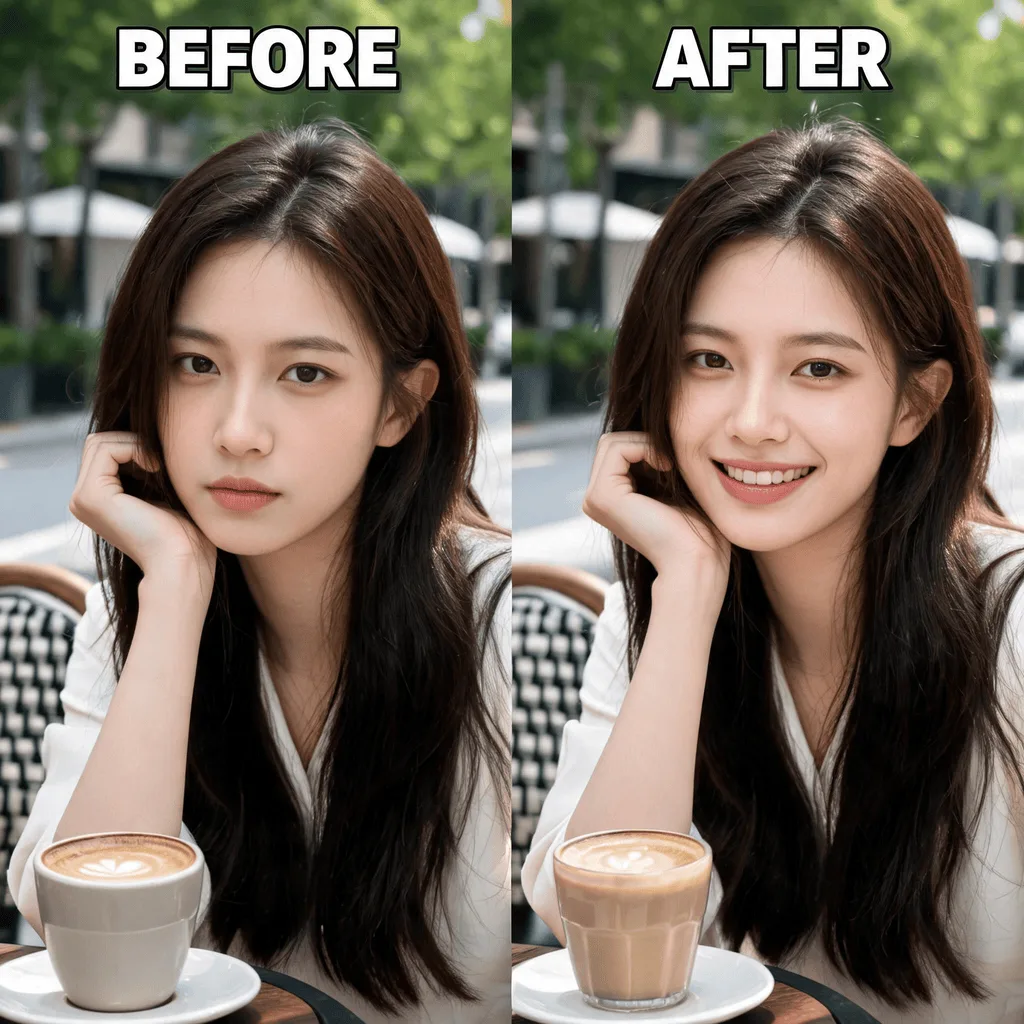
After
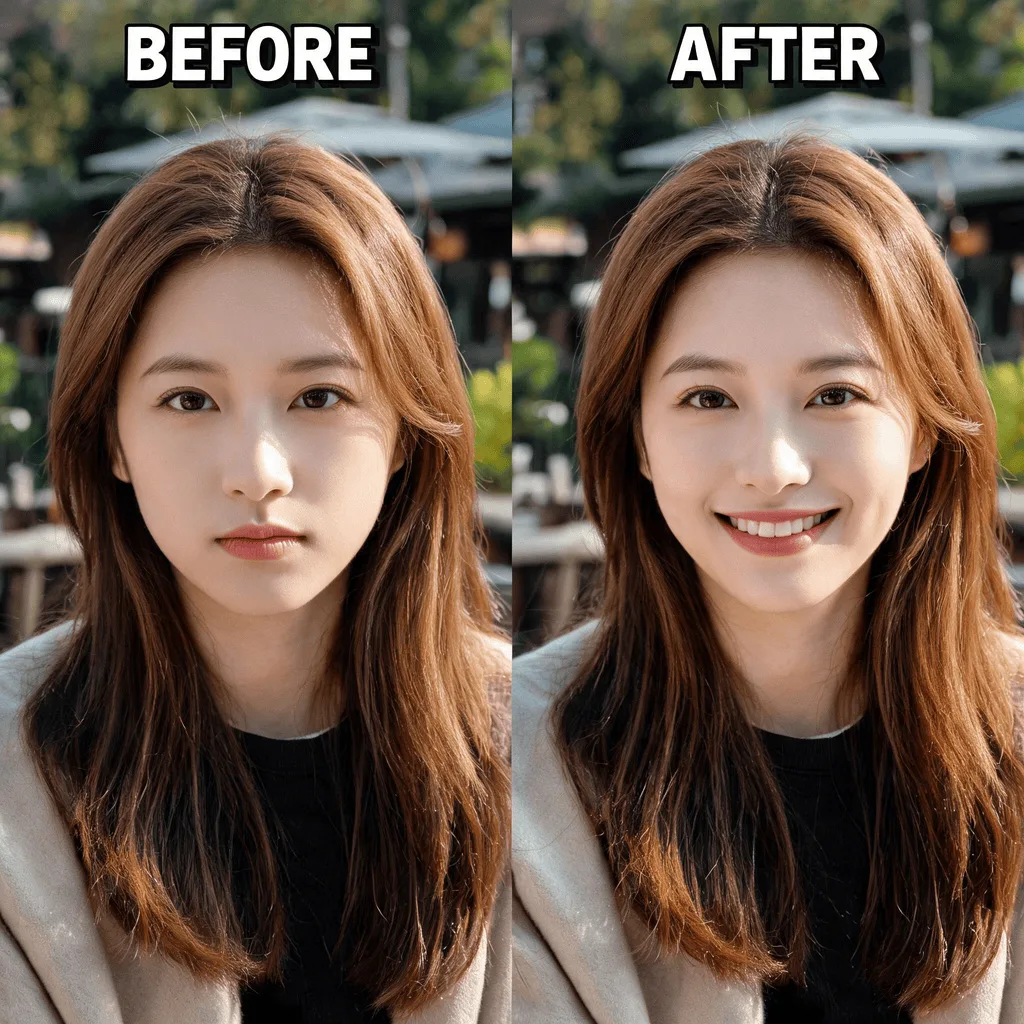
About the AI Smile Filter
The AI Smile Filter uses a sophisticated generative model to realistically add a smile to a face in a photograph. It analyzes the person's facial structure and subtly adjusts the lips, cheeks, and eyes to create a natural and convincing smile, all while preserving the person's identity. It's perfect for photographers looking to enhance portraits or for anyone wanting to add a touch of joy to their pictures.
How to Add a Smile to a Photo with the AI Smile Filter
1. Upload Your Portrait
Upload a photo of a person, preferably one where they are not smiling. The AI Smile Filter works best on clear, front-facing photos.
2. Apply and Refine
The AI will automatically detect the face and add a natural-looking smile. You can use prompts to adjust the intensity of the smile.
3. Download the Happy Photo
Once you've turned a frown or a neutral expression upside down, download the cheerful, high-resolution photo.