Edit into South Park Style
Transform any photo into the South Park cut-out animation style — flat shapes, oval characters, and minimal shading.
Click to upload an image
or drag and drop
Running a quick security check…
What It Does
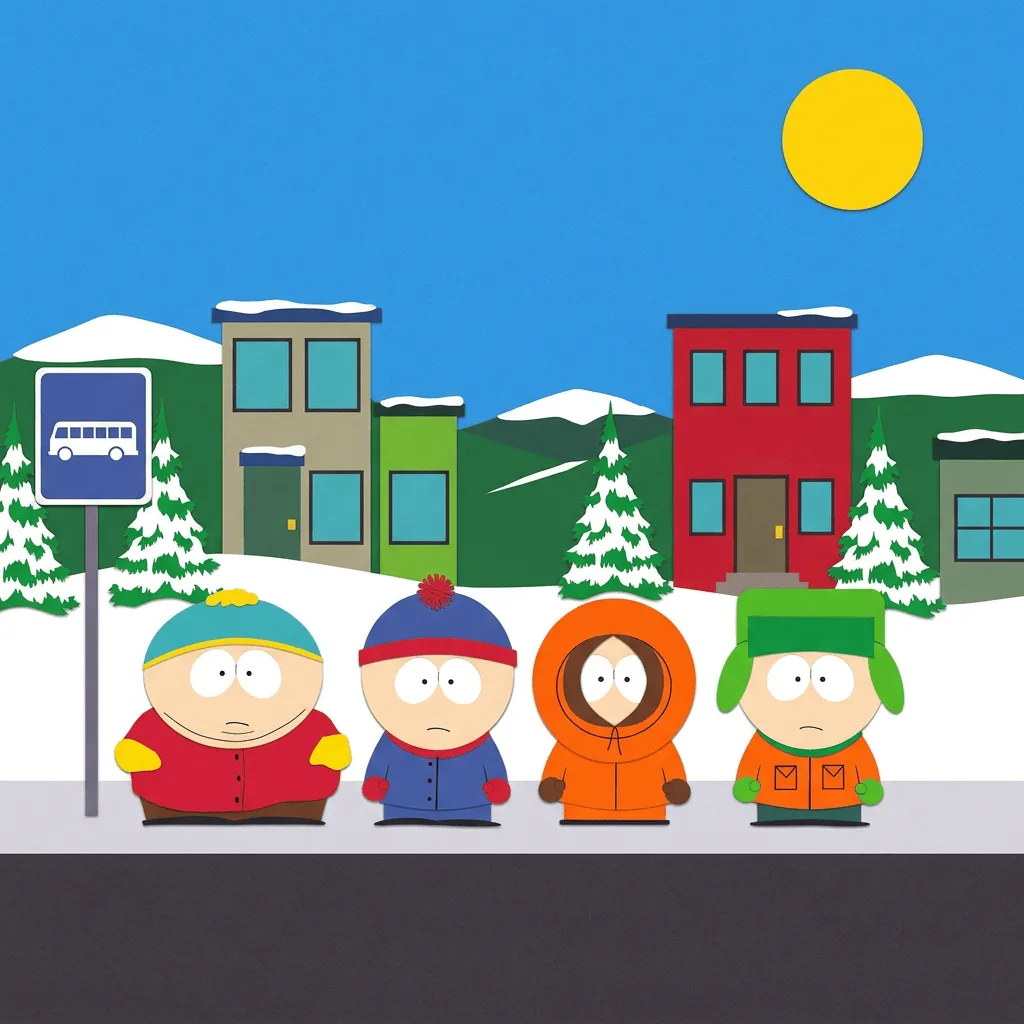
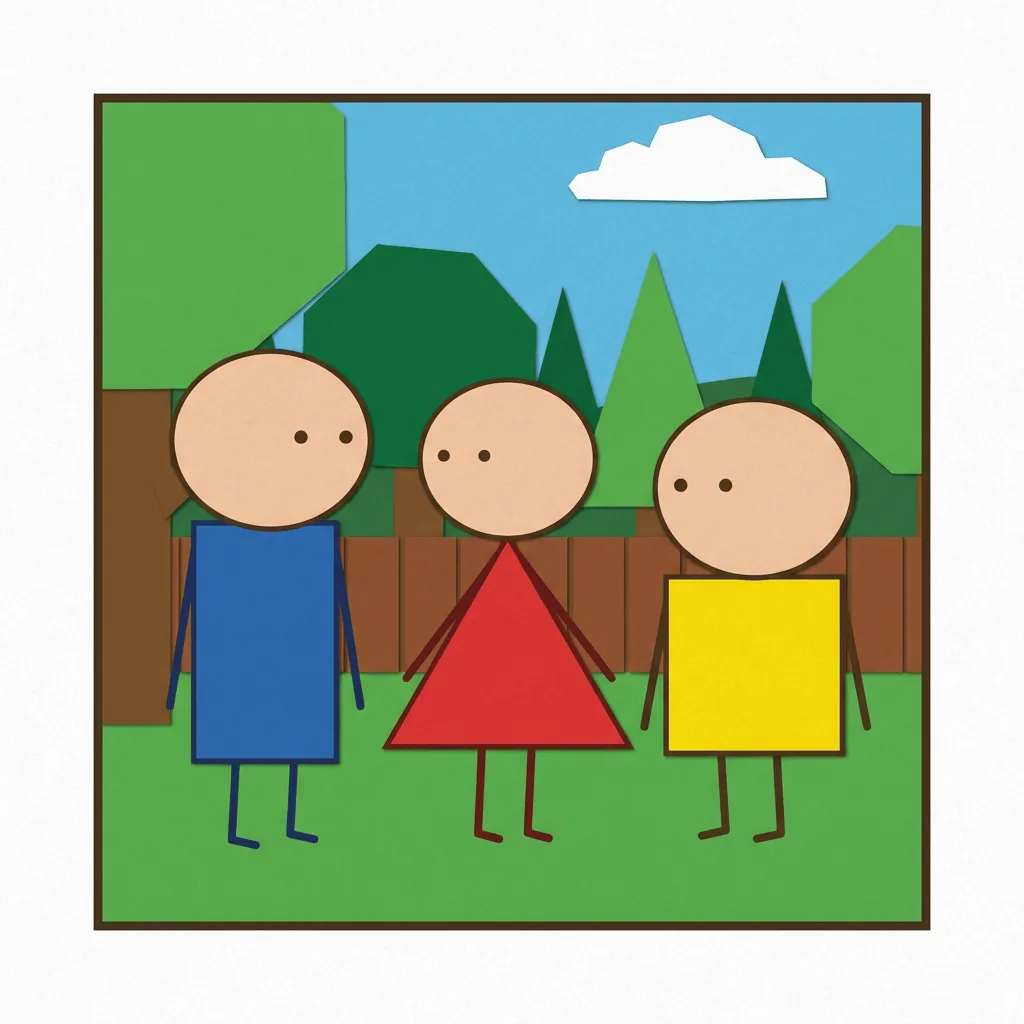
About Converting Photos to South Park Style
The South Park cut-out style is one of TV animation's most distilled looks — characters reduced to ovals with dot eyes, costumes in flat saturated color, and the deliberate construction-paper aesthetic that has read instantly since 1997. Our editor reads your photo and translates the subject into that vocabulary while preserving recognizability. Use it for fan art, parody social posts, custom yearbook-style portraits, satirical editorial illustration, and adult-cartoon-style branding work — within the bounds of fair use and your own legal review.
How to Convert a Photo to South Park Style
Upload Your Photo
Choose a photo with clear faces or a clear single subject. The simpler the photo, the better the cut-out style holds.
Apply & Review
Apply the conversion and check the geometric simplicity. Faces should reduce to ovals with dot eyes, costumes should be flat saturated color, and the background should feel like cut paper.
Refine & Download
Re-prompt with stricter cut-out cues if the AI drifts toward detailed rendering — 'flat construction paper', 'no gradients', 'solid color fills only'. Download the result for fan art or commentary use.