Edit into Stained Glass Style
Transform any photo into a stained glass window — translucent colored panels bordered by black lead lines, in the cathedral and Tiffany tradition.
Click to upload an image
or drag and drop
Running a quick security check…
What It Does
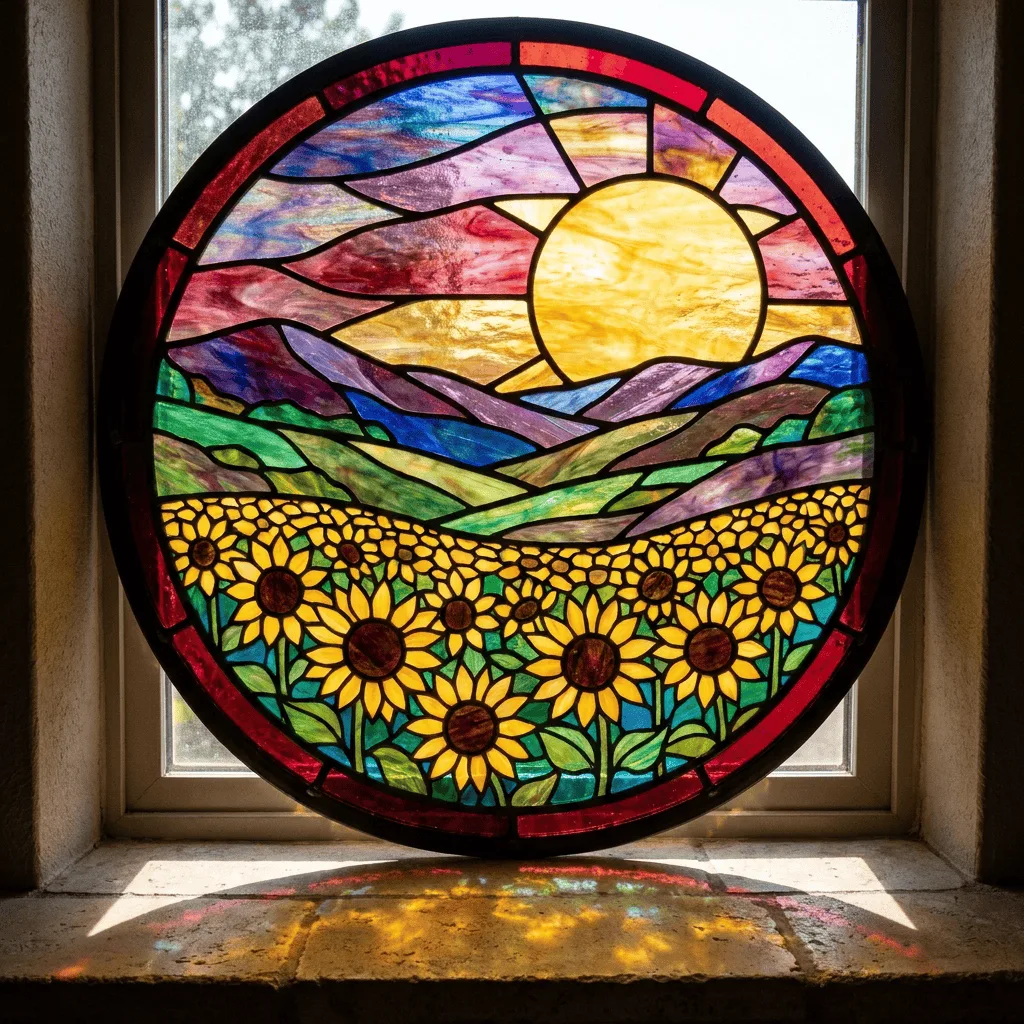
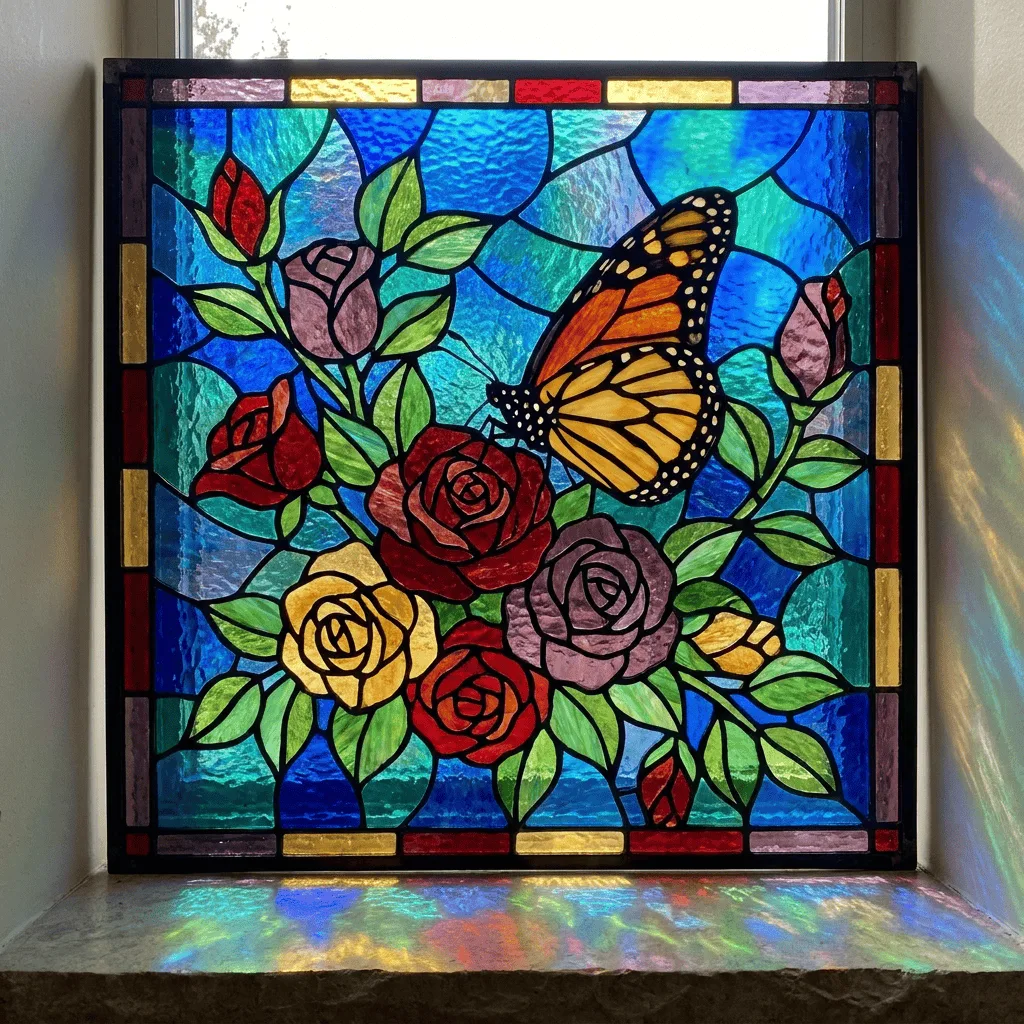
About Converting Photos to Stained Glass
Stained glass — from medieval cathedral rose windows to Louis Comfort Tiffany's lamps and modern artisan studio work — builds images from translucent colored glass panels held in place by thick lead came. The defining traits are saturated jewel-tone color, bold black borders between panels, simplified shapes that the glass can be cut to, and the implicit feeling of backlight. Our editor reads your photo and translates it through that vocabulary, simplifying shapes into panels, bordering them with lead lines, and shifting color toward the saturated cathedral palette. Use it for memorial art, religious or wedding commission visuals, gallery prints, jewelry-box and ornament design, and packaging or brand visuals with a sacred or artisan feel.
How to Convert a Photo to Stained Glass
Upload Your Photo
Pick a photo with strong shapes — portraits, religious imagery, landscapes with clear sky and foreground, and floral compositions translate most convincingly.
Apply & Review
Apply the conversion and check the panel work — saturated color, thick black borders between panels, and the sense of light passing through. The result should feel like real stained glass.
Refine & Download
Re-prompt for fewer larger panels, different palette (cathedral vs. Tiffany vs. modern), or more pronounced lead lines until the glass reads right. Download for prints or commissioned-work reference.