AI Style Transfer
Transfer the style of one image onto another. Apply the look of a famous painting to your own photo.
Click to upload an image
or drag and drop
Running a quick security check…
What It Does
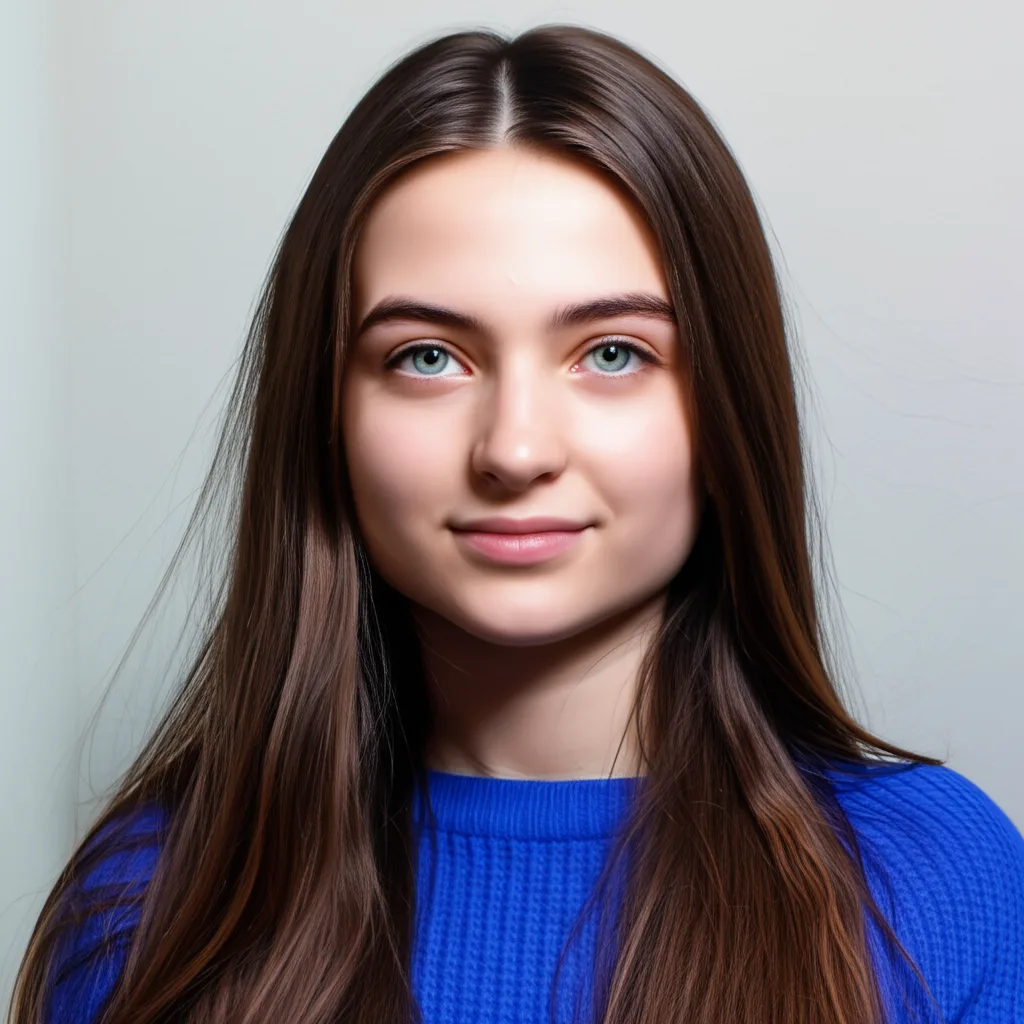
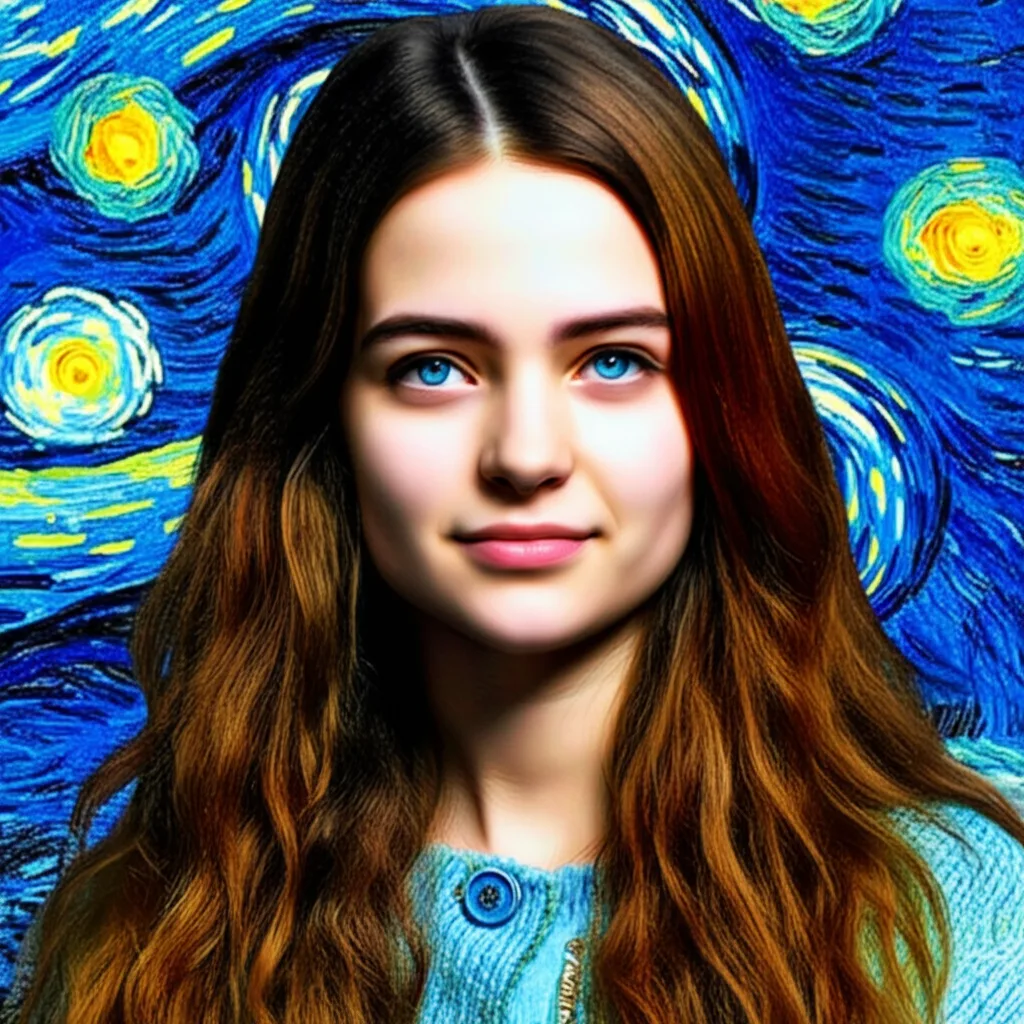
About AI Style Transfer
AI Style Transfer uses neural networks to separate the content of one image from the style of another. It then combines the content of your photo with the style (textures, colors, brushstrokes) of the reference artwork. It's a fascinating tool that allows you to reimagine your photos as if they were painted by a master artist, creating truly unique works of art.
How to Apply Style Transfer to an Image with AI
1. Upload a Content Image
Upload the photo or image you want to transform. This is your base image.
2. Upload a Style Image or Describe It
Upload a second image with the artistic style you want to copy (e.g., a painting), or describe the style in a prompt. The AI will transfer the style.
3. Download Your Artwork
Once your photo has been reimagined in the new artistic style, download the unique, high-resolution creation.