AI SVG Generator from Text
Create scalable vector graphics (SVG) from a text description. Generate icons, logos, and illustrations with AI.
Running a quick security check…
Inspiration Gallery
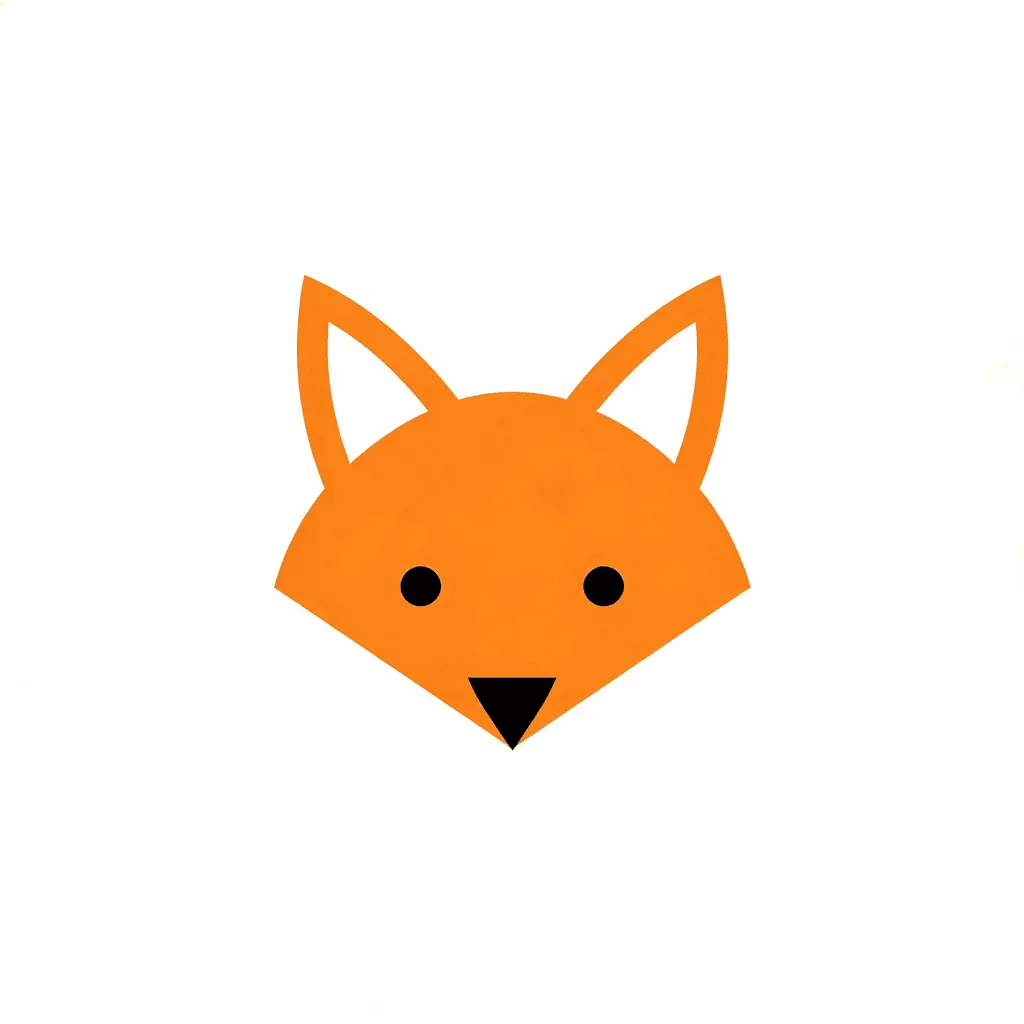
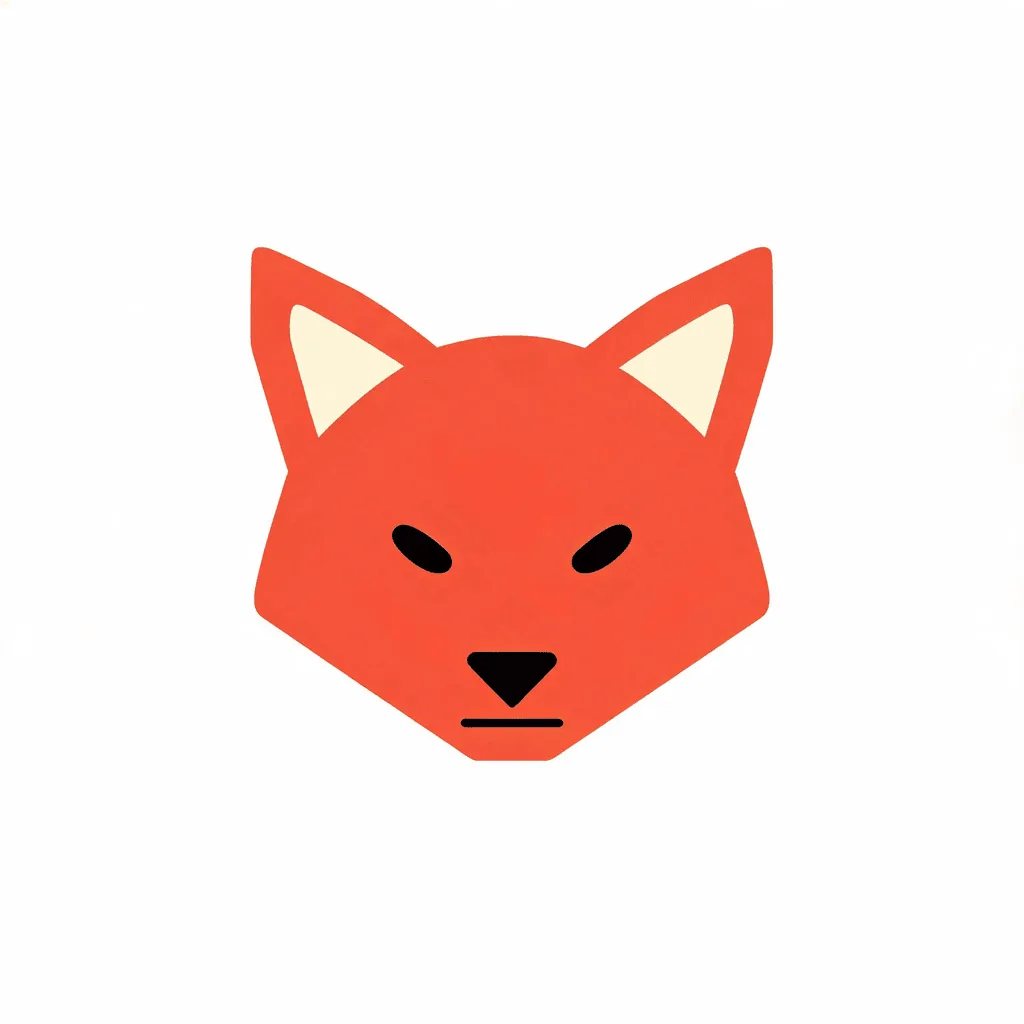
See what you can create with our AI image generator
About the AI SVG Generator
The AI SVG Generator is a text-to-image model that specifically outputs images in the SVG format. It creates graphics using mathematical paths instead of pixels, meaning they are infinitely scalable without any loss of quality. It's an essential tool for web designers, developers, and graphic artists who need clean, scalable graphics for websites, apps, and print.
How to Generate an SVG
1. Describe Your Graphic
Write a clear and concise prompt describing the SVG you need. Simple subjects and styles like 'line art icon of a house' work best.
2. Generate the SVG
The AI will interpret your prompt and generate the vector graphic.
3. Download the SVG File
Review the generated SVG. You can then download the .svg file to use in your projects or edit it further in a vector design program.