Edit into Synthwave Aesthetic
Convert any photo into synthwave aesthetic — neon-grid horizon, magenta-purple sunset, chrome accents, and 1980s high-contrast mood.
Click to upload an image
or drag and drop
Running a quick security check…
What It Does
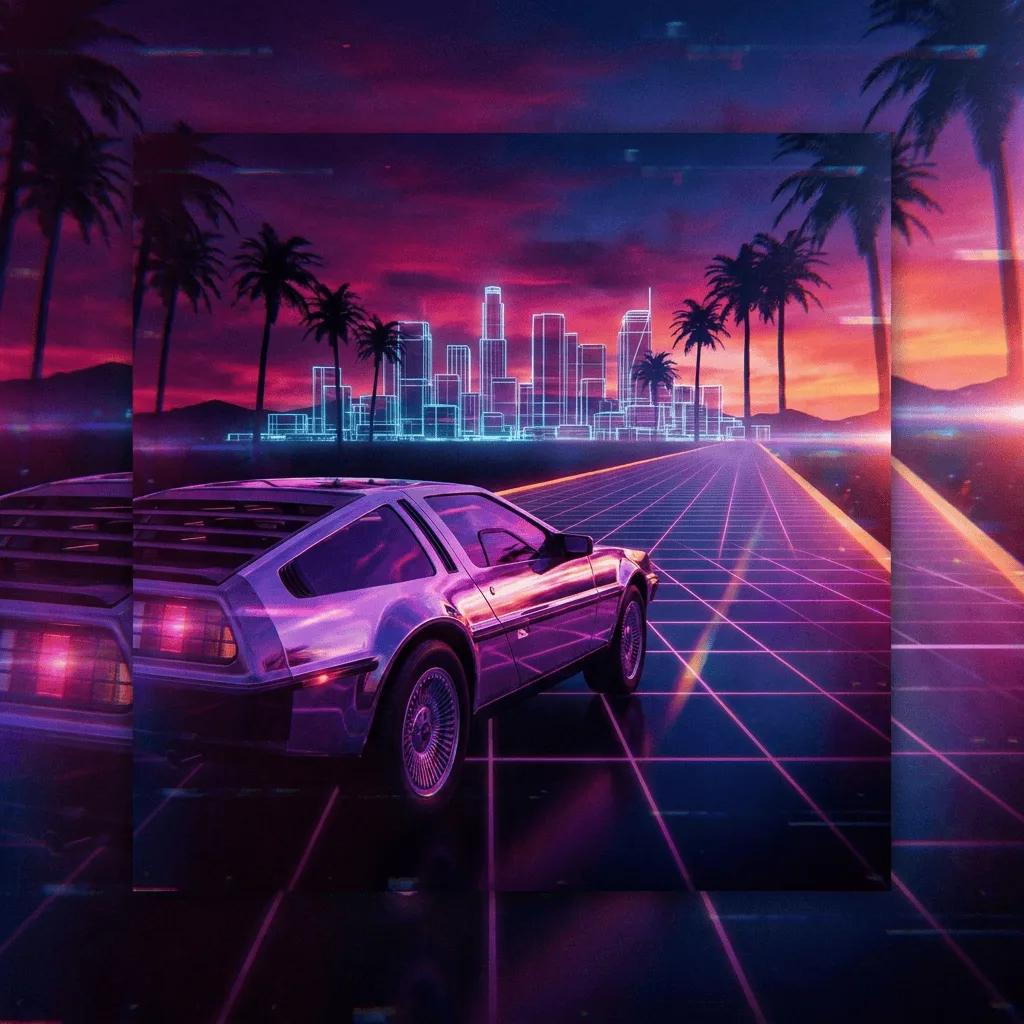
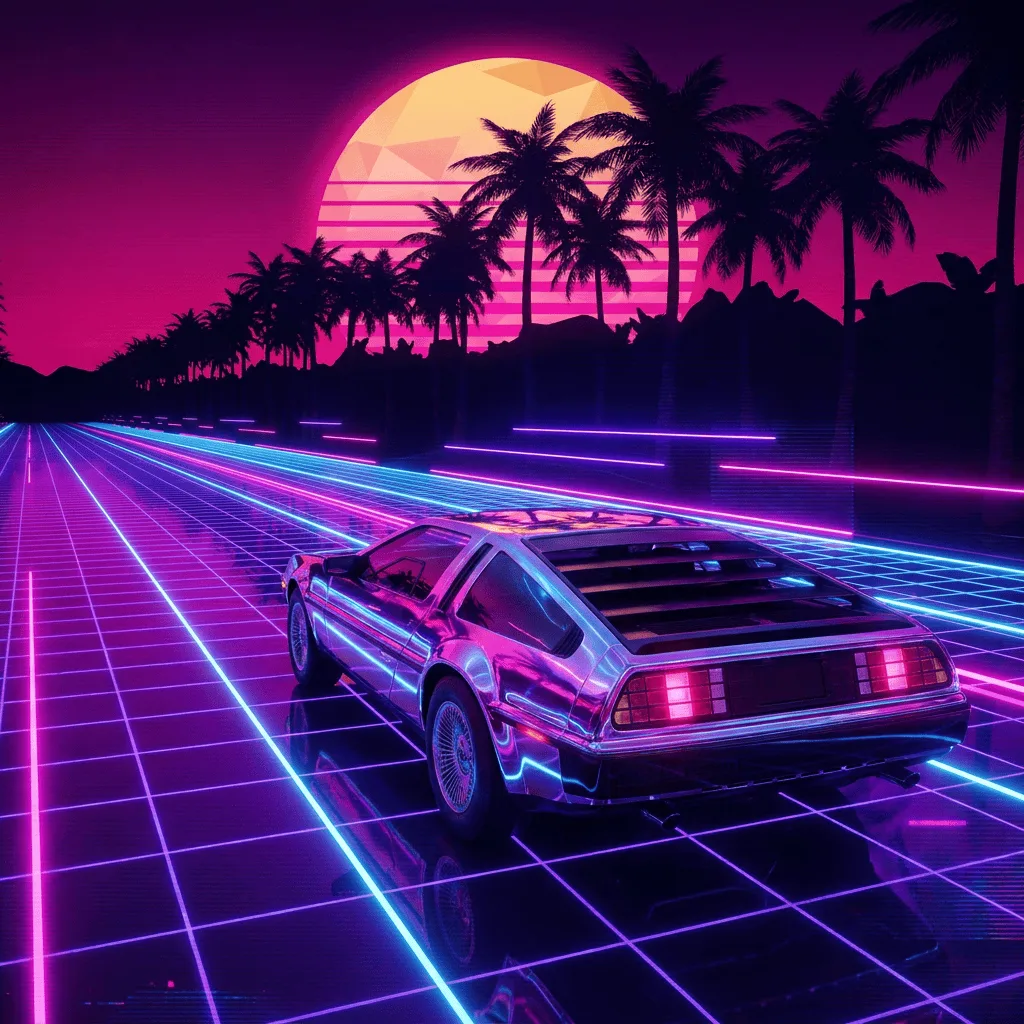
About Converting Photos to Synthwave
Translating a photo into synthwave isn't a single filter — it requires palette shift toward magenta and purple, background replacement with the era's grid horizon, chrome and neon accents on the subject, and the high-contrast lighting that gives the style its 80s drama. Our editor reads your photo and applies those choices: it remaps color, swaps backgrounds, adds period-correct accents, and bumps contrast. Use it for album covers from band photos, gaming and esports channel art, fitness-brand visuals, retro-themed event posters, and t-shirt graphics.
How to Convert a Photo to Synthwave
Upload Your Photo
Choose a photo with a clear subject — portraits, cars, single objects, and architectural shots translate most convincingly into the synthwave look.
Apply & Review
Apply the conversion and check the palette shift, the grid horizon, and the contrast bump. The result should feel like an 80s movie poster.
Refine & Download
Re-prompt for stronger neon, more chrome, or a different background until the synthwave lands. Download for music, gaming, or merch art.