Create Tattoo Design
Generate tattoo designs in any style — fine line, traditional American, Japanese, watercolor, or geometric — ready as ink reference.
Running a quick security check…
Inspiration Gallery
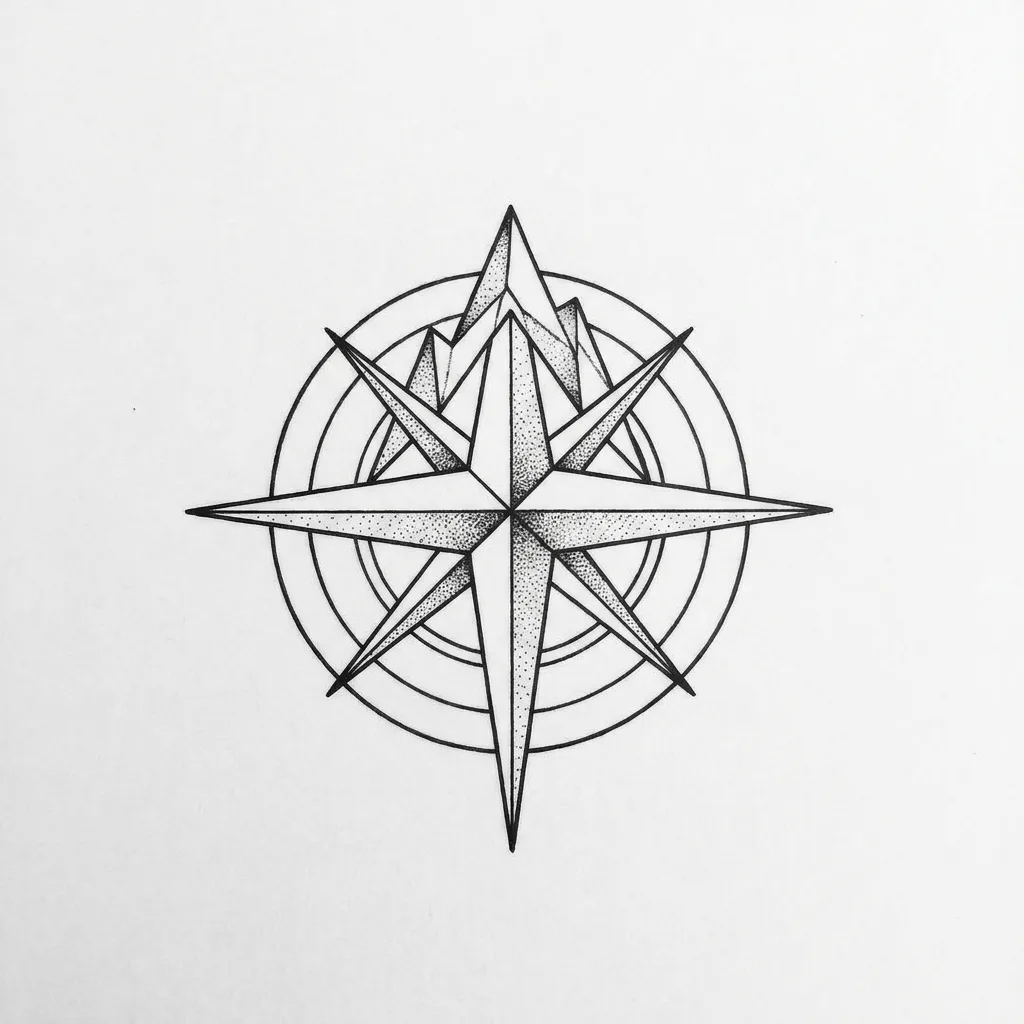
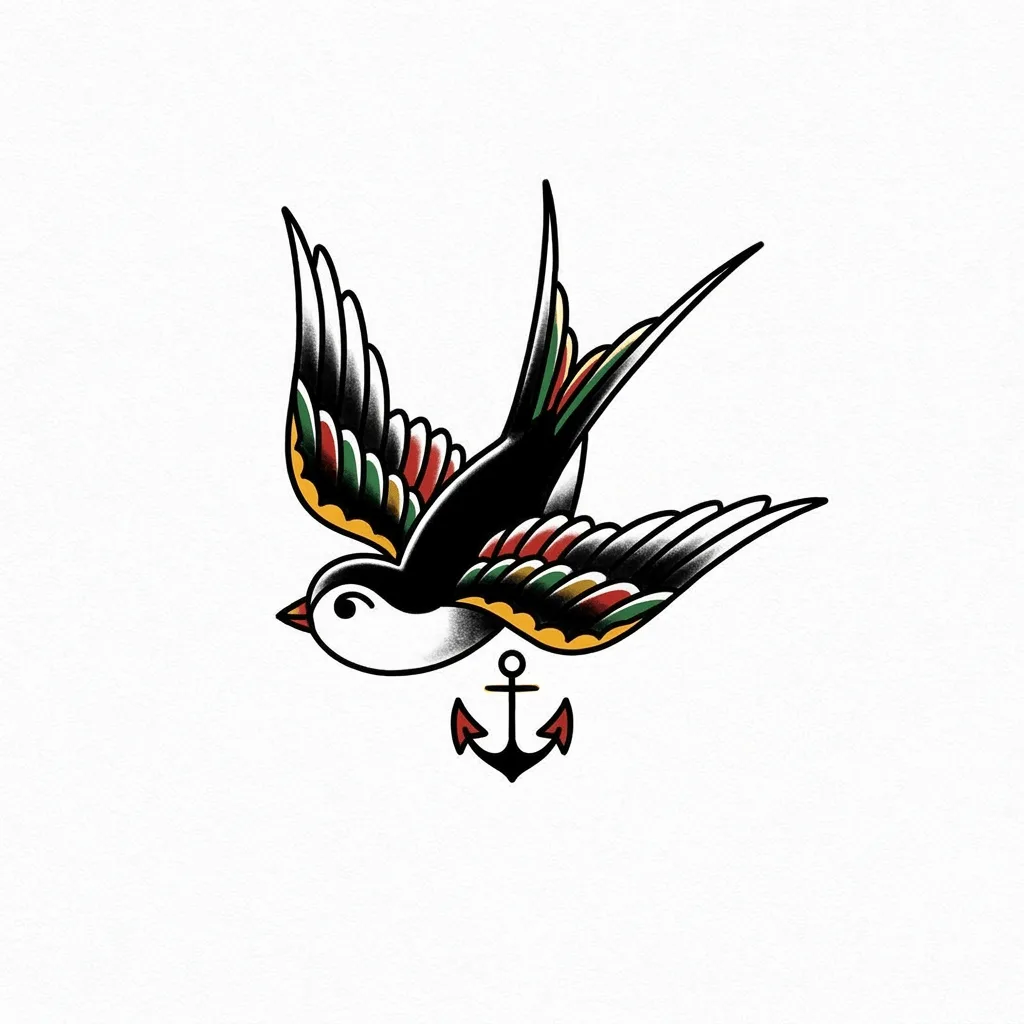
See what you can create with our AI image generator
About Creating Tattoo Designs
Tattoo design has its own visual logic that separates it from regular illustration — outlines must be clean enough to transfer to stencil, interior detail must hold up at small scale, and the design has to read on curved skin under healing. Our AI works within those rules: it draws confident outlines, balances negative space inside the design, and lets you specify a tattoo tradition — fine line, American traditional, Japanese tebori, neo-traditional, watercolor, geometric, or blackwork. Use it for client reference at tattoo consultations, personal flash sheet inspiration, ideation for sleeves and back pieces, and stencil starting points for self-tattoo or apprentice practice.
How to Create Tattoo Designs
Describe Your Tattoo
Tell the AI the subject, the placement, and the tradition — 'fine-line wrist tattoo of a botanical wildflower', 'American traditional swallow on the forearm', 'Japanese-style dragon for a half-sleeve'. Mention size if it matters for detail.
Generate & Review
Generate the design and check that outlines are stencil-clean, interior detail won't blur at small scale, and the composition fits the placement you described.
Refine & Save
Re-prompt for cleaner outlines, more or less interior shading, or a different tradition until the design reads tattoo-ready. Download to share with your tattoo artist or use as personal reference.