Create Technical Drawing
Generate precise technical drawings — engineering and architectural line illustrations with dimension lines, annotations, and orthographic projection on white.
Running a quick security check…
Inspiration Gallery
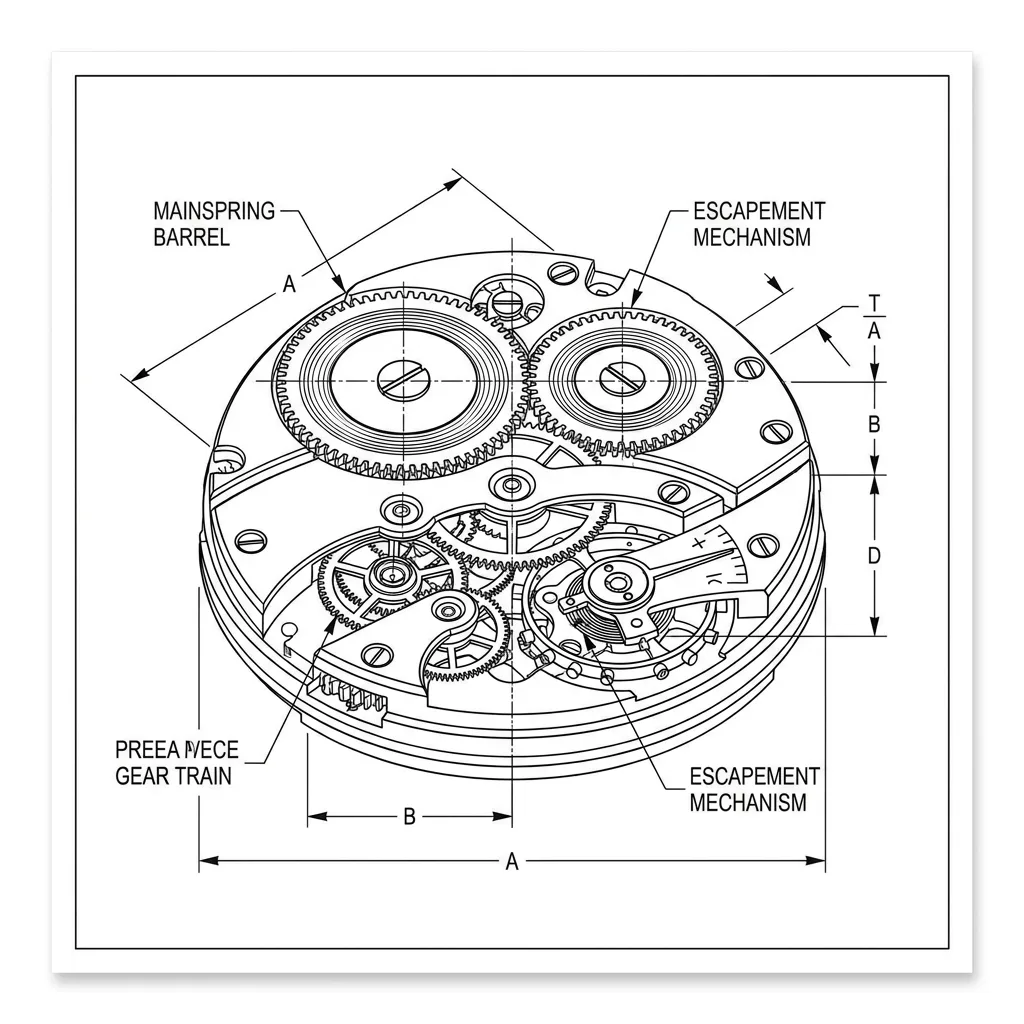
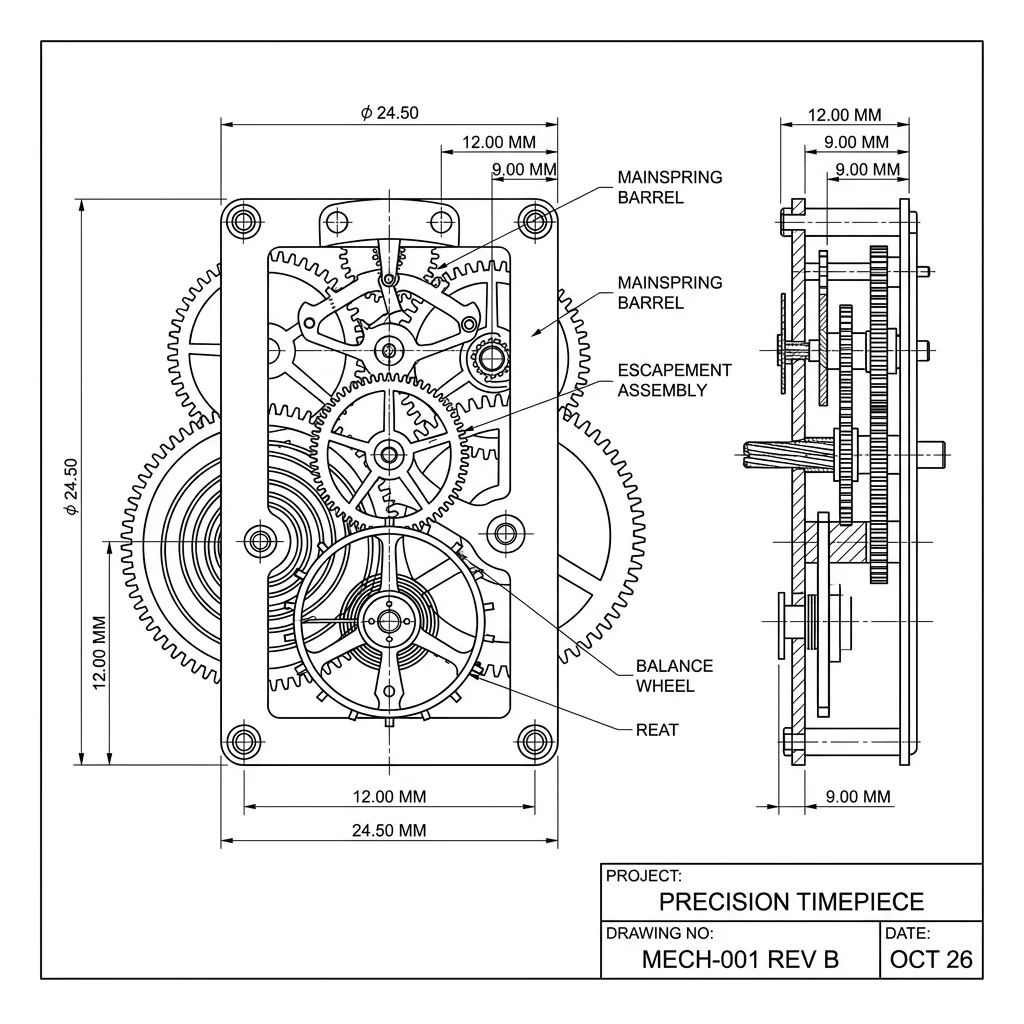
See what you can create with our AI image generator
About Creating Technical Drawings
Technical drawing — the discipline practiced by engineers and architects to communicate exact specifications — uses orthographic projection, dimension lines, annotation, and where helpful exploded views or cutaways, all in crisp black ink on white. It's the visual grammar of patent illustrations, instruction manuals, and engineering documentation. Our AI captures those conventions and lets you direct the subject. Use it for patent illustration, instruction manual figures, engineering portfolio work, packaging visuals that need a technical feel, and gallery prints celebrating manufactured objects (cameras, motorcycles, instruments).
How to Create Technical Drawings
Describe Your Subject
Describe the object and what views to show — 'technical drawing of a film camera, three orthographic views with dimension lines' or 'exploded view of a bicycle drivetrain, annotation arrows'.
Generate & Review
Generate the drawing and check the projection accuracy, the line precision, the dimension and annotation work. The result should feel like an engineer's drawing, not a stylized poster.
Refine & Save
Re-prompt for additional views, more annotation, or a different drawing convention (US vs. ISO standards) until the result lands. Save in high resolution for documentation or print.