Apply Thermal Imaging Effect
Apply a thermal imaging look to any photo — false-color heat-map palette as if seen through an infrared camera.
Click to upload an image
or drag and drop
Running a quick security check…
What It Does
About Applying Thermal Imaging Effects
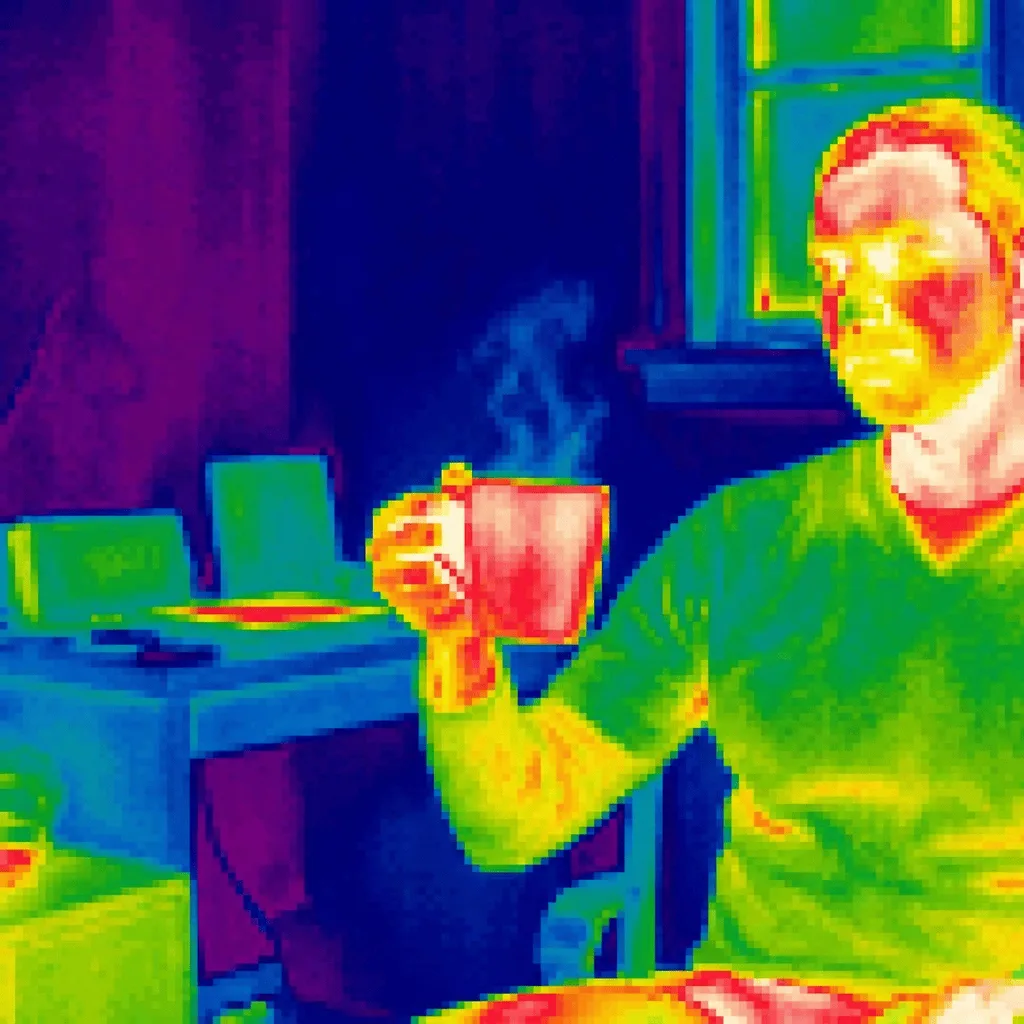
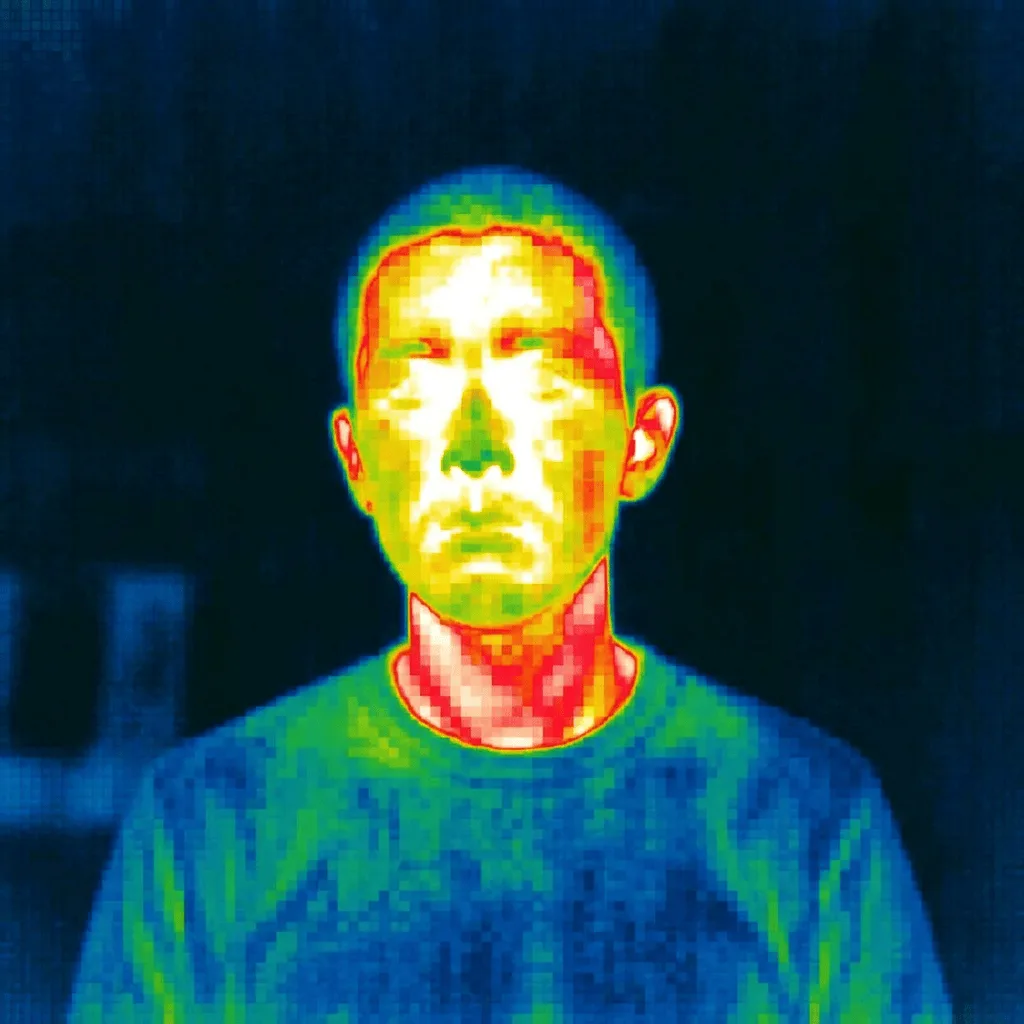
Thermal imaging — used in fire rescue, building inspection, wildlife observation, and security — assigns false color to invisible infrared heat. Our editor estimates the heat signature of your photo and maps it to the thermal-camera palette: warm bodies glow toward red and white, cold environments drop to deep blue. Use it for sci-fi and action-thriller cover art, security and tech-brand visuals, infographics about heat or efficiency, and editorial illustration for science writing.
How to Apply Thermal Imaging
Upload Your Photo
Pick a photo with clear warm subjects (people, animals, vehicles, lit objects) — the thermal contrast reads strongest when warm bodies stand against cooler surroundings.
Apply & Review
Apply the effect and check the heat logic — warm subjects should glow red/yellow, cool background should drop to blue. The image should feel like an IR camera feed.
Refine & Download
Re-prompt for more contrast, a different palette anchor, or a more dramatic heat signature until the thermal look lands. Download for sci-fi or tech use.