Create Thermal Imaging View
Generate thermal imaging visuals — false-color heat maps with the rainbow palette of an infrared camera (blue cold to red hot).
Running a quick security check…
Inspiration Gallery
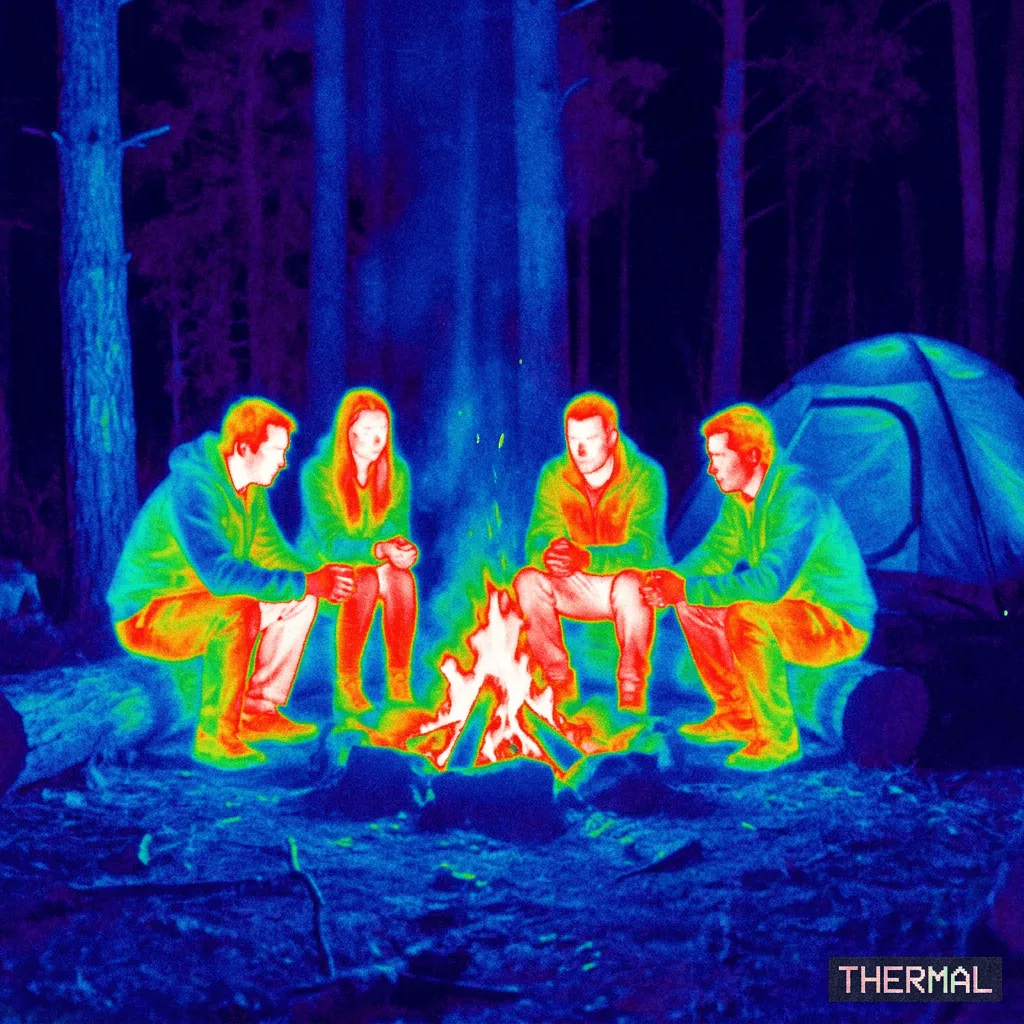
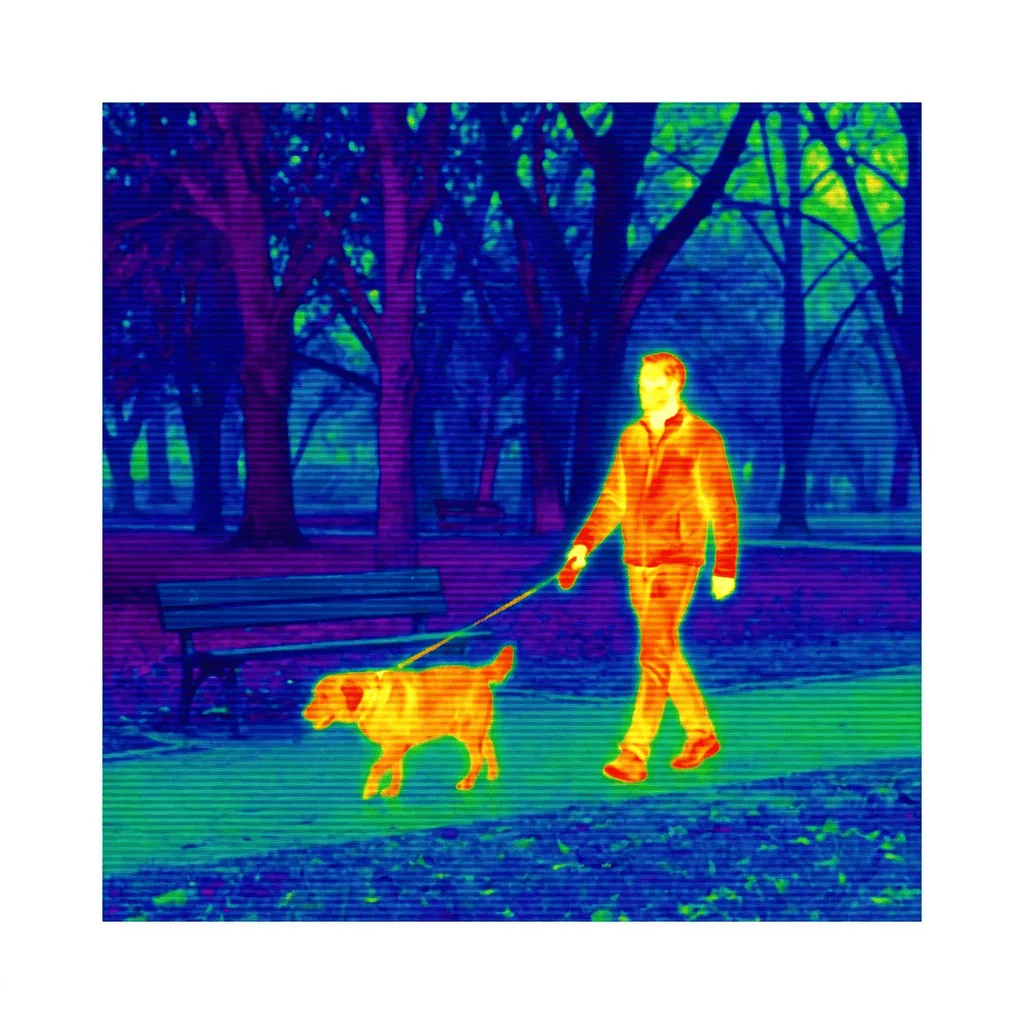
See what you can create with our AI image generator
About Creating Thermal Imaging Views
Thermal imaging — used in fire rescue, building inspection, wildlife observation, and night-vision security — assigns false color to invisible infrared heat, so the warm parts of a scene glow red and yellow while cold areas drop to deep blue. The look is unmistakable. Our AI reproduces that palette and behavior from a prompt: it imagines the heat signature of your scene and maps it to the thermal-camera color gradient. Use it for sci-fi and action-thriller cover art, security and tech-brand visuals, infographics about heat or energy efficiency, building inspection visuals, and editorial illustration for science writing.
How to Create Thermal Imaging Art
Describe Your Scene
Tell the AI the scene — 'thermal view of a person walking through a dark warehouse, body glowing red', 'thermal view of a city at night, buildings cooling, streets warm'.
Generate & Review
Generate the image and check the palette and heat logic. Warm objects should glow toward red and white; cool objects should drop to blue. The result should read as an IR camera feed.
Refine & Save
Re-prompt for more contrast, a different scene, or a more dramatic heat signature until the thermal view lands. Save for sci-fi or tech use.