Apply Tilt-Shift Effect
Apply tilt-shift to any photo — make a full-scale scene look like a miniature toy model with selective focus and boosted saturation.
Click to upload an image
or drag and drop
Running a quick security check…
What It Does
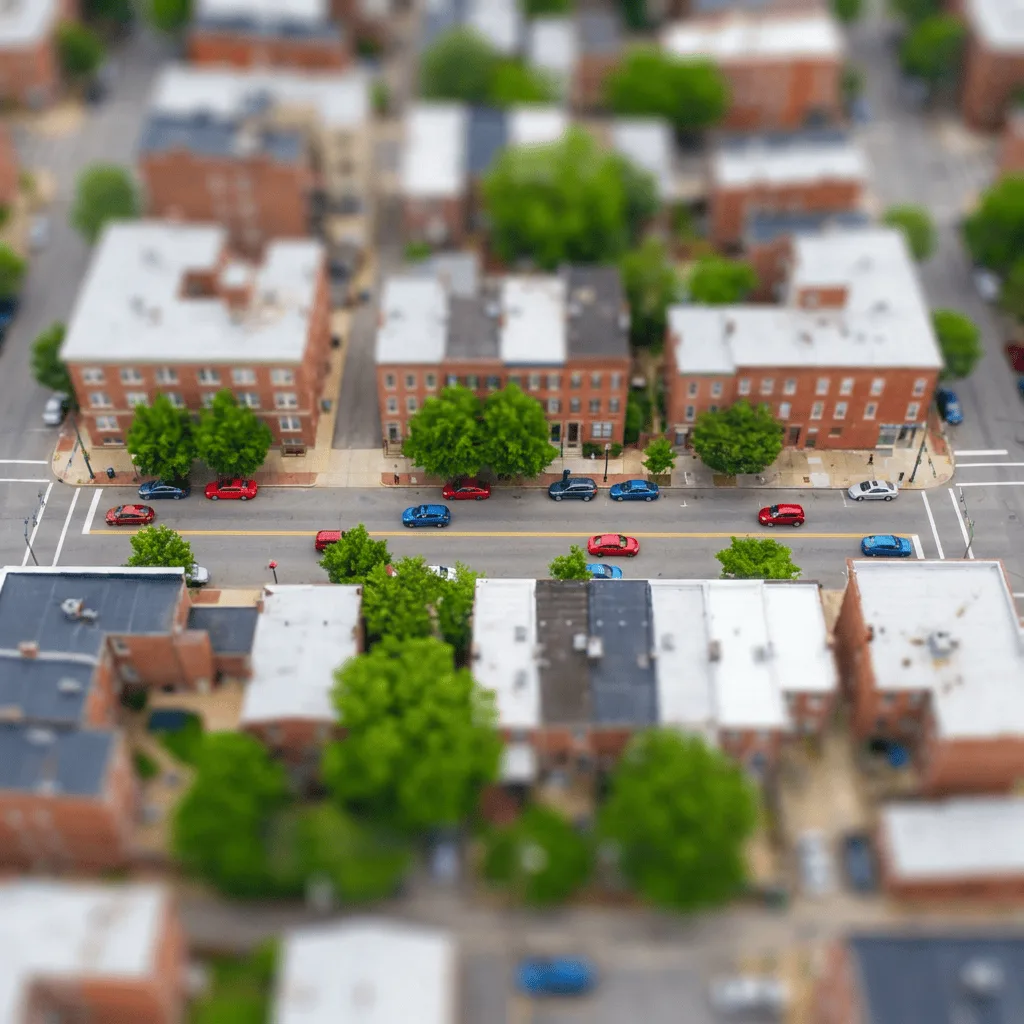
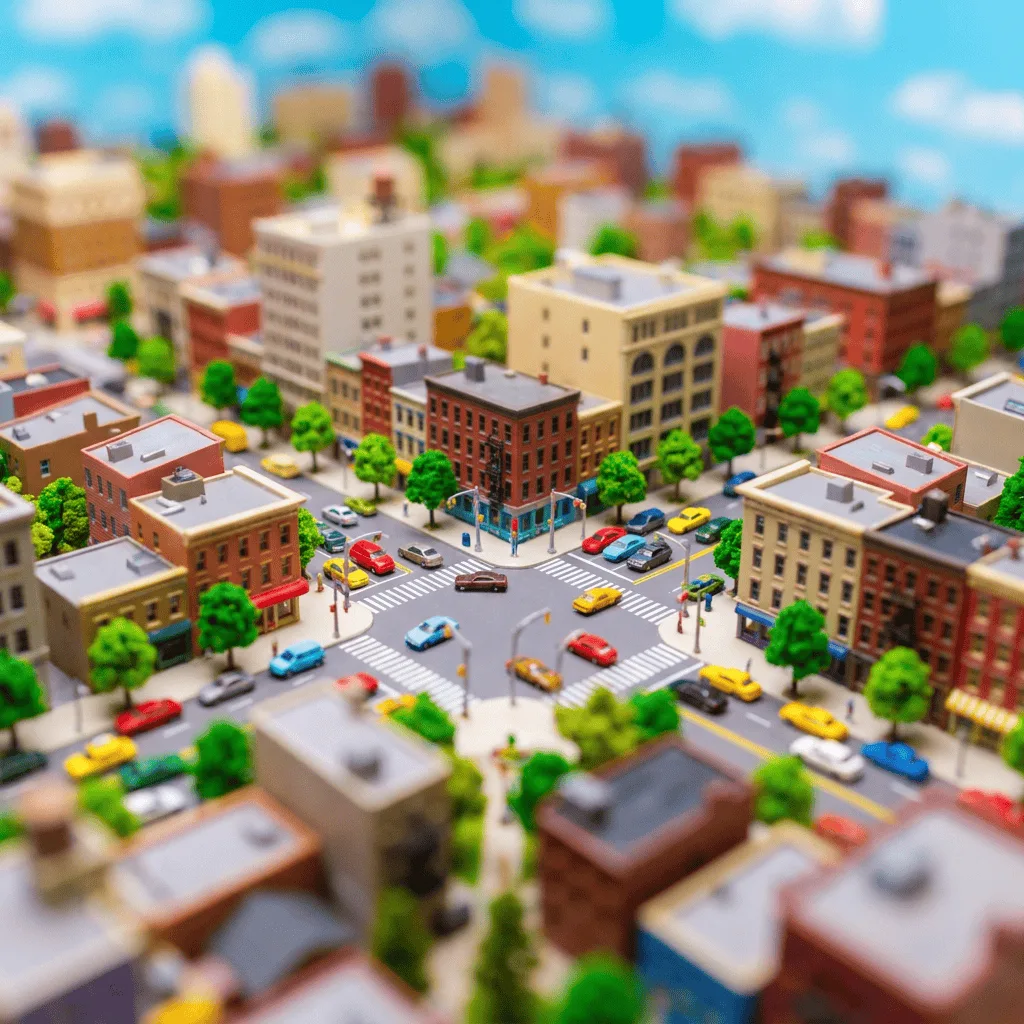
About Applying Tilt-Shift Effects
Translating a real-scale photo into a tilt-shift miniature is a precise edit — only a narrow strip stays sharp, the rest defocuses progressively, and saturation gets a deliberate boost. Our editor runs that effect cleanly, picking the focus strip from the strongest plane in your image. Use it for urban photography, real-estate exteriors, festival and concert recap content, editorial illustration with a playful miniature mood, and travel social posts.
How to Apply Tilt-Shift Effect
Upload Your Photo
Choose a photo taken from an elevated angle — drone shots, rooftop views, and high-vantage city scenes work best. Low-angle photos resist the miniature illusion.
Apply & Review
Apply the tilt-shift effect and check the focus strip and saturation. The scene should now read as a toy-scale miniature.
Refine & Download
Re-prompt for sharper focus, stronger defocus, or higher saturation until the illusion lands. Download for editorial or travel use.