Create Image with Transparent Background
Generate a new image of any subject already isolated on a transparent background — ready to drop into designs.
Running a quick security check…
Inspiration Gallery
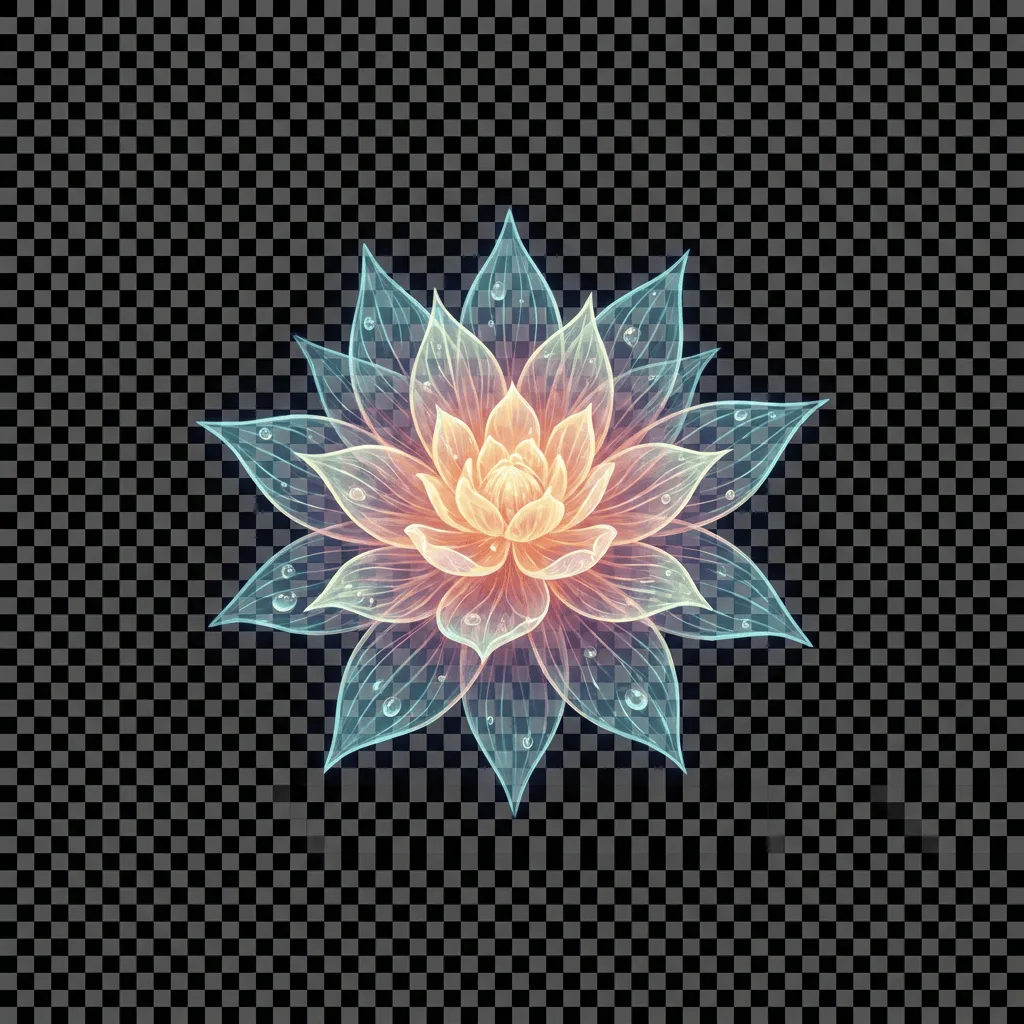
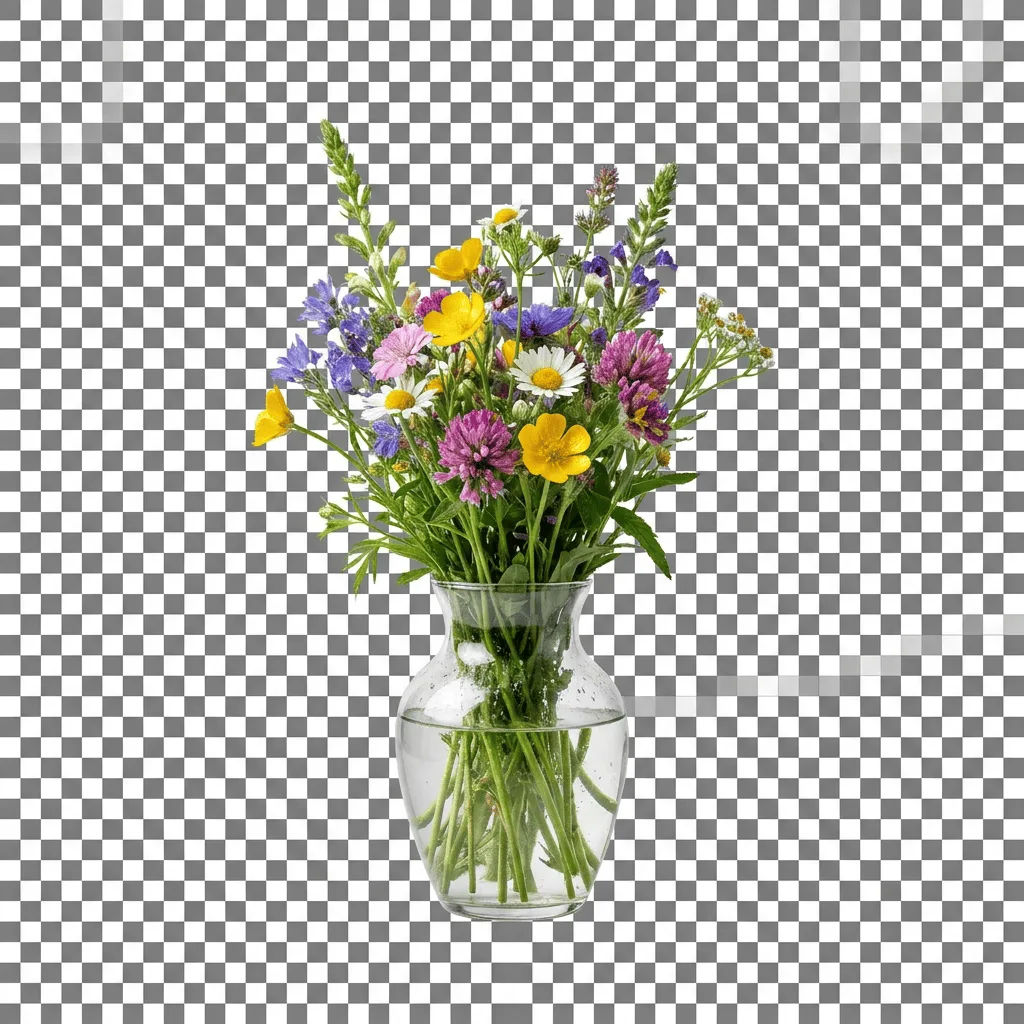
See what you can create with our AI image generator
About Generating Images with Transparent Backgrounds
A subject on a transparent background is the most reusable kind of image — designers can drop it onto any layout, e-commerce sellers can place it on any product backdrop, and creators can stack it into compositions without masking work. Our AI generates the subject and the alpha channel in one pass: it isolates the subject by construction rather than removing a background after the fact, so edges stay clean even on tricky cases like hair, fur, and translucent objects. If you'd rather strip the background from a photo you already have, use the Background Remover Tool instead. Use this generator for product mockups, sticker sheets, design assets, and quick visual elements for slides and ads.
How to Generate Images with a Transparent Background
Describe Your Subject
Tell the AI exactly what to generate, isolated and centered — 'a single ripe avocado, half cut to show the pit' or 'a small white sneaker, three-quarter view'. Mention that you want a transparent background to make it explicit.
Generate & Inspect
Generate the image and check the edges — there should be no colored fringe, no shadow on the background, and the alpha should be clean around fine detail.
Refine & Download
Re-prompt for cleaner isolation or a different angle. Download the result as PNG (with alpha preserved) for design tools, slide decks, marketplace listings, or sticker sheets.