Edit into Vaporwave Aesthetic
Convert any photo into vaporwave aesthetic — pastel neon palette, retro grid backdrops, and the dreamy 80s-90s nostalgic glow.
Click to upload an image
or drag and drop
Running a quick security check…
What It Does
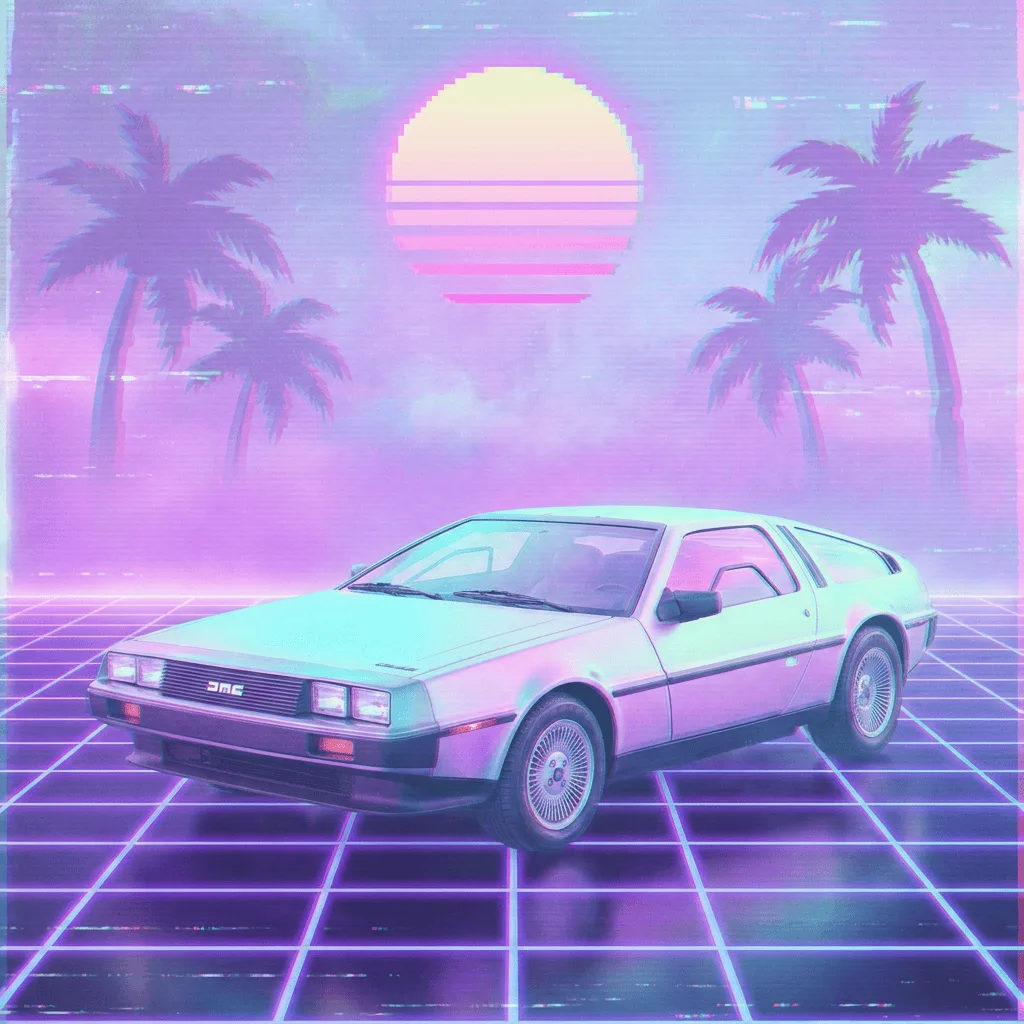
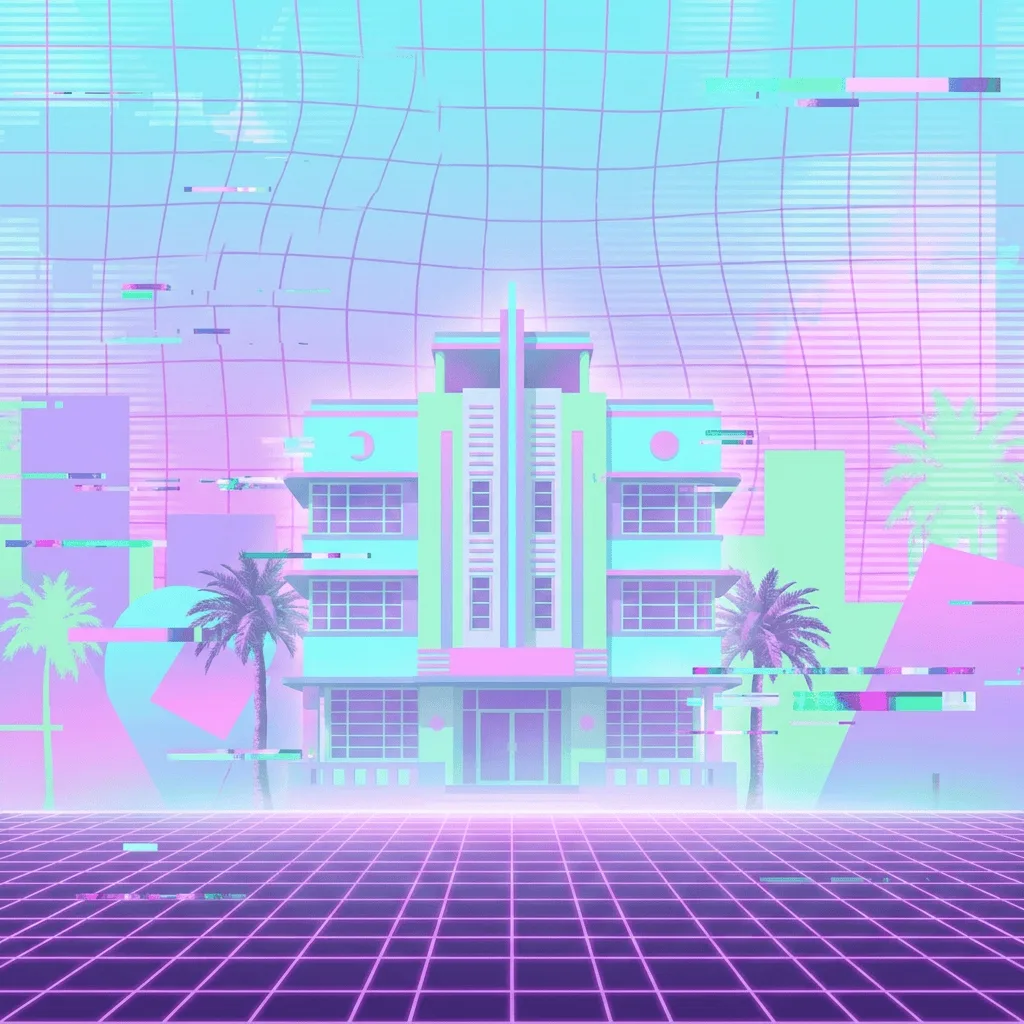
About Converting Photos to Vaporwave
Translating a photo into vaporwave is more than a pastel filter — the palette shifts, the background gains retro grid and gradient sky, computer artifacts and VHS scanlines layer on, and the overall mood goes dreamy and slightly broken. Our editor reads your photo and applies those choices: it remaps color toward the vaporwave palette, swaps backgrounds for retro grids, and adds the era's signature decorative elements. Use it for album covers from band photos, Twitch overlays from gameplay screenshots, t-shirt graphics from personal photos, retro-themed editorial illustration, and social posts that need an 80s mood.
How to Convert a Photo to Vaporwave
Upload Your Photo
Choose a photo with a clear subject — portraits, single objects, and architectural shots translate most reliably into the vaporwave look.
Apply & Review
Apply the conversion and check the palette shift, the background grid, and the atmospheric mood. The result should feel like a vaporwave album cover, not a photo with a pink filter.
Refine & Download
Re-prompt for tighter pastel palette, more retro artifacts (VHS, CRT, dot matrix), or a different background grid until the vaporwave lands. Download for music, merch, or social.