Edit into Vintage Photography
Age any modern photo to look like it was shot in a specific decade, with film grain, color shifts, and physical wear.
Click to upload an image
or drag and drop
Running a quick security check…
What It Does
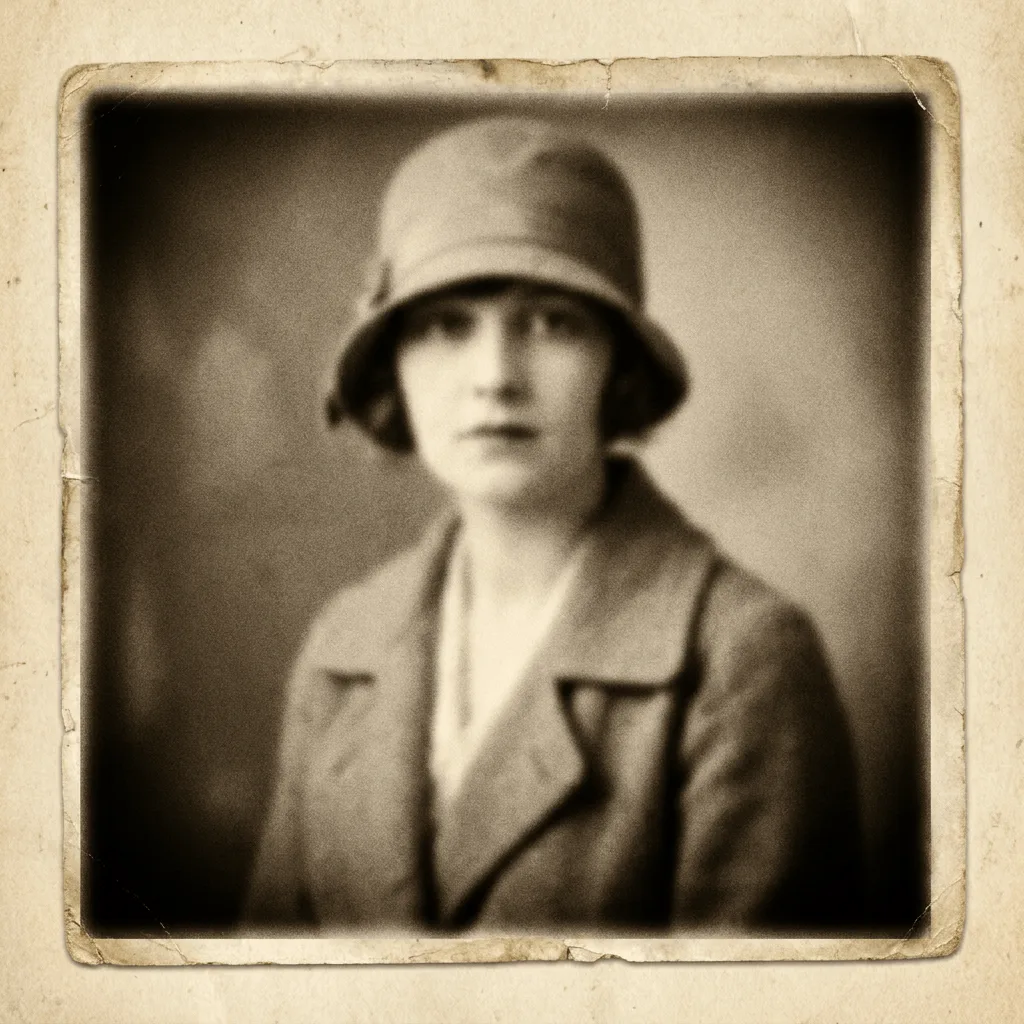
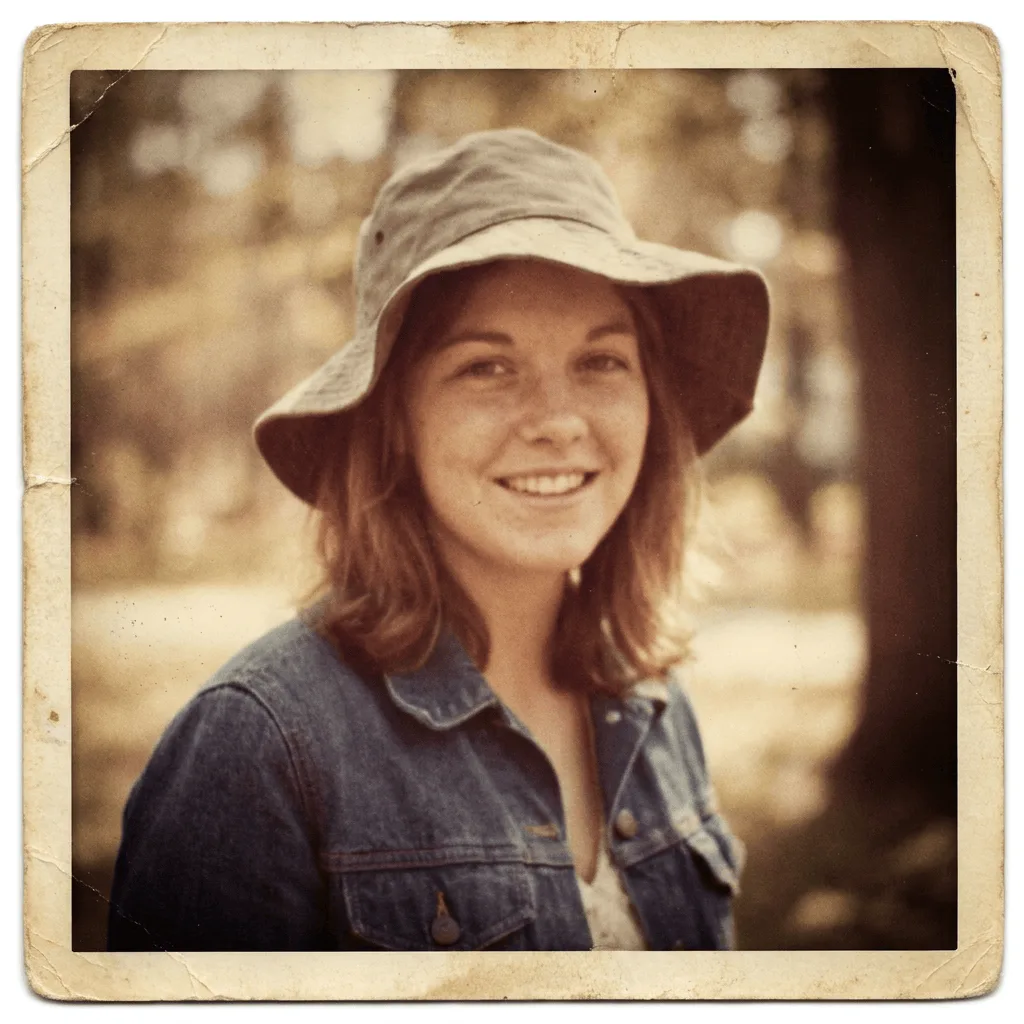
About Aging Photos with Vintage Effects
Authentic vintage looks come from era-correct combinations of film grain, color chemistry, and physical aging — the wrong combination reads as a filter, not a period photo. Our editor analyzes your image, then applies historically accurate effects: Kodachrome reds, faded Polaroid blues, the warmth of sepia-toned silver prints, plus the right grain pattern, vignetting, and surface wear. Use it for personal nostalgia projects, period-correct stills for film and theater, mood boards for branding and editorial work, or to age stock photos into something that feels found rather than generated.
How to Apply Vintage Photo Effects
Upload Your Photo
Choose a modern digital photo to age. Photos with classic compositions — portraits, landscapes, interiors — convert most convincingly.
Pick Era & Apply
Choose the decade or film stock you want — sepia, 1950s Kodachrome, 1970s Polaroid, 1980s 35mm — and apply the effect. Watch the color shift, grain settle in, and edges soften.
Refine & Download
Tune sepia intensity, grain amount, vignetting, and aging marks until the result lands in the era you chose. Download the high-resolution result for print or share.