Create Vintage Photography
Generate authentic vintage photographs — daguerreotype, mid-century Kodachrome, 1970s Polaroid, and other eras.
Running a quick security check…
Inspiration Gallery
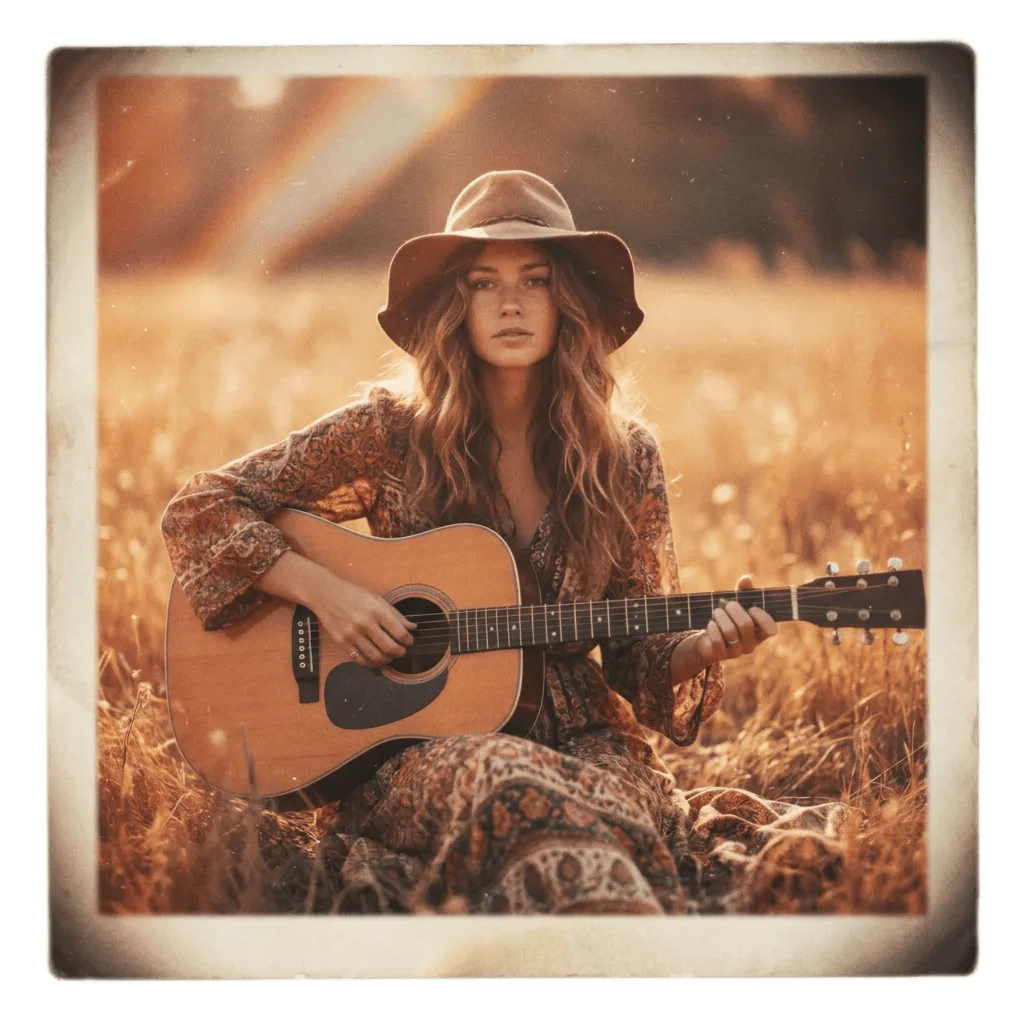
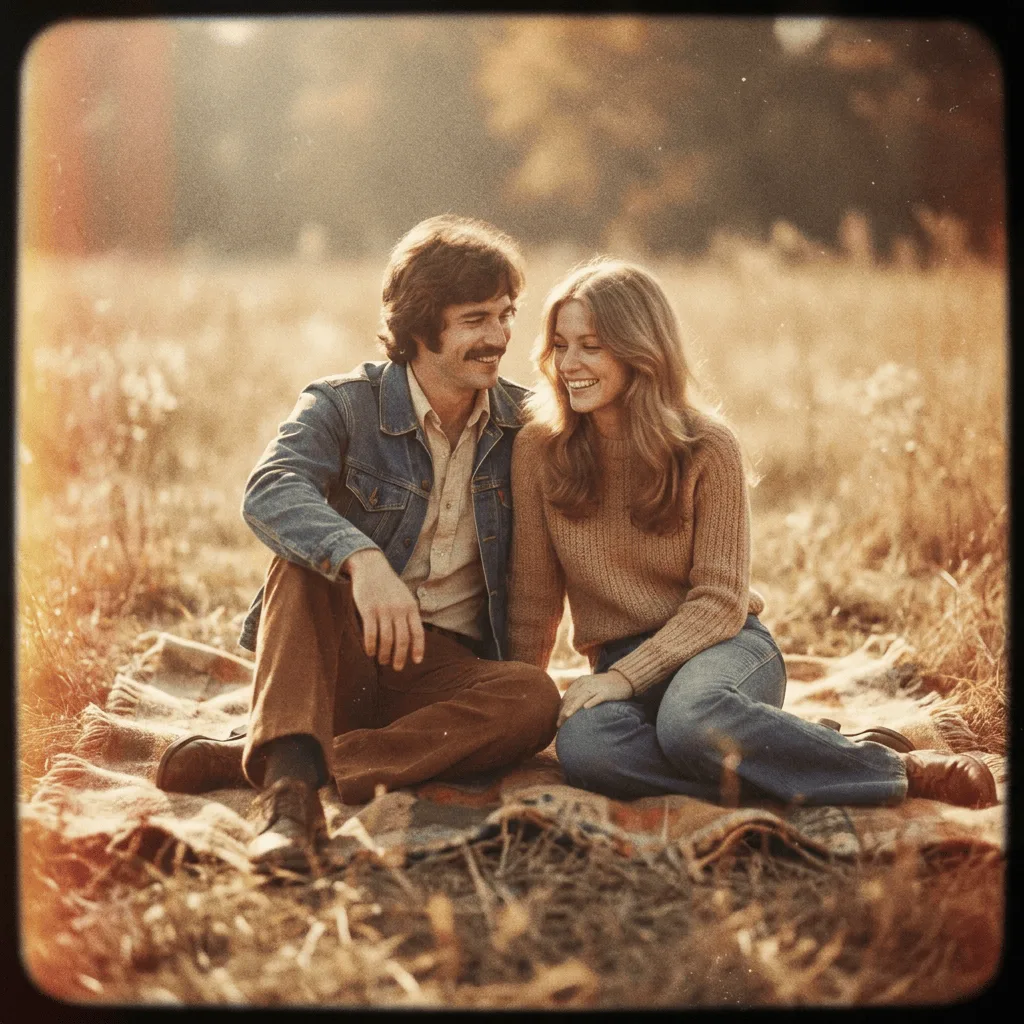
See what you can create with our AI image generator
About Creating Vintage Photographs
Vintage photography spans roughly 150 years of evolving chemistry — from monochrome daguerreotypes and sepia portraits, through mid-century Kodachrome with its saturated but slightly shifted colors, into the instant-photo charm of 1960s–70s Polaroids. Our AI applies era-specific film traits — grain pattern, color cast, edge softness, and aging marks — to a scene built from your prompt, so the result looks like it was actually shot then, not Photoshopped later. Use it for nostalgic ads, retro album art, period reference for film and writing, or sentimental gifts that feel pulled from a family box.
How to Create Vintage Photography
Set Your Era & Scene
Describe the photo and name the era — '1920s sepia portrait, formal pose', '1950s Kodachrome family beach trip', or '1970s Polaroid kitchen scene'. Include subject and composition details.
Generate & Review
Generate the photograph and check the grain, color grading, and edge effects against the period you chose. Save it, share it, or send it into the Vintage Photo Effect Editor for further aging.
Refine & Perfect
Re-prompt with more era-specific cues — film stock, lens softness, light leaks, scratches — and regenerate until the image lands convincingly in the decade you picked.