Edit into Woodcut Print Style
Convert any photo into a woodcut print — sharp high-contrast relief look with visible wood-grain texture.
Click to upload an image
or drag and drop
Running a quick security check…
What It Does
About Converting Photos to Woodcut Style
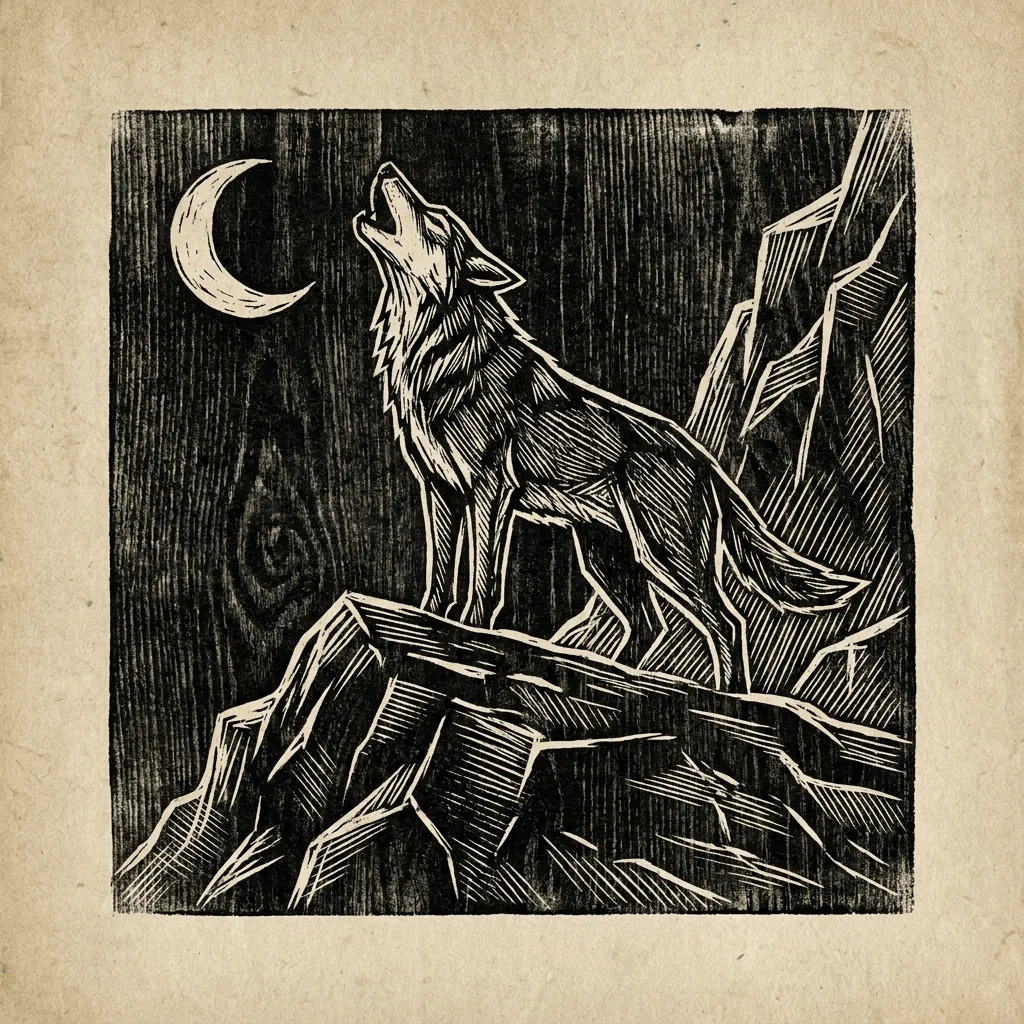
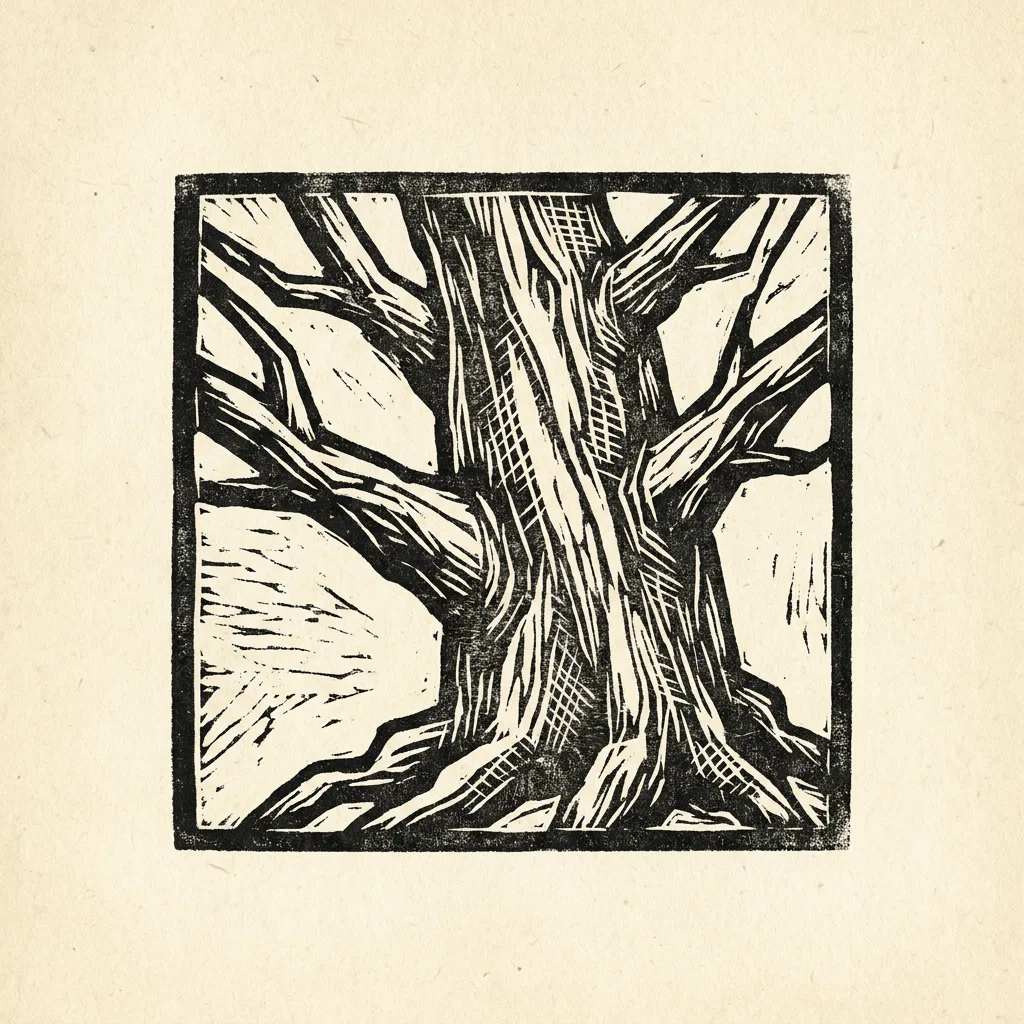
Translating a photo into a woodcut print collapses tone to black-and-white, sharpens edges into angular carving marks, and adds the visible grain of a carved wood block. The result reads as antique craft, not as a filtered photo. Our editor runs that reduction. Use it for gallery prints from portraits, themed book covers, branded merch with a craft aesthetic, custom gifts, and editorial illustration with historical weight.
How to Convert a Photo to Woodcut
Upload Your Photo
Choose a photo with high contrast and a strong silhouette — portraits, landscapes with strong skies, and dramatic subjects translate most reliably.
Apply & Review
Apply the conversion and check the grain and carving marks. The result should feel ancient and hand-pulled.
Refine & Download
Re-prompt for sharper carving, more visible grain, or a different aged-paper tone until the woodcut lands. Download for gallery, books, or merch.