Apply X-Ray Effect
Convert any photo into an X-ray view — translucent subject revealing structure on a dark luminous ground.
Click to upload an image
or drag and drop
Running a quick security check…
What It Does
About Applying X-Ray Effects to Photos
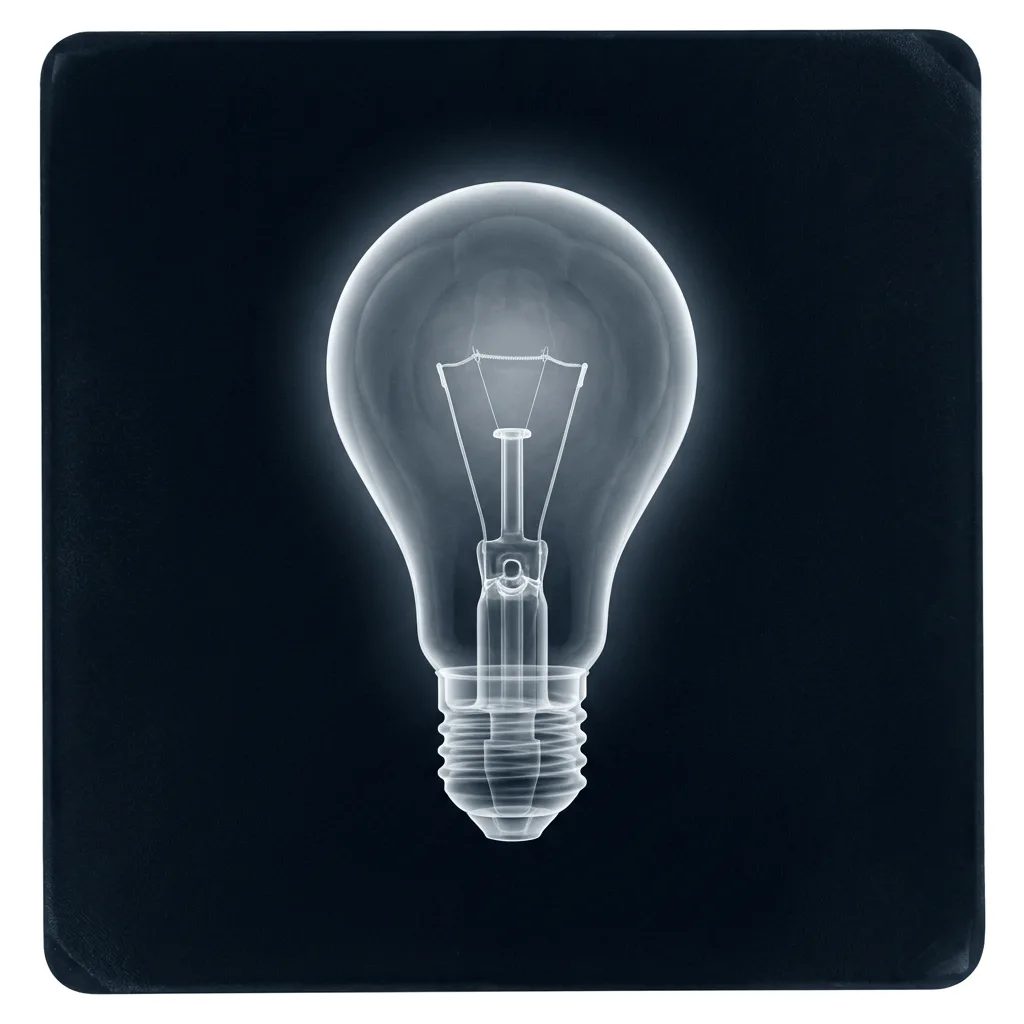
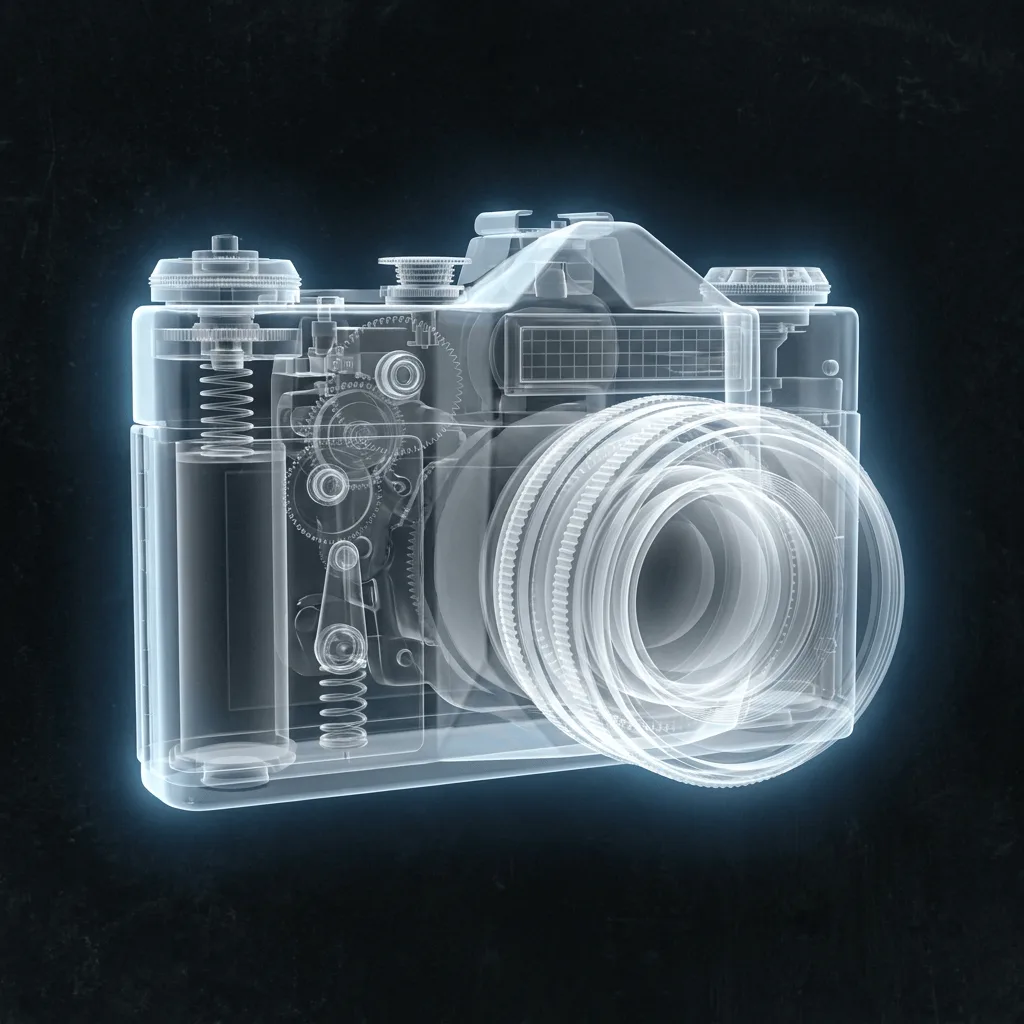
Translating a photo into an X-ray view re-imagines the subject as if you could see through it — skeletal or structural detail emerges in luminous white-grey, soft glow lands on denser regions, and the background goes dark. Our editor runs that operation. Use it for medical and dental marketing, science illustration, sci-fi cover art, tech brand visuals, and editorial work with an investigative or revelatory mood.
How to Apply X-Ray Effect
Upload Your Photo
Choose a photo with a clear subject — portraits, objects with internal structure (cameras, watches, fruit, flowers), and animals translate most reliably.
Apply & Review
Apply the effect and check the translucency and the luminous detail. The result should feel radiographic, not just inverted.
Refine & Download
Re-prompt for more structural detail, a different density emphasis, or a different ground color until the X-ray lands. Download for science, marketing, or editorial use.